10.8 - Find Books Menu
Last updated 19/05/2025
We need to create a menu for the Find Books dashboard so it is available when a member logs into the Book Club application.
Navigate to Menus
1. Click Visual in the menu.2. Click Menus in the sub-menu.
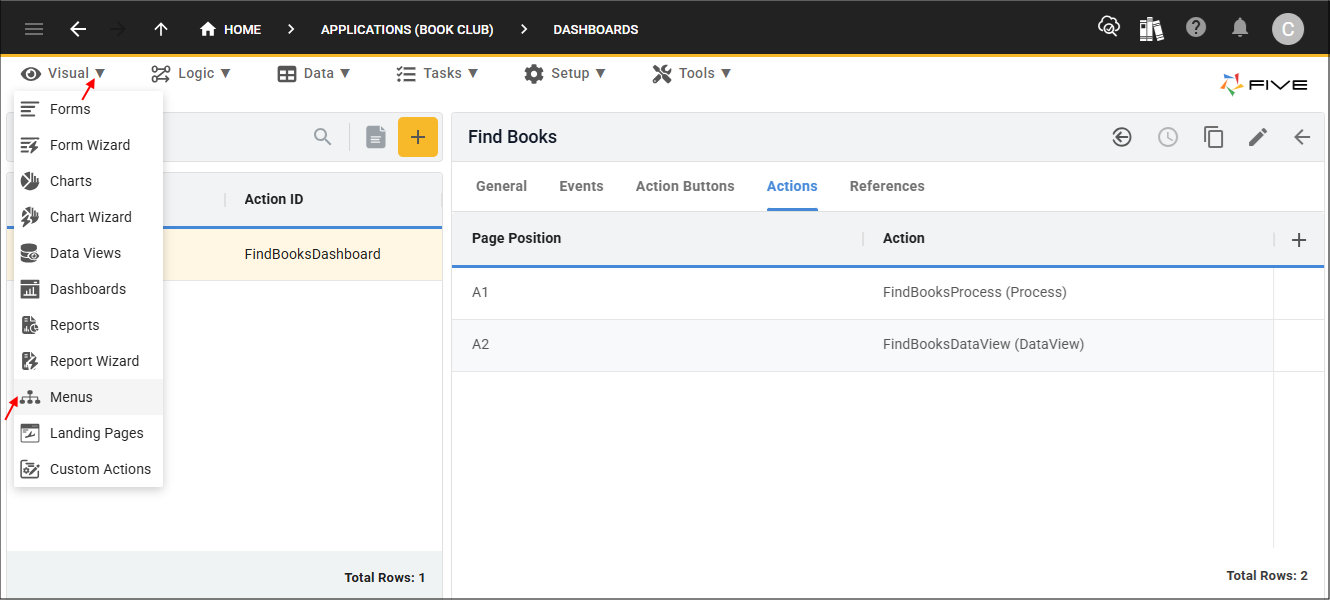
Figure 1 - Menus menu item
Add the Find Books Menu
1. Click the Add Item button.2. Type Find Books in the Caption field.
3. Type 200200 before FindBooks in the Menu ID field.
4. Type 200200 in the Menu Order field.
5. Click the lookup icon in the Action field and select FindBooksDashboard (Dashboard).
6. Click the lookup icon in the Parent Menu field and select 200000MembersMenu (MembersMenu).
5. Optional: Click the Edit button in the Icon field, navigate and open an image file.
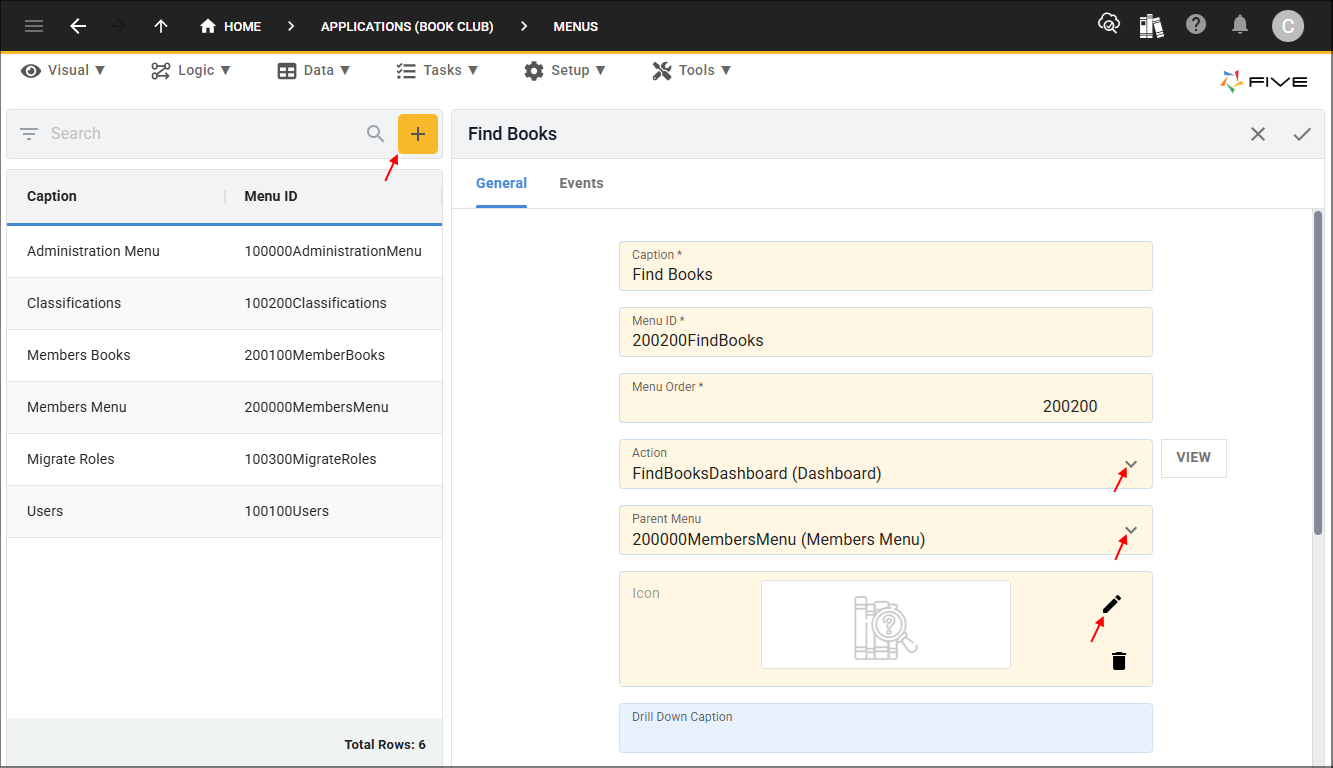
Figure 2 - Add Find Books menu
6. Click the Save button in the form app bar.
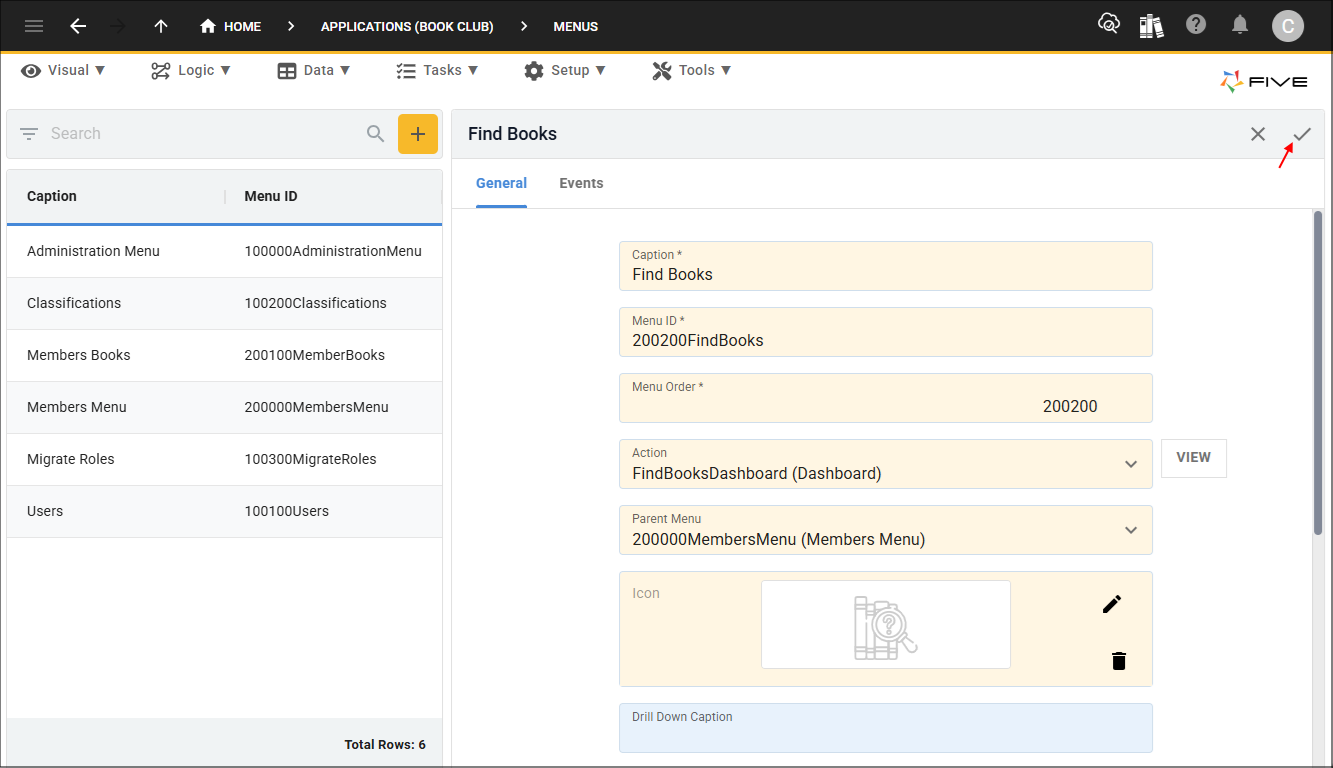
Figure 3 - Save button