Introduction to Five's Tools
Last updated 17/07/2023
Tools
Five has several tools that can be used by you as a developer inside of Five to analyse, search, and perform audit checks on your code. All of Five's tools are held in the Tools menu.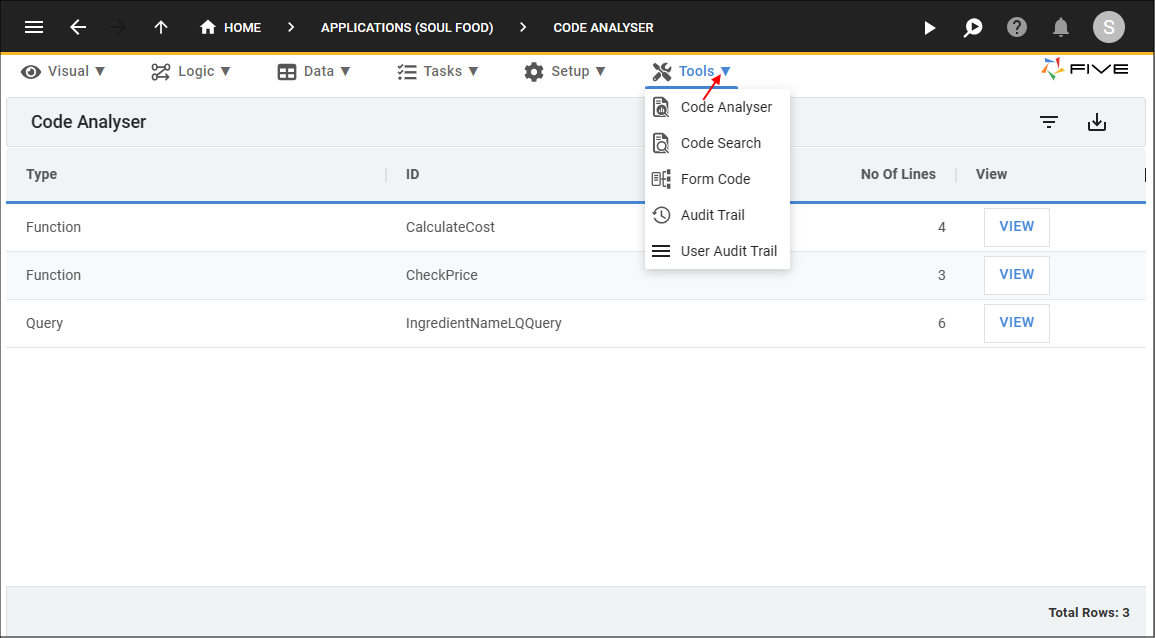
Figure 1 - Tools menu item
The table below gives a brief description of Five's tools.
| Tool | Description |
|---|---|
| Code Analyser | Provides all code with the number of lines in the code. |
| Code Search | Search for a string in a code block. |
| Form Code | Locate code attached to a form. |
| Audit Trail | Keep track of all code changes. |
| User Audit Trail | Audit of user activity in Five. |
The VIEW Button
At the end of the row for each record there is a VIEW button.- The VIEW button for a code record will open the code in a new tab in Five's Code Editor.
- The VIEW button for all other records will take you directly to the saved record's location in Five.
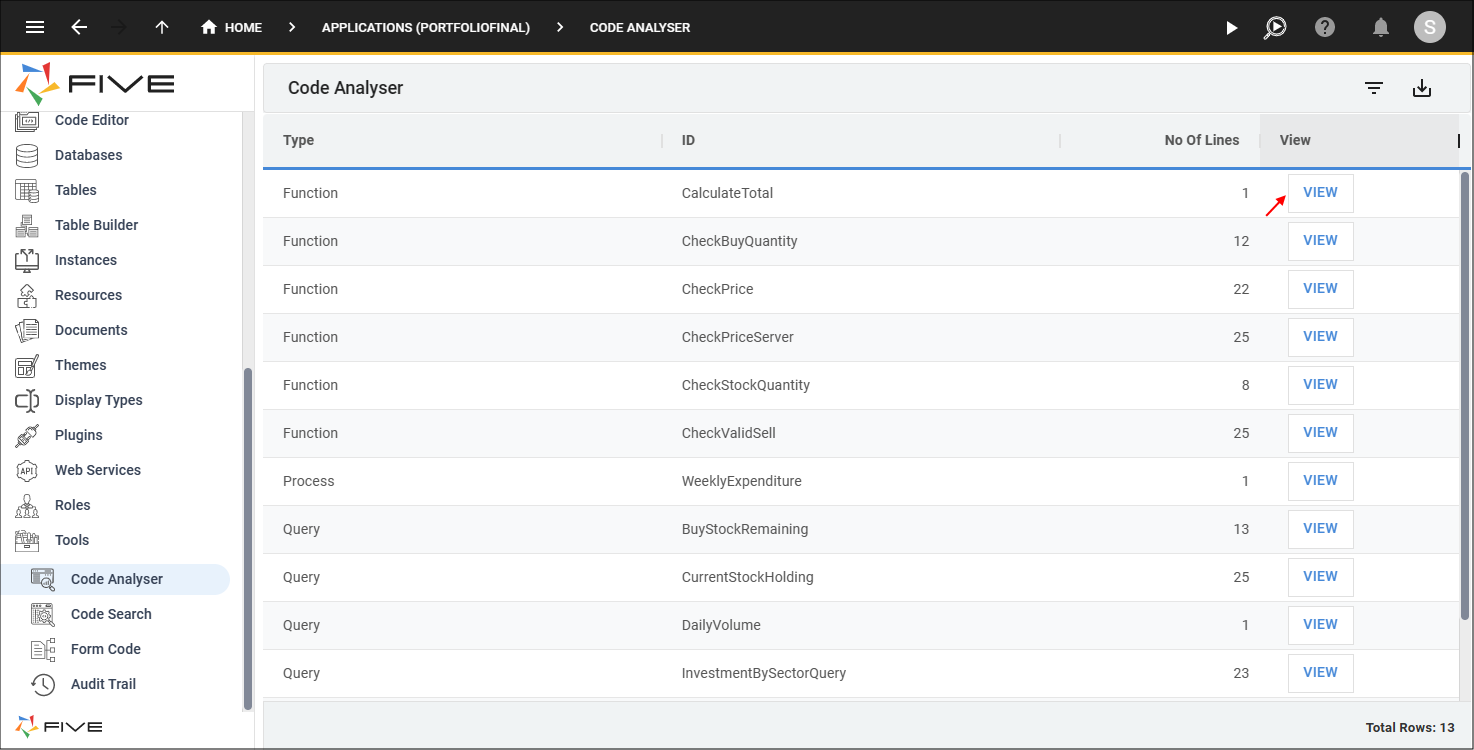
Figure 2 - VIEW button