V Credits and Top Up
Last updated 13/08/2026
How to Top Up Tokens
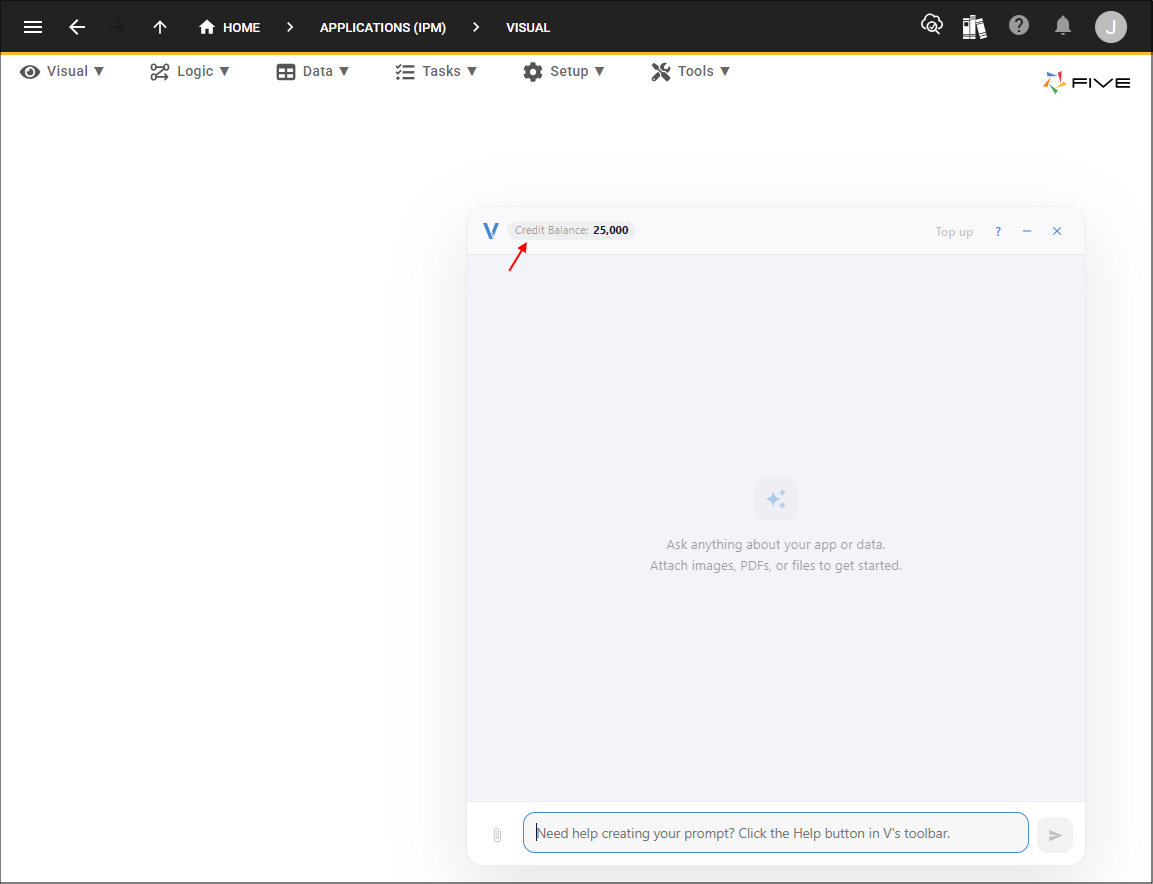
When you first start using V, you receive 25,000 tokens. The token balance is displayed in the V interface and decreases as V is used.
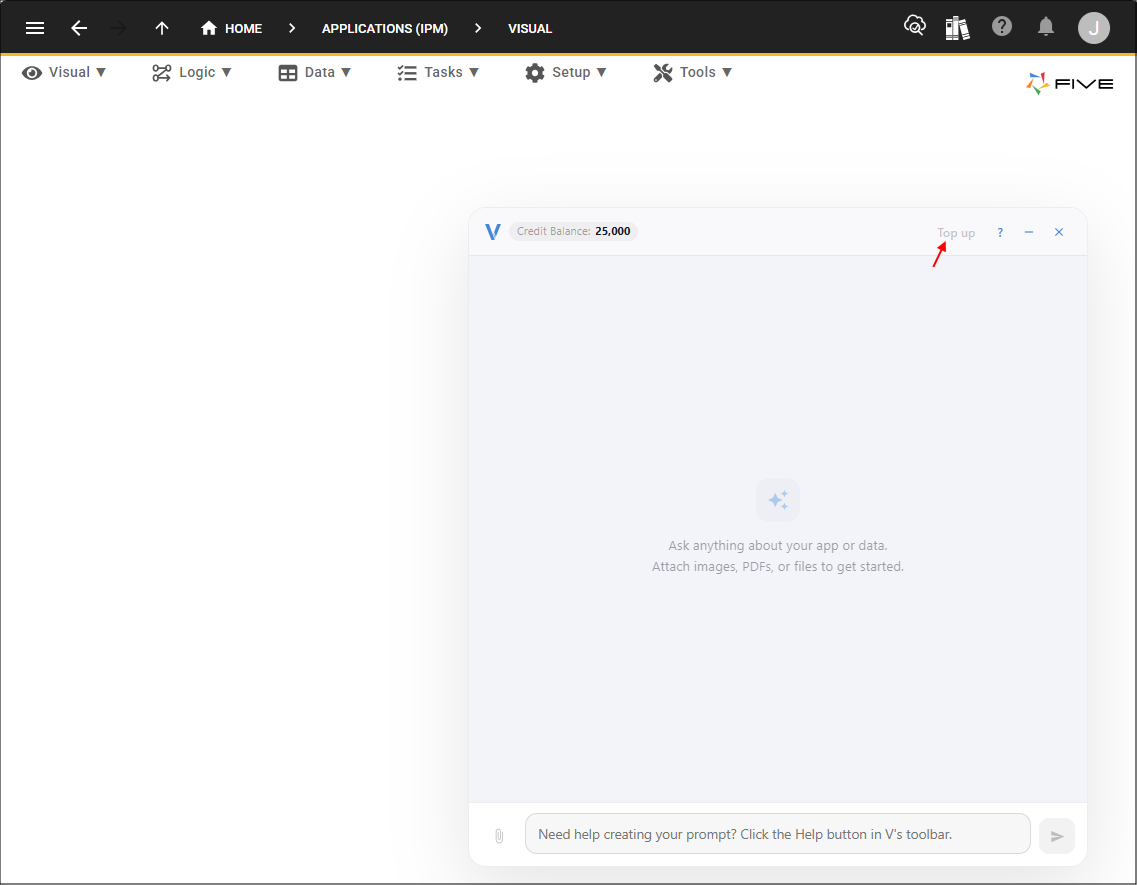
When the available token balance reaches zero, V will notify you that you need to add more credit before you can continue using V. You can select the Top Up button at the top of the V interface to open the V Top Up portal in a new browser tab.
In the V Top Up portal, you can enter the dollar amount you want to add to your V account.
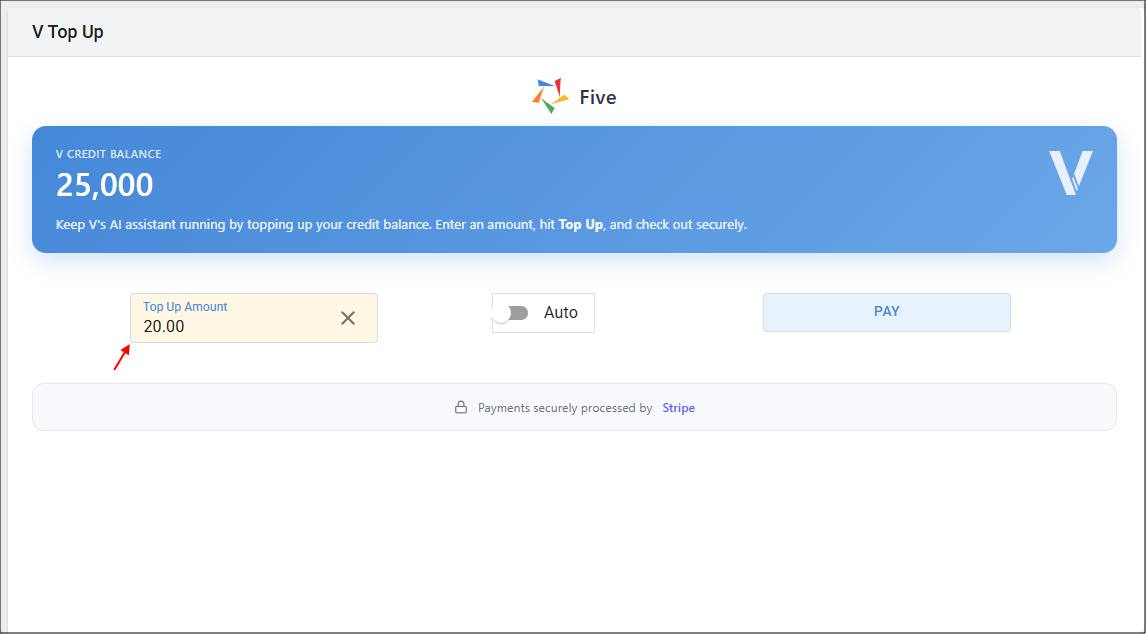
You can also choose whether the top up should be automatic by turning the Auto switch on. If automatic top up is enabled, you are informed that whenever your V balance falls below 25,000 tokens, the selected top up amount will automatically be charged to your account.
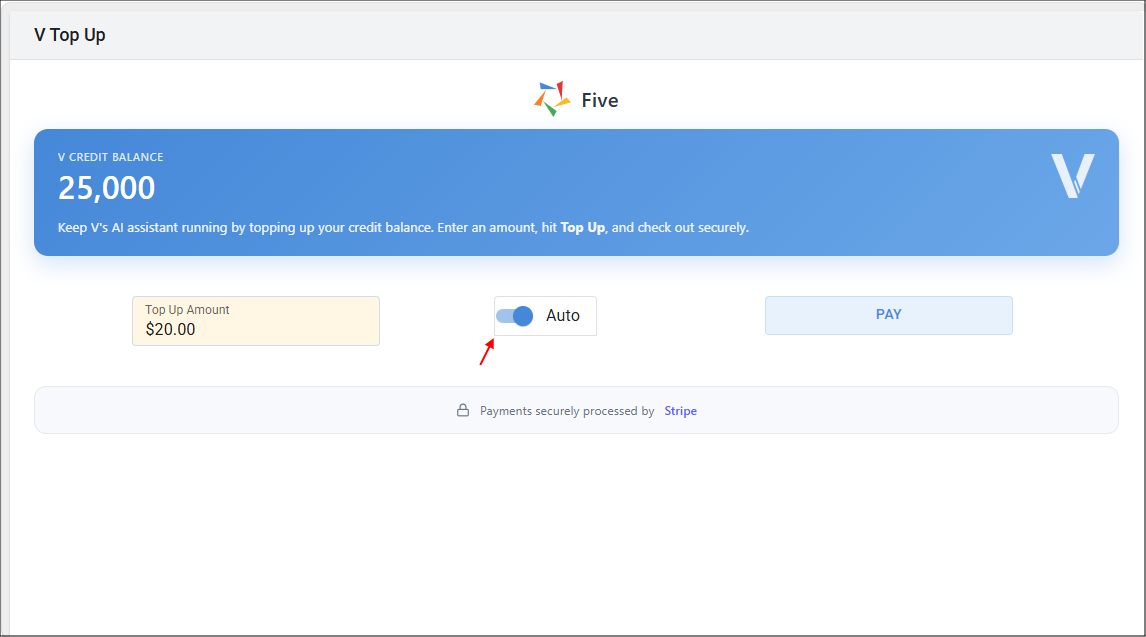
After selecting Pay, a Stripe payment dialog is displayed, allowing you to review and confirm the payment details and the selected top up options. Once the payment has been successfully processed, the V Top Up portal adds the corresponding tokens to your available V balance.
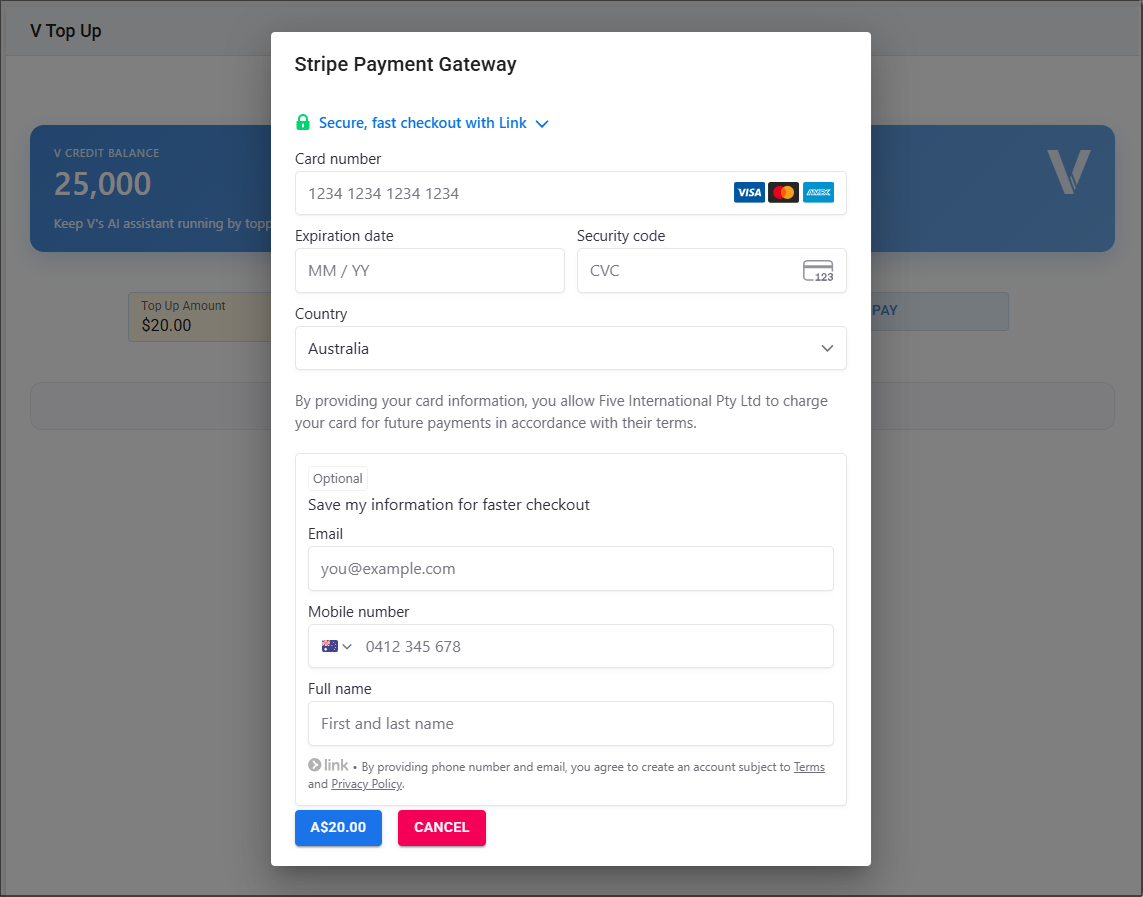
You can then close the V Top Up browser tab and return to the Five development environment. If V was waiting for additional credit, the updated token balance is automatically provided to V, allowing you to continue working without needing to restart your request.
Managing Automatic Top Up
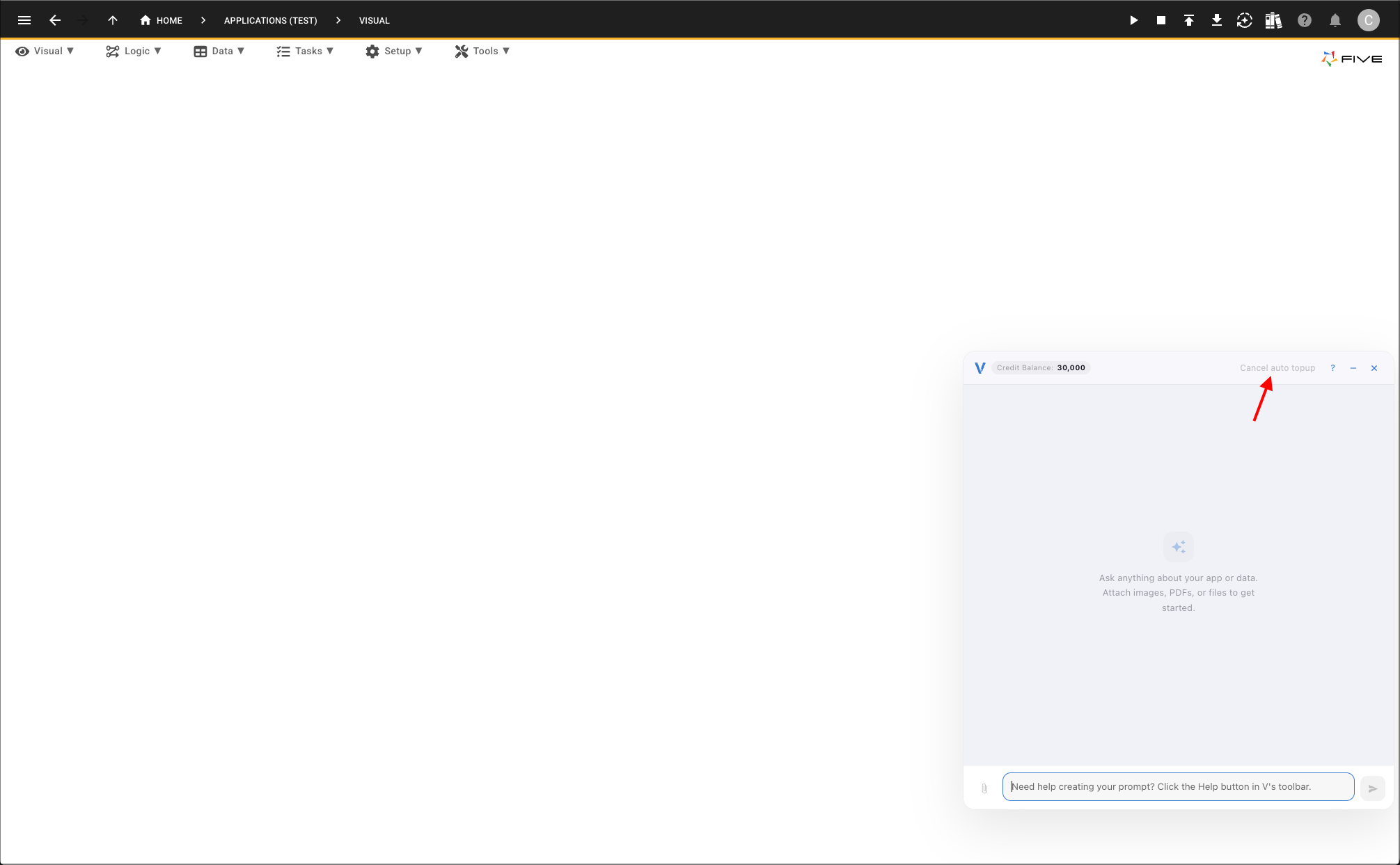
Automatic top up is managed directly from the V interface, not from the V Top Up portal. When automatic top up is enabled, the Top up button changes to Cancel auto top up.
To cancel automatic top up, click Cancel auto top up in the V interface. Automatic top up is cancelled immediately, and no further automatic charges will be made when your V balance falls below 25,000 tokens.