Create an App with V
Last updated 20/05/2026
Using V in Five
V is an AI assistant built in Five that enables you to create an application from a single prompt. Instead of manually defining your database and interface, you describe the application you want, and V generates the application schema for you.
This includes key components such as:
- Tables (data structure)
- Forms (data entry and editing)
- Menus (navigation)
- Relationships between data
- Data views, reports, dashboards, charts, etc (viewing data)
- User management
Create an Application
To start using V, you will need to create your application first:
1. Click the Add Item button.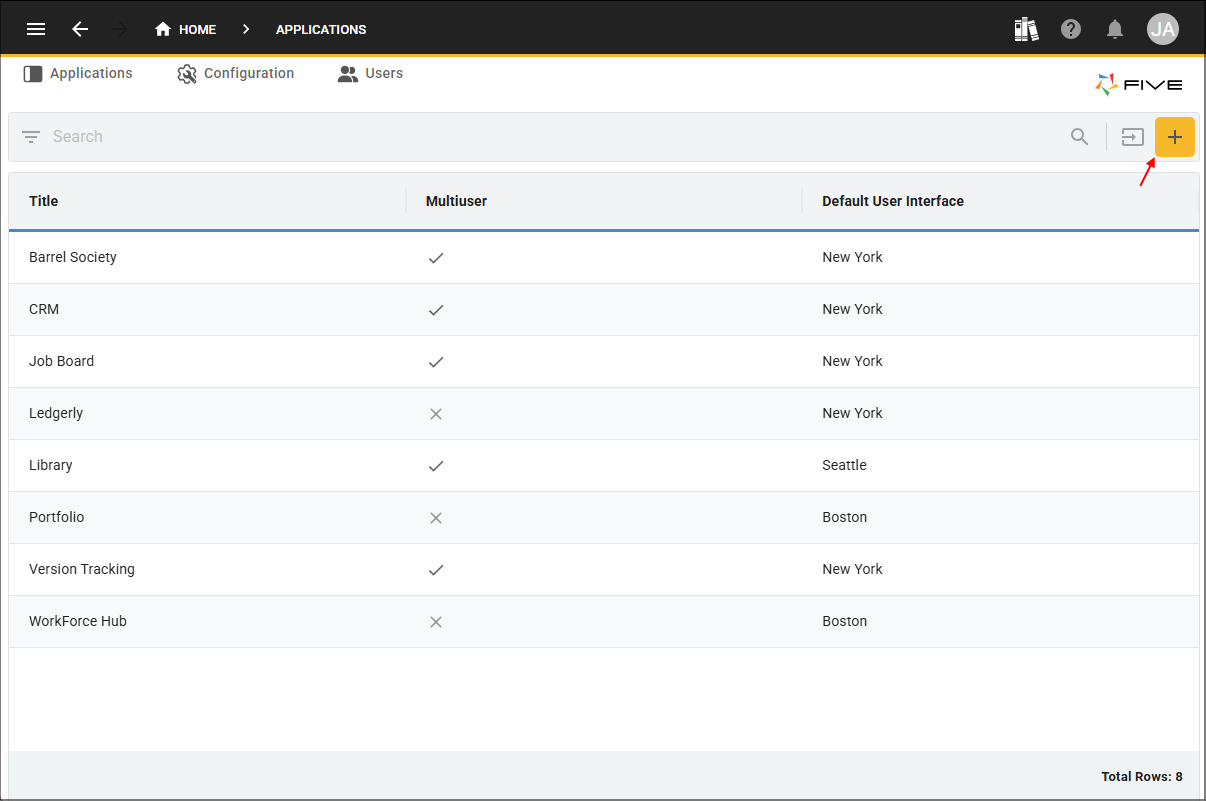
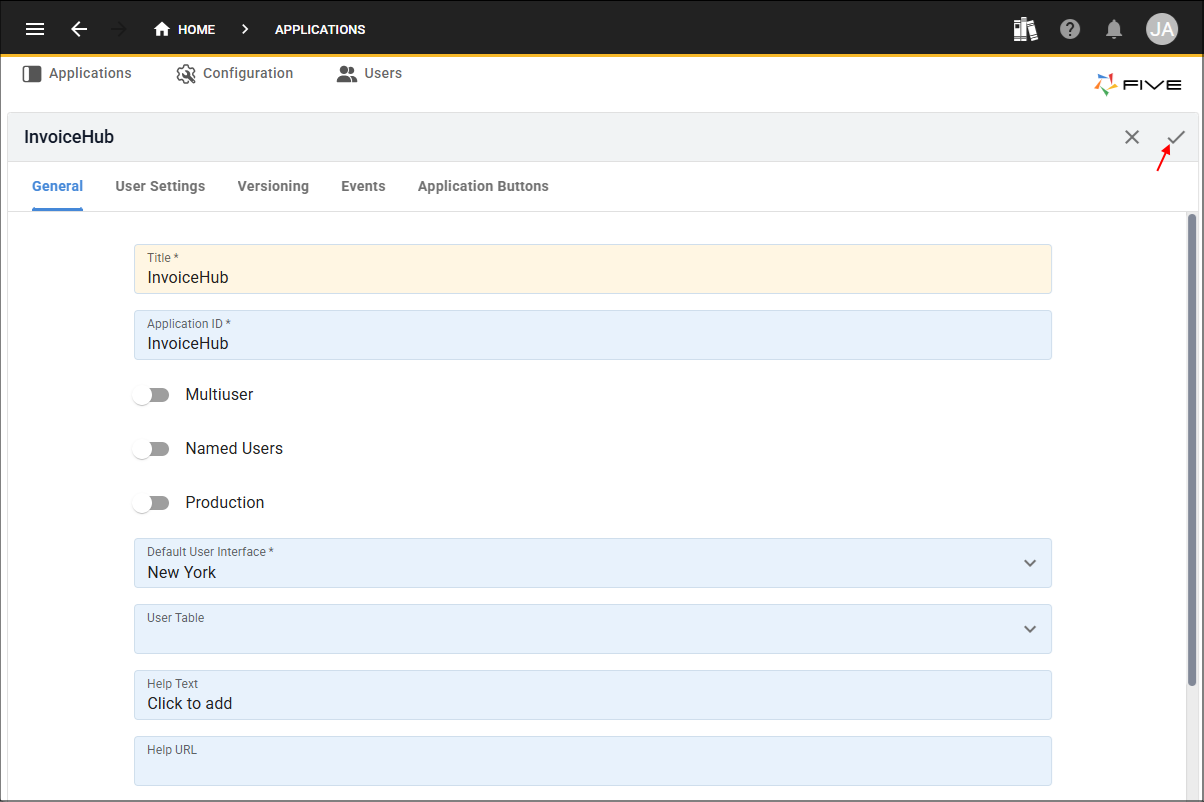
2. Give your application a title and click the Save button.
Accessing V
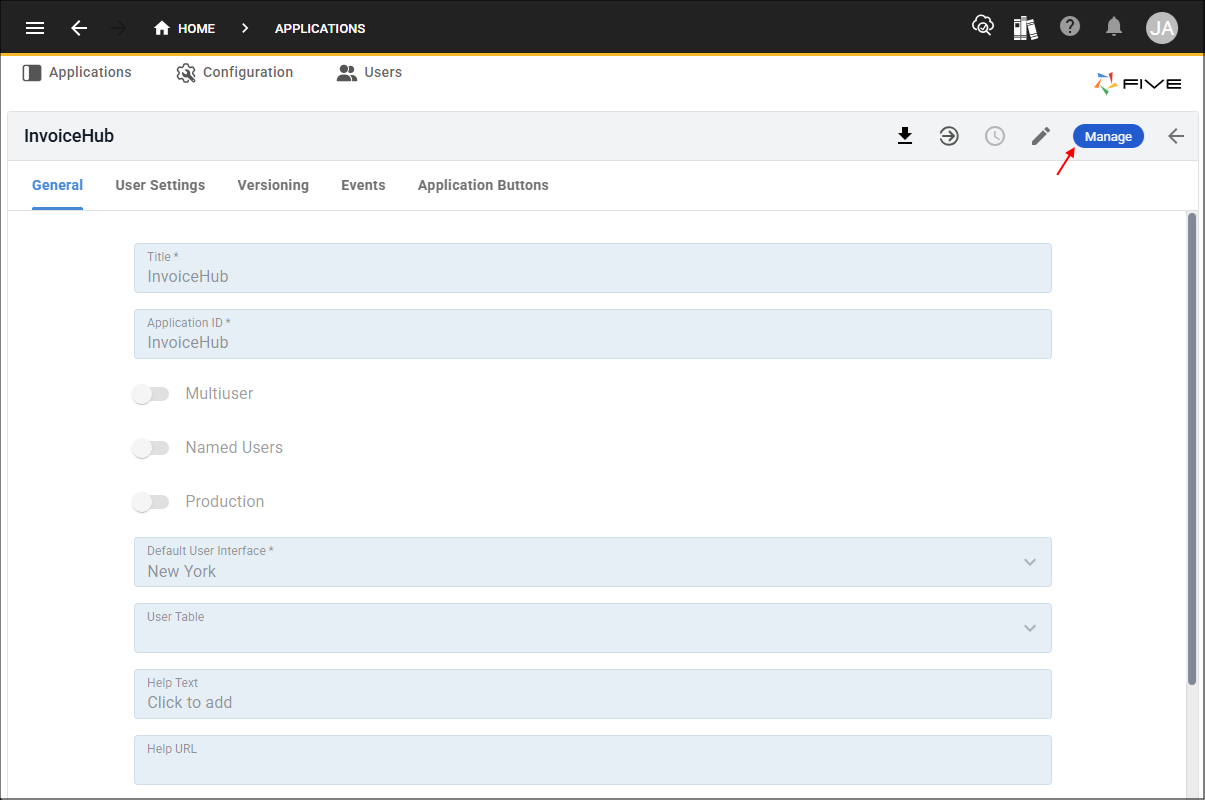
Once you have saved your application, you will be returned to the list view. From here, select the application to open its record, where the Manage button will be available, enabling you to drill down into the application and giving you access to V.
1. Select your application record in the list.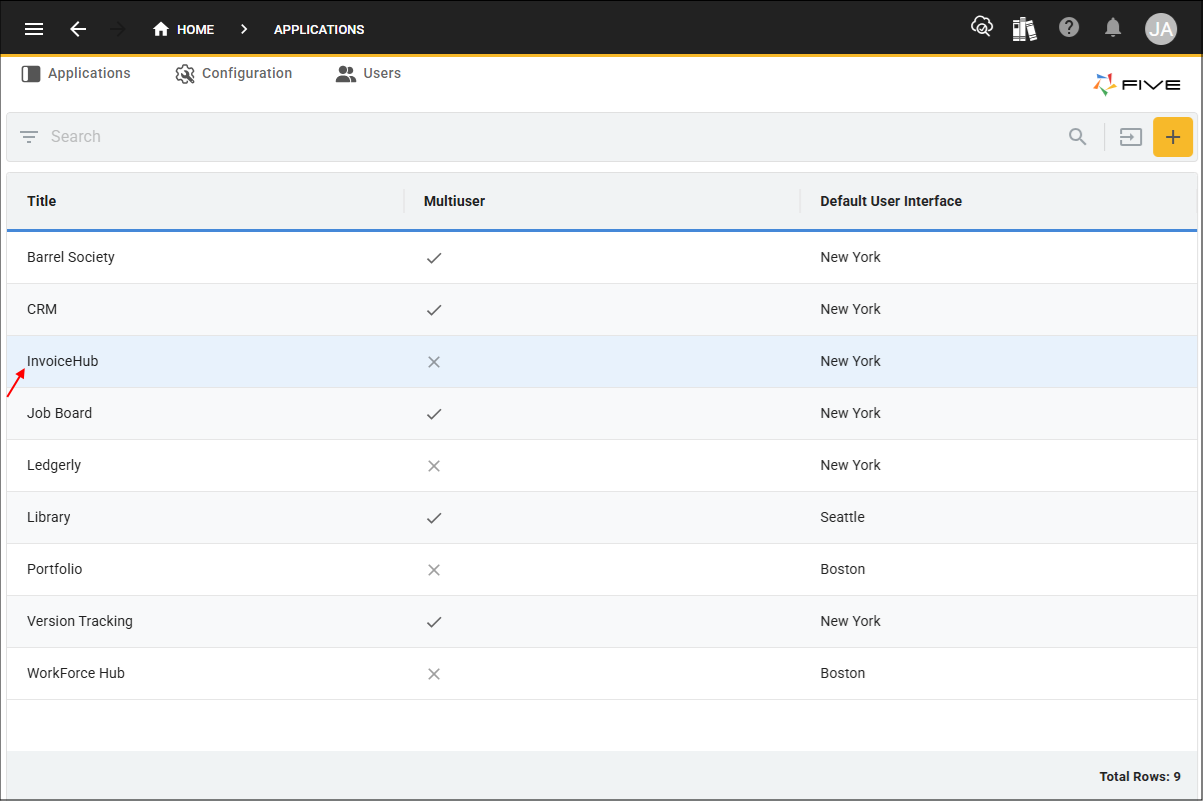
2. Click the Manage button.
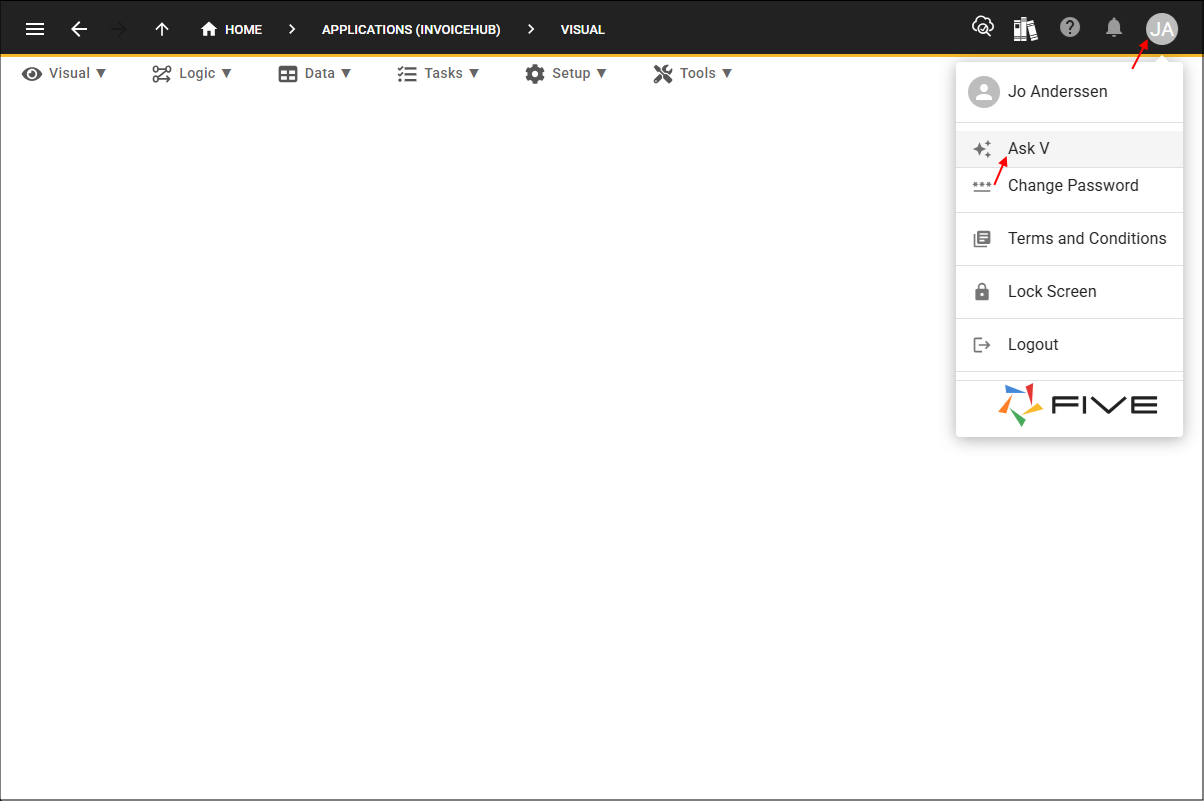
3. Click the Profile button and select Ask V to open the V interface.
Prompting V
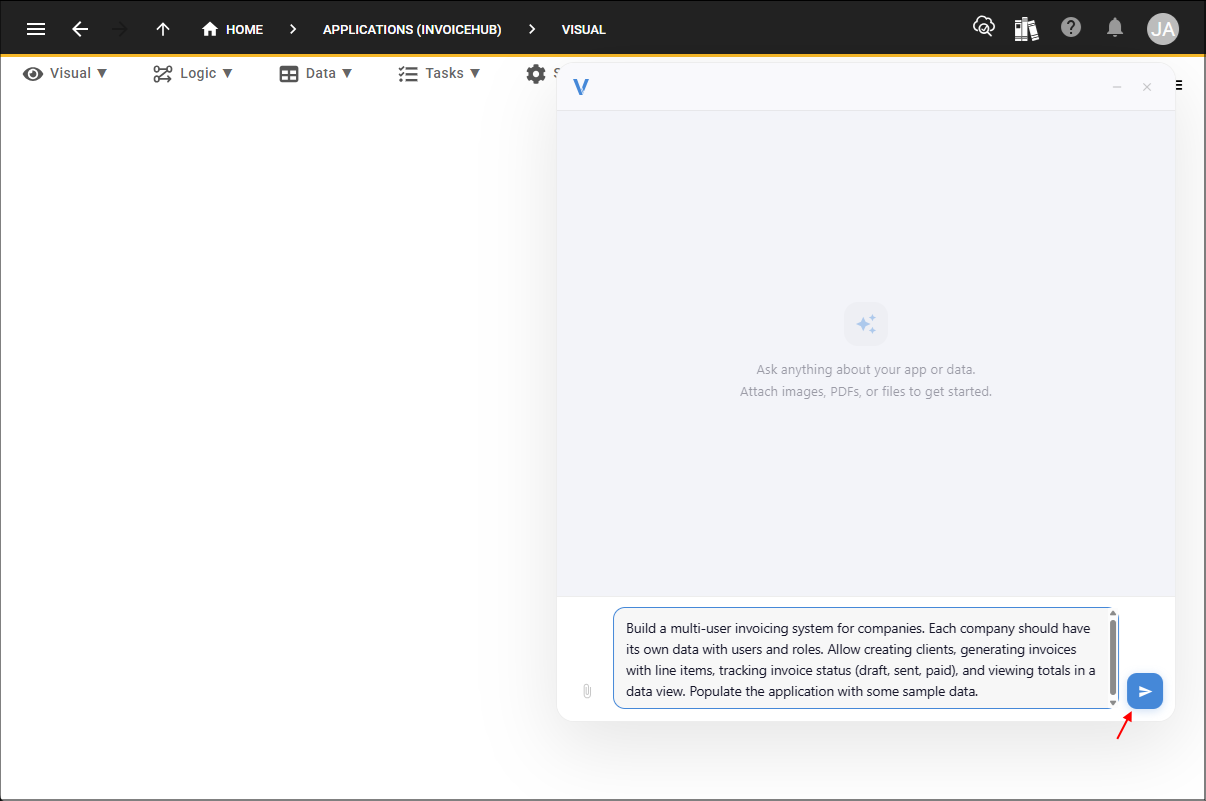
Example Prompt:Build a multiuser invoicing system for companies. Each company should have its own data with users and roles. Allow creating clients, generating invoices with line items, tracking invoice status (draft, sent, paid), and viewing totals in a data view. Populate the application with some sample data.
To generate an application, enter your prompt into V.
1. Enter a prompt describing the application you want to build and click the Send button.
Watching V in Action
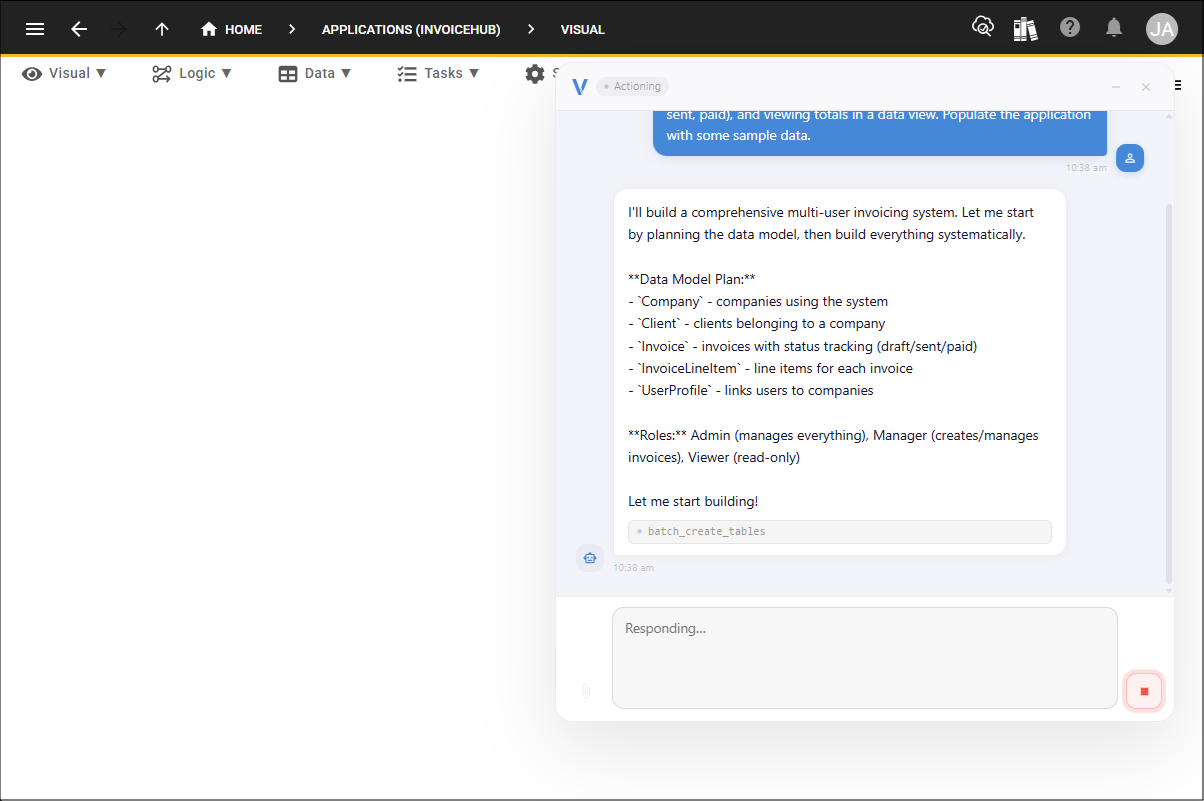
After submitting your prompt, you can watch V as it processes your request in real time. This live feedback helps you understand how your prompt is translated into a working application.
Deploying Your Application
Once V has finished, Deployment your application to the development environment in the cloud instantly.
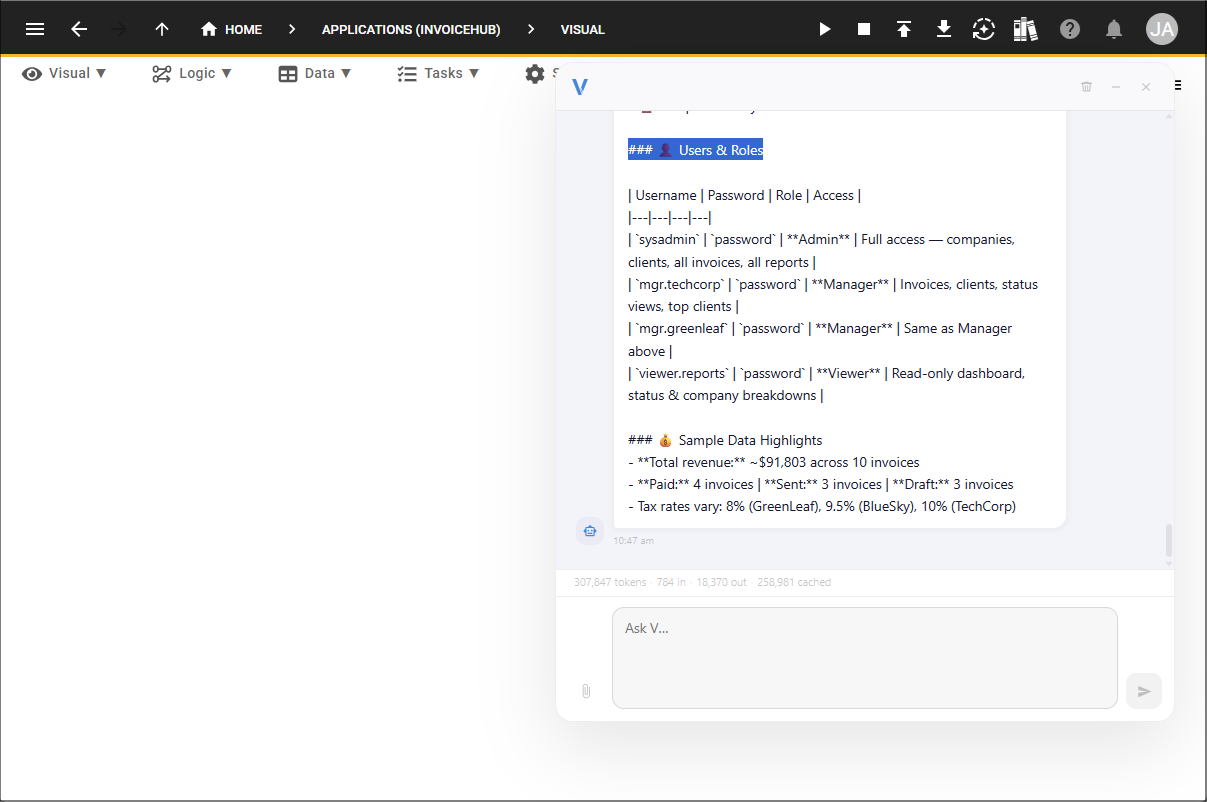
Initial Login
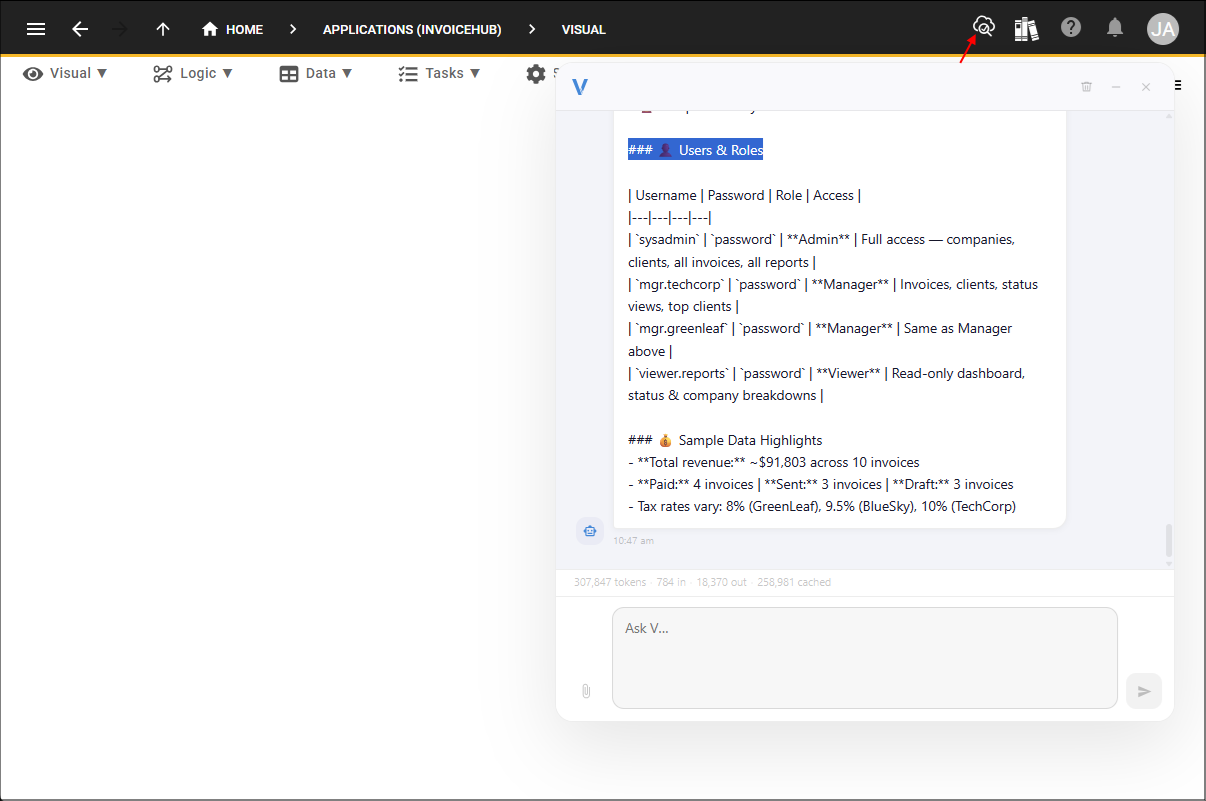
Use the login details provided to you in V's user interface to access and view what was just created.