Building Better Apps with V Prompts
Last updated 8/07/2026
Overview
Welcome to the complete guide to AI prompting with V. V is the AI-powered assistant built in Five, a low-code development platform for building database-driven business applications. By combining the flexibility of low-code development with the power of artificial intelligence, V enables you to create sophisticated business applications using simple, natural language prompts.
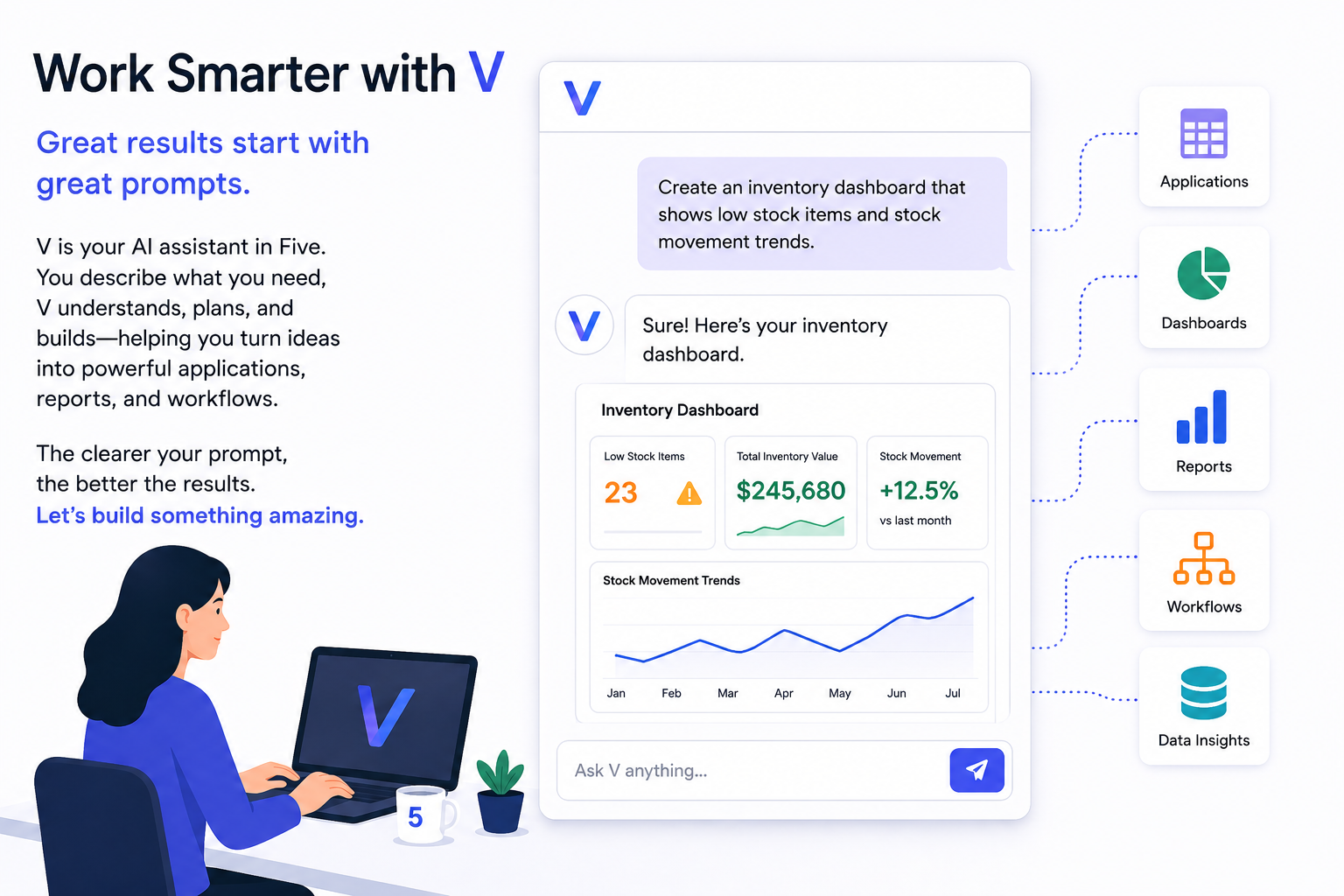
AI is changing the way software is built. Instead of spending hours navigating menus, configuring settings, or writing detailed specifications, you can now describe what you want in plain language and have an intelligent assistant help bring your ideas to life.
That's exactly what V was designed to do.
V is the AI-powered assistant built into Five, helping you create applications, analyze data, generate functionality, build user interfaces, and automate development tasks through simple conversation.
But like any conversation, the quality of the outcome depends on how well you communicate.
Many new users assume AI works like magic, that a short request will always produce the perfect result. While V is incredibly capable, it can only work with the information you provide. When instructions are vague, V must make assumptions. When instructions are clear and detailed, V can produce results that are faster, more accurate, and far closer to your intended outcome.
This is where prompting becomes important.
A prompt is simply the instruction or request you give to V. Learning how to write effective prompts is one of the most valuable skills you can develop when working with AI. Good prompts help V understand your objectives, your business requirements, and the outcome you're trying to achieve. Better prompts lead to better applications, better reports, and better solutions.
The good news is that effective prompting isn't about learning a programming language or memorizing complicated AI terminology. It's about clearly communicating your intent. In many ways, prompting V is similar to briefing a developer, consultant, or business analyst, you explain what you want, provide context, and refine the result through conversation.
Whether you're creating your first application from a spreadsheet, building complex business solutions, generating reports, or exploring new ideas, understanding how to communicate effectively with V will help you get more value from every interaction.
In this guide, you'll learn how AI prompting works, why some prompts produce better results than others, common mistakes to avoid, and practical techniques that will help you consistently achieve better outcomes with V.
Key Advantage of Using V Within Five
One of the key advantages of using V within Five is that you can focus on building solutions rather than managing the technology behind them. Unlike many AI development tools that require users to think about model integrations, token consumption, deployment processes, hosting, or version control, Five handles this complexity for you. As a mature low-code development platform, Five provides the infrastructure and application lifecycle management needed to take ideas from concept to production, allowing you to concentrate on describing what you want to build and refining the results with V.
What is a Prompt?
A prompt is simply a request, instruction, question, or description that you provide to V.
Every interaction with V begins with a prompt.
Think of a prompt as a conversation with a highly skilled assistant. If you provide clear instructions, the assistant can work efficiently and accurately. If the instructions are vague or incomplete the assistant may need to make assumptions.
How V Interprets Prompts
When V receives a prompt, it attempts to understand:
- Your objective
- The context of your application
- The information you have provided
- Any constraints or requirements
- The desired outcome
V then combines this information with its understanding of application design, data structures, user interfaces, business processes, and software development practices to generate a response.
However, V cannot read your mind. If important information is missing, V must make assumptions. Sometimes those assumptions will be correct. Sometimes they will not align with your expectations. This is why effective prompting is one of the most important skills when working with V.
Prompting V
What to Avoid When Generating Your Prompt
The quality of your prompt has a direct impact on the quality of V's first build. Prompts that are too broad or unclear can lead to incomplete layouts, missing workflows, or features that don't match your intended use case.
Aim to describe:
- What the app is for
- Who will use it
- The main workflows or actions
- The type of data being managed
- Any key screens, features, or integrations
Avoid overly short or generic descriptions that leave too much open to interpretation.
Avoid Generic Prompts
Generic prompts provide very little context for V to work with. Avoid:
- Build a construction app
- Create a dashboard
- Make a scheduling system
- Build a CRM
- Build an inventory system
These prompts do not explain:
- Who the users are
- What the problem is being solved
- What workflows are required
- What data the app needs to manage
Preferred Prompt Style
A stronger prompt clearly explains the business use case and expected workflows. Preferred prompts:
- Build a CRM for commercial builders to track tenders, client communication, project stages, and document approvals.
- Create a warehouse inventory app for warehouse staff, inventory controllers, and operation managers to track incoming stock, supplier orders, stock transfers, and low-stock alerts across multiple locations. The system should support inventory reporting, purchase order management, shipment tracking, and dashboards for managing warehouse operations, stock movements, and inventory levels.
These prompts give V:
- Clear business context
- Defined user roles
- Specific workflows
- Expected functionality
Tips for Better Prompts
Be Specific
The more detail provided, the better V can structure the first build.
Instead of:
Try:
Describe the Workflow
Explain how users interact with the system.
Include Important Features
Mention the key functionality required. Examples:
- Role-based access
- Dashboards
- Reporting
- File uploads
- Notifications
Mention the Target Users
Explain who will use the app. Examples:
- Estimators
- Project managers
- Site supervisors
- Operations staff
- Clients
- Administrators
Prompt Improvement Examples
| Too Generic | Improved Prompt |
|---|---|
| Build a scheduling app | Create a scheduling system for service teams to manage bookings, assign staff, track availability, and update appointments in real time. |
| Build a CRM | Create a customer management system to track leads, manage communication history, monitor sales pipelines, and automate follow-up reminders. |
| Build a management app | Create a workflow management platform where users can submit requests, track approvals, assign tasks, and monitor completion status. |
General Recommendation
The best prompts usually include:
- The industry or business domain.
- The users of the system.
- The main workflows.
- The important features.
- The expected outcome or purpose.
Well structured prompts help V generate more accurate layouts, workflows, and functionality in the initial build.