API to Web App
Last updated 10/08/2026
Overview
Five and V provide a different approach to application development by allowing live data from external APIs to be transformed into a fully functional application in just a few minutes. Rather than manually designing databases, writing integration code, and creating user interfaces, V can analyze your requirements, connect to public APIs, and generate an application based on a simple prompt.
This example demonstrates how to build a Job Board Aggregator application using publicly available job APIs. The application retrieves live job listings from multiple sources and combines them into a single, consistent dataset. By using multiple APIs instead of relying on a single provider, the application can present a broader range of job opportunities while normalizing the data into a common structure that is easy to work with inside Five.
APIs
The APIs are:
- Remotive GET - https://remotive.com/api/remote-jobs
- Arbeitnow GET - https://www.arbeitnow.com/api/job-board-api
Creating an Application
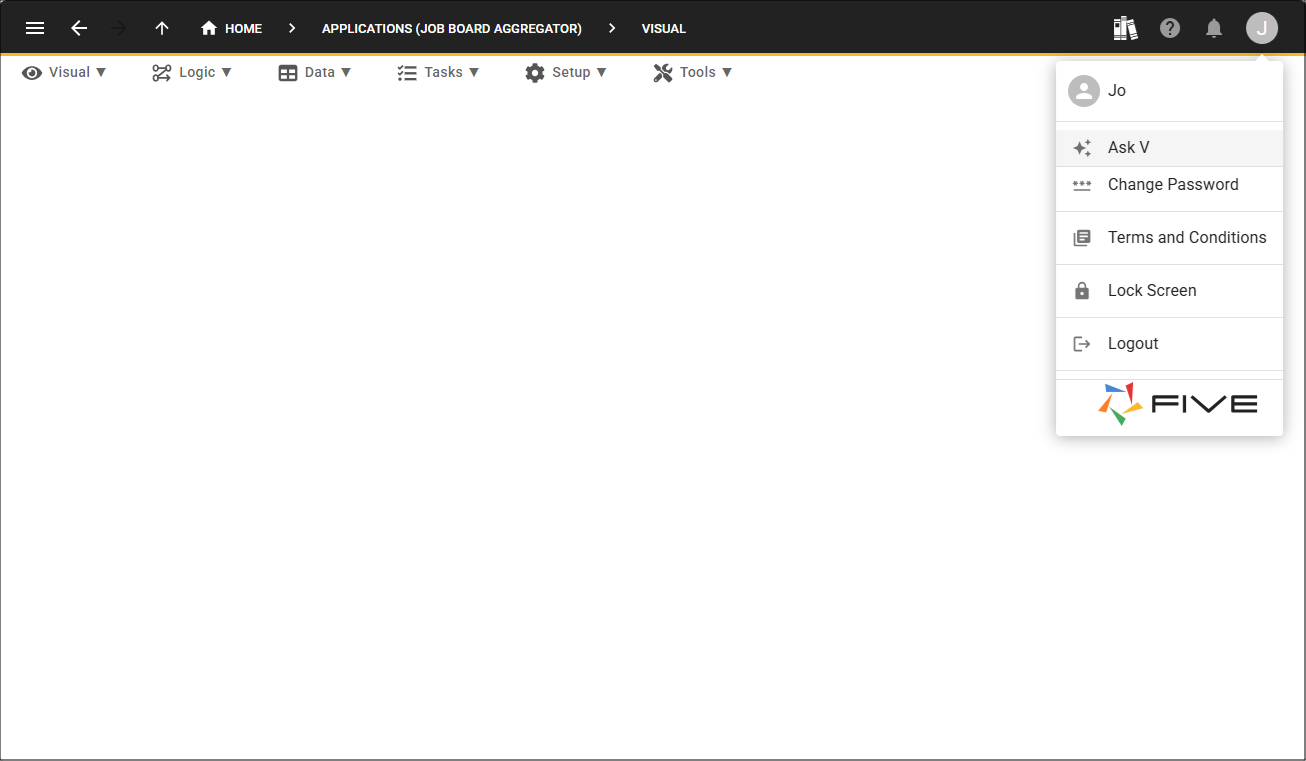
You will first need to create your application and drill down from the record to open V.
Add Your Prompt
Enter your prompt into V and provide the APIs you want to work with.
Remotive GET - https://remotive.com/api/remote-jobs
Arbeitnow GET - https://www.arbeitnow.com/api/job-board-api
This should be a multiuser application. Jobs need to be broken into their categories, IT, Sales, Management, and Administrative and can see the total number of jobs for each category. The Remotive API provides a global feed of remote jobs across tech, design, and digital roles. When I click a category, it should take me to the list of jobs for that category. I should have the option to save the job, like a favorite, or mark as applied. Each job should have a link so I can be redirected to the job and apply there.
Additional information: When I log into the application, the list of jobs needs to be updated, perhaps by deleting all jobs and reinserting new data. However, jobs that have been saved should not be deleted, only updated, unless the job no longer exists in the API response.
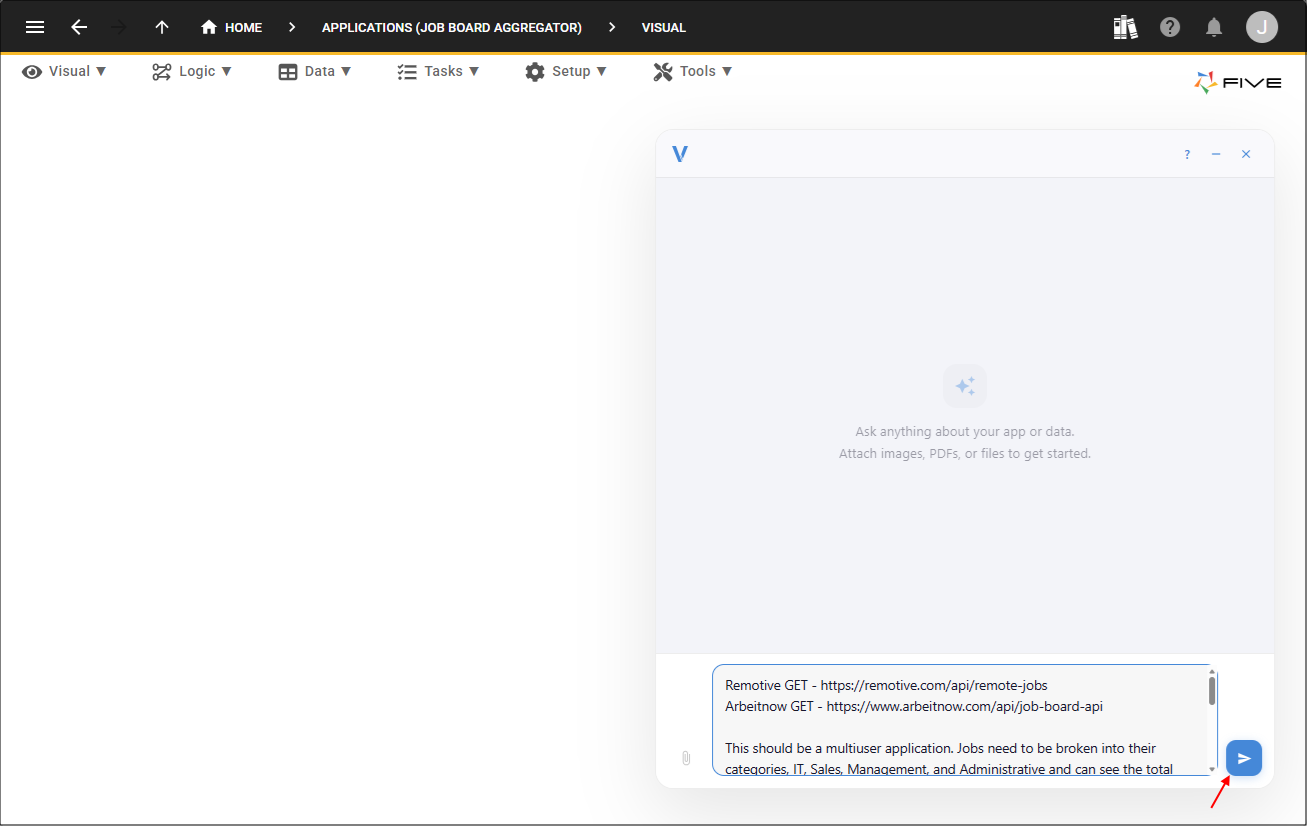
After the prompt has been submitted, V analyzes the requested functionality and begins generating the application. Rather than simply importing the API responses, V creates a complete application architecture that includes the required database schema, relationships, forms, menus, business logic, user roles, and API integration.
As part of the generation process, V configures connections to both public job APIs and retrieves their data. Although each API returns information in a different format, V consolidates the responses into a unified dataset, allowing the application to present all jobs through a consistent interface. This removes the need to manually transform or map the data before it can be used.
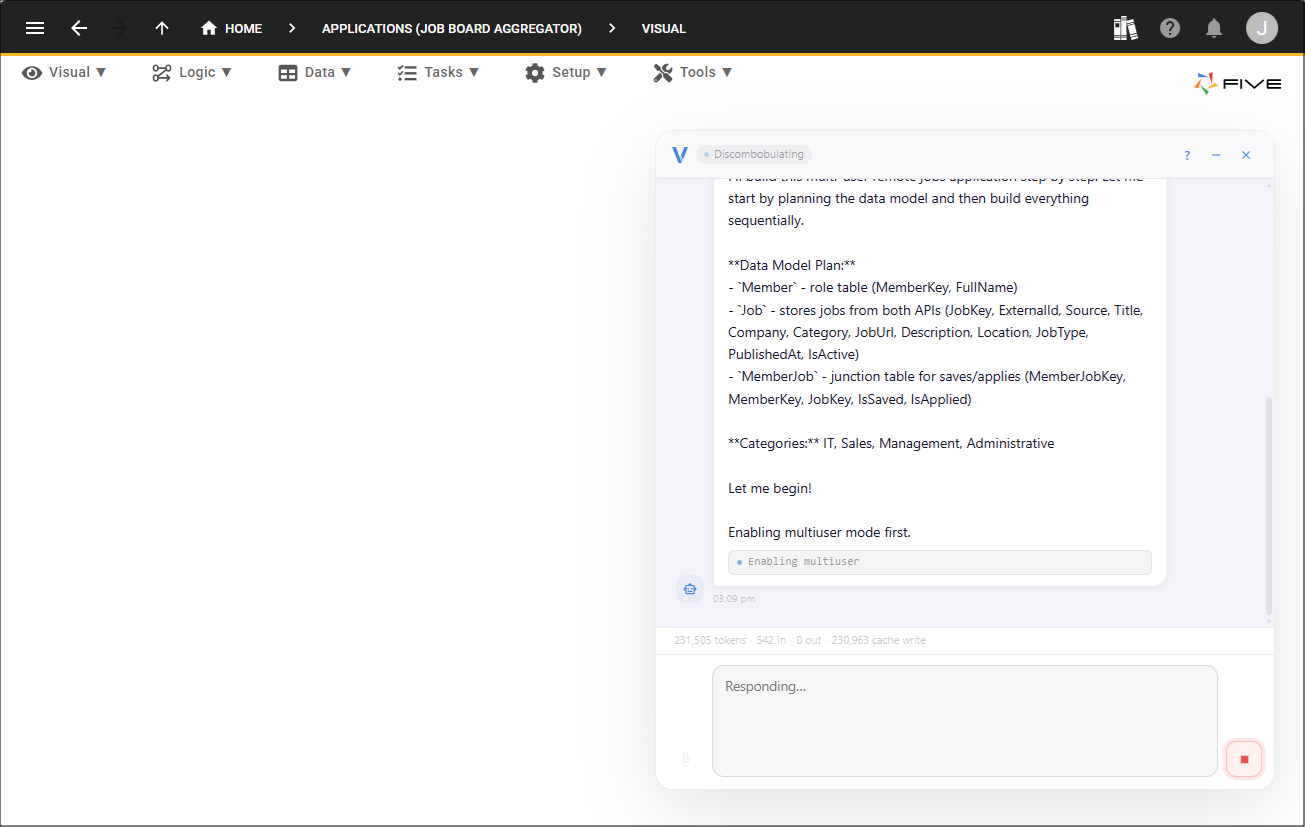
Once generation has completed, the application is ready to deploy and test. In only a few minutes, live data from multiple external APIs has been transformed into a complete, multiuser application without manually writing database schemas, API integration code, or user interface components.
Application Generation
This demonstrates how Five and V can rapidly convert external data sources into production-ready business applications through natural language prompting.
The generated application categorizes the jobs into groups such as IT, Sales, Management, and Administrative, displaying the number of available jobs within each category.
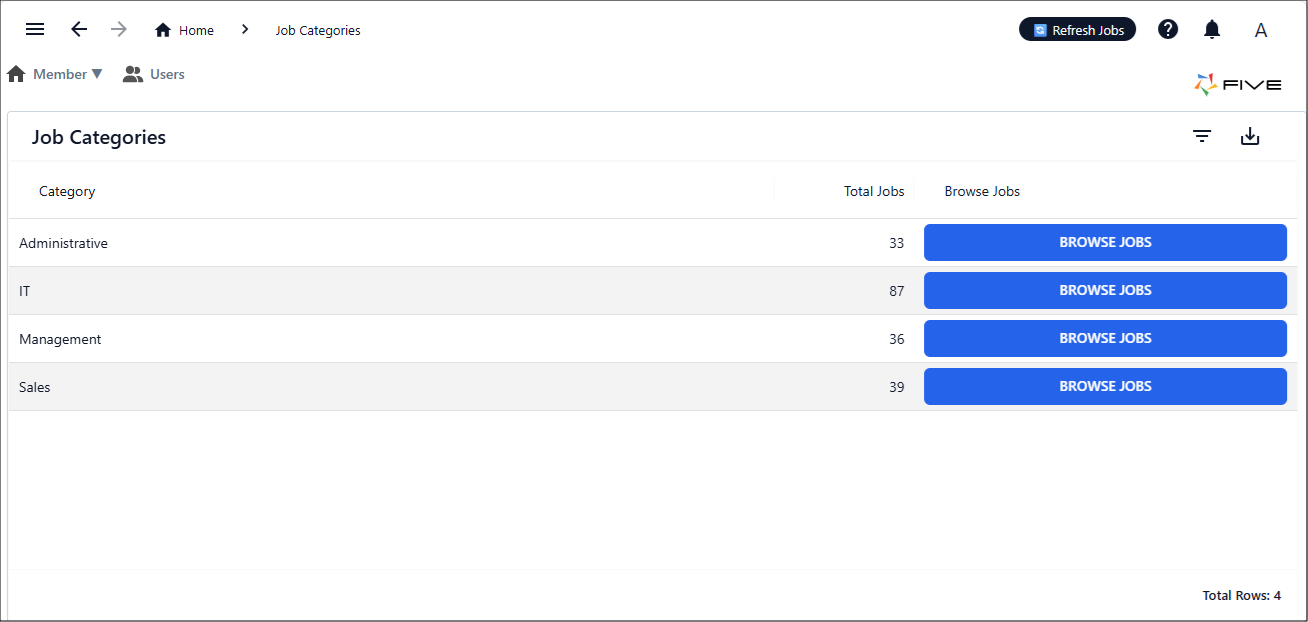
Selecting a category presents the jobs that belong to it, while each listing provides options to save the job as a favourite, mark it as applied, or open the original job advertisement using the supplied application link.
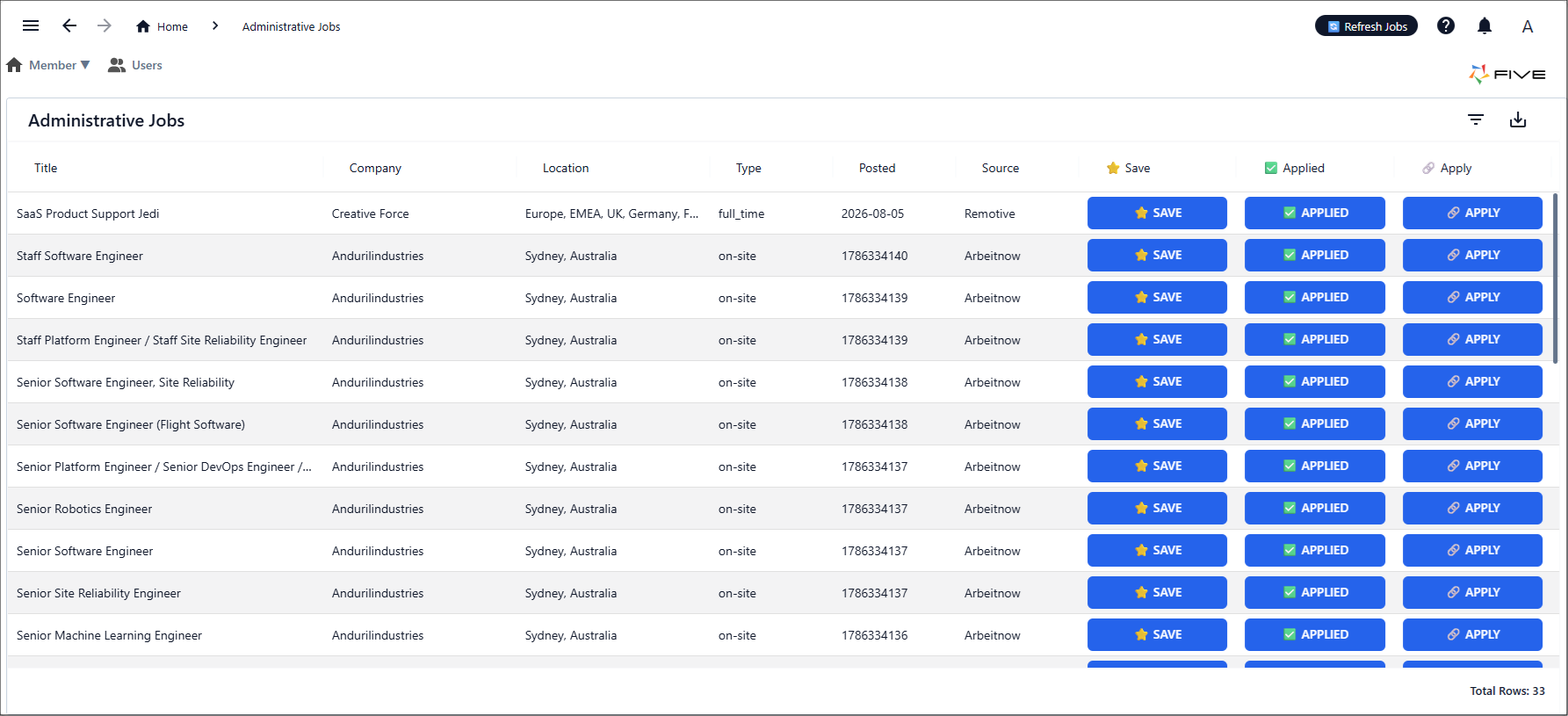
When users sign in to the application, the job listings are automatically refreshed by retrieving the latest data from the configured APIs. Existing job records are updated, new positions are added, and jobs that no longer exist are removed. Jobs that users have previously saved or marked as favourites are preserved during the refresh process wherever possible, ensuring that user-specific information is retained while the underlying job data remains current.