Initial Cloud Login
Last updated 20/08/2025
info
You can find the Introductory and Initial Cloud Login video in the Introductory Videos chapter that will cover this documentation.
For your initial login, use the credentials that Five has supplied, which will be your username and one-time password. Five will then force you to change your password for security reasons. You will need to enter and confirm your new password, your password must contain:
- A letter
- A number
- A symbol
- 8 to 32 characters
For future logins use your username and the password you set.
First Time Login
1. Enter your username and password supplied by Five in Five's Sign in window and click the Sign In button.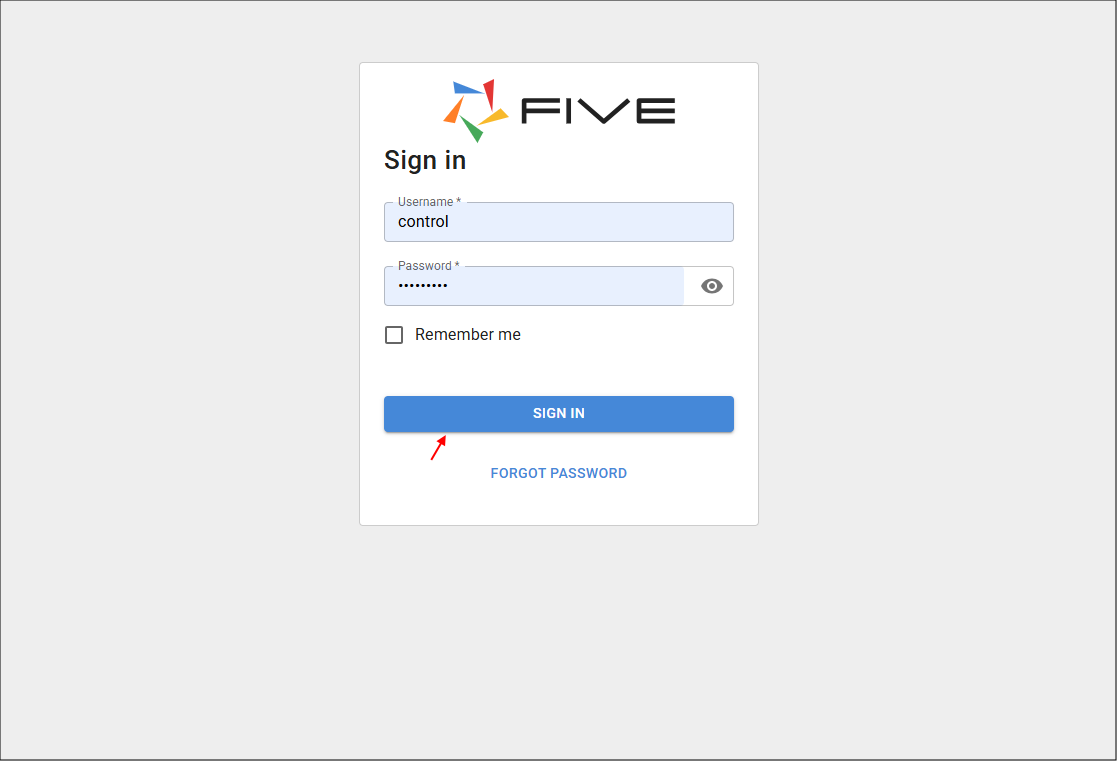
Figure 1 - Sign in window
2. Enter and confirm your new password in the Update password window and click the Update Password button.
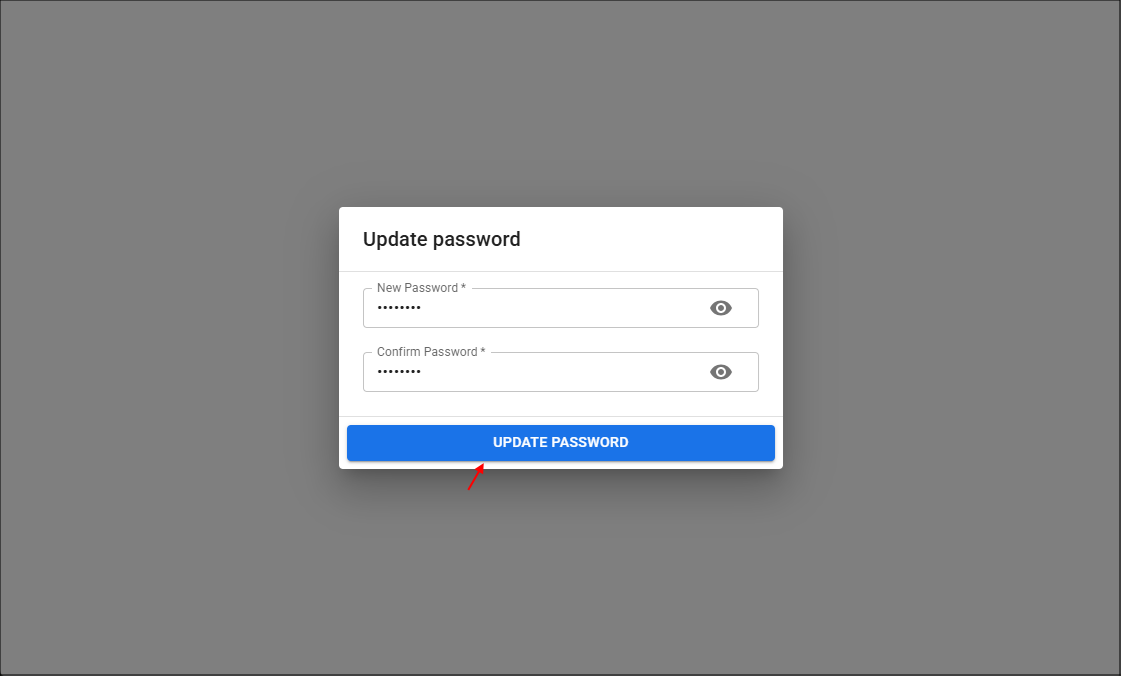
Figure 2 - Update password window
info
On your initial login, you will need to accept Five's Terms of Service to continue. For future logins, you will only see the agreement again if there is an update to our terms.
3. Read, click the Accept Terms and Conditions checkbox, and the Continue button.
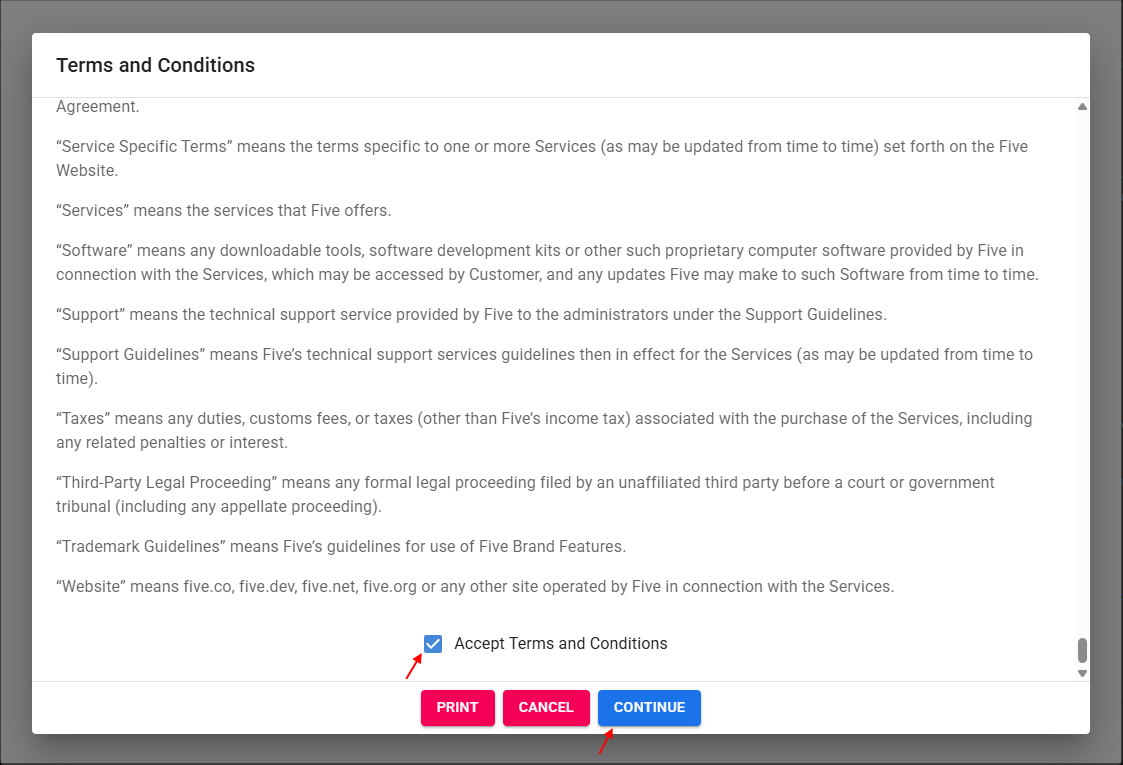
Figure 3 - Five's Terms of Service