First Time Logging into Your Application
Last updated 20/08/2025
When creating a multiuser application, Five provides you with a default Administrator user and this user is assigned the Administrator role. By default, this user has full access to all tables for your application and read permission for queries and connections.
The Administrator user enables you to log into your application for the first time. For the initial login you will need to use the following credentials:
- Username: admin
- Password: admin
Before you can log into your application, you need to deploy your application to the development environment in the cloud.
Deploy Your Application
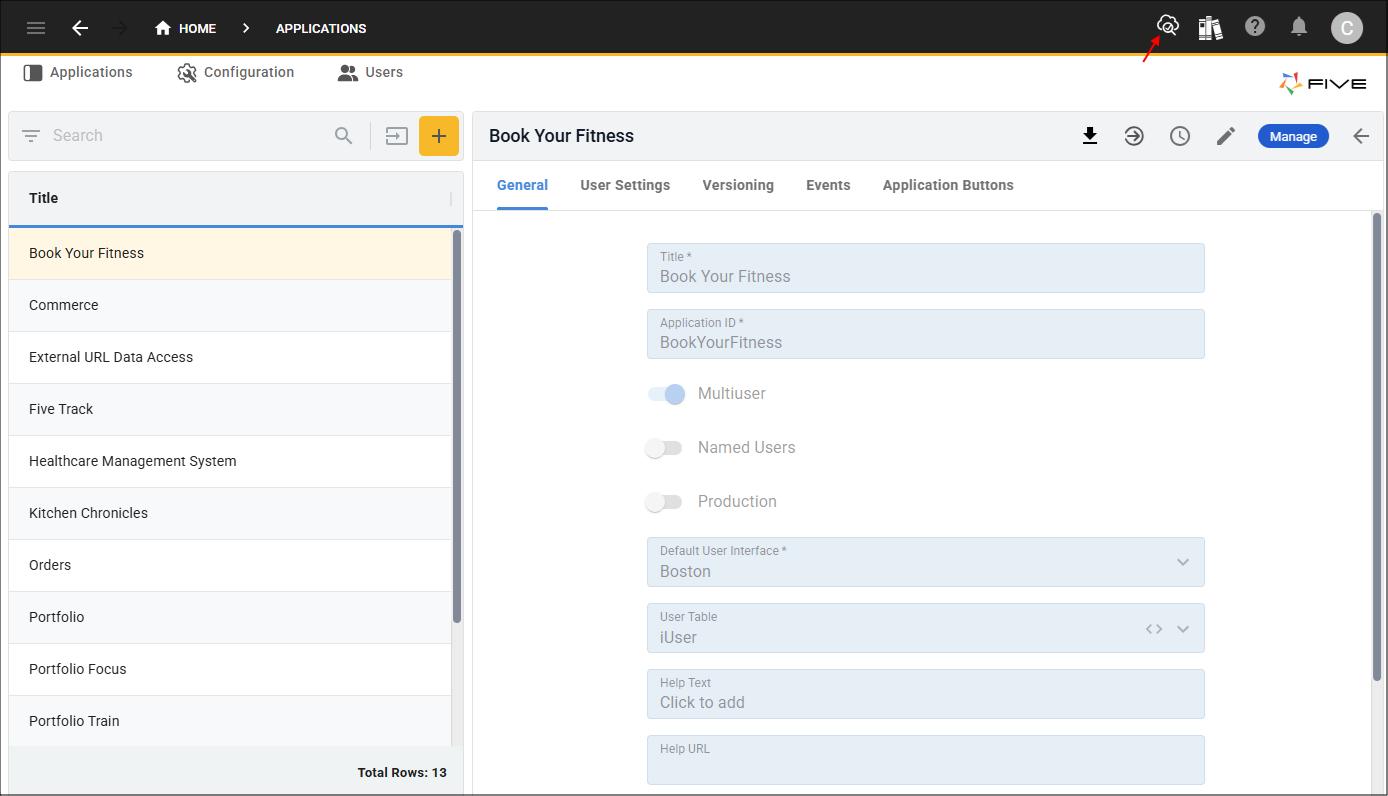
1. Click the Deploy to Development button.
First Time Login
1. Type admin in the Username field.
2. Type admin in the Password field.
3. Click the Sign In button.

You will be forced to change your password. Your new password must contain:
- A letter
- A number
- A symbol
- 8 to 32 characters
4. Enter and confirm a new password in the Update password window.
5. Click the Update Password button.

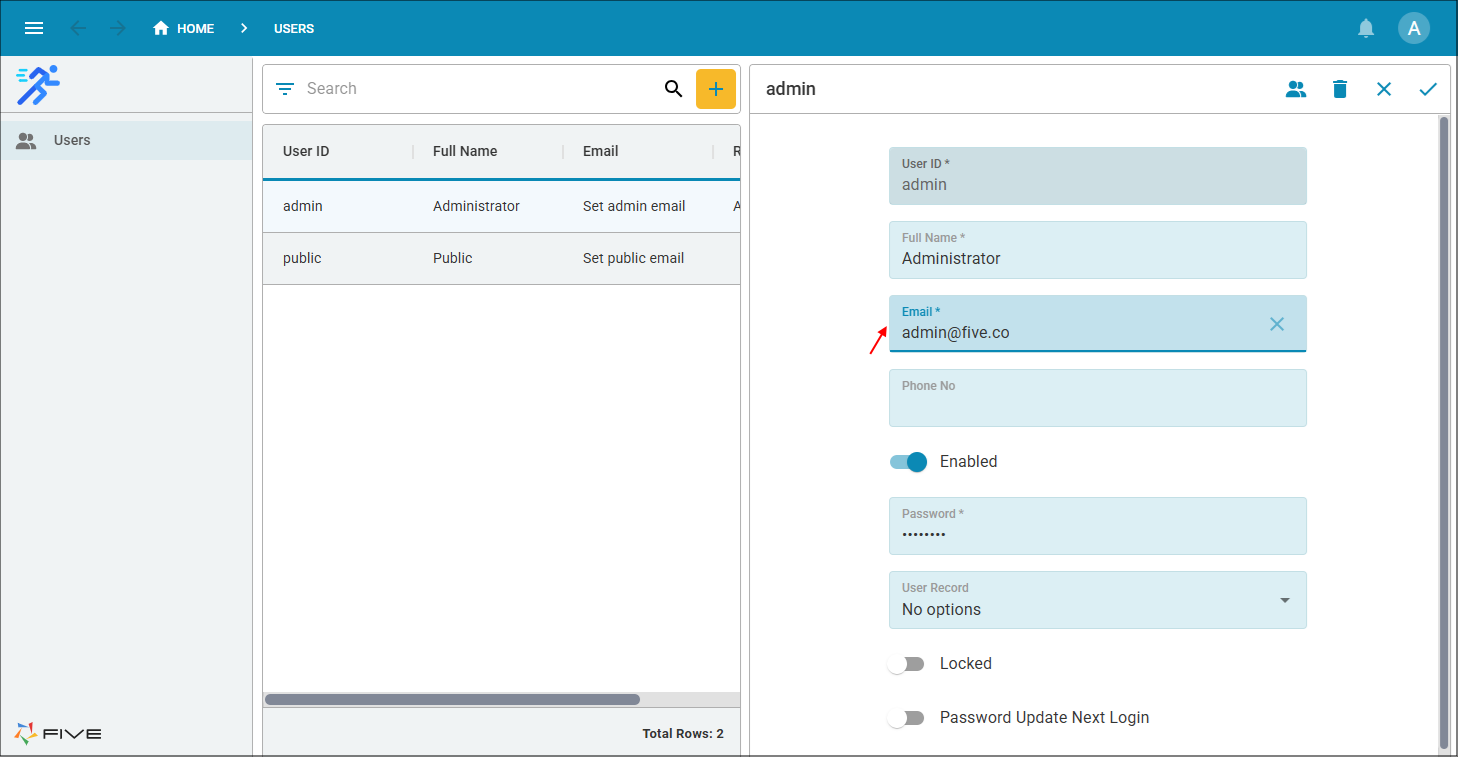
On the Users view in your application, you will see the default users already added into your application. You are currently logged in with the admin user ID. Next time you login you will use the username: admin and the password you just set. If you need to edit the permissions for this user, you will need to do that back in Five on the Administrator role record, however, it is good practice to keep this role as it gives you a user with full access to your application.