Set Up Record Log Messages
Last updated 9/02/2025
Record Log Messages
To record log messages in the testing and production environments, you must have your application production ready. This is performed by turning the Production switch on for the application record.
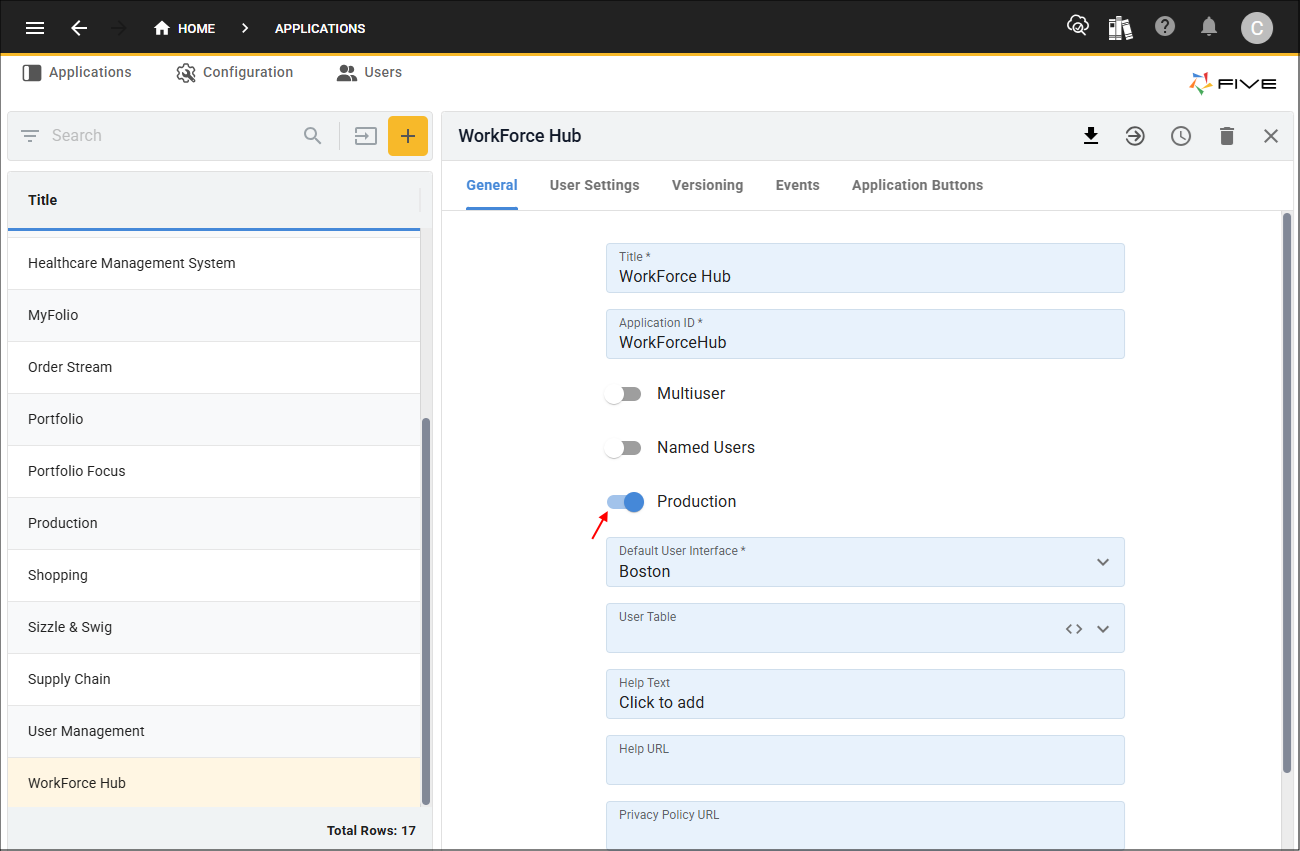
Figure 1 - Production switch
Record log messages can only be configured from the instance record for the application.
tip
Add Record Log Messages
1. Select your instance record in the list.2. Either click the Edit button in the form app bar or click directly in a field.
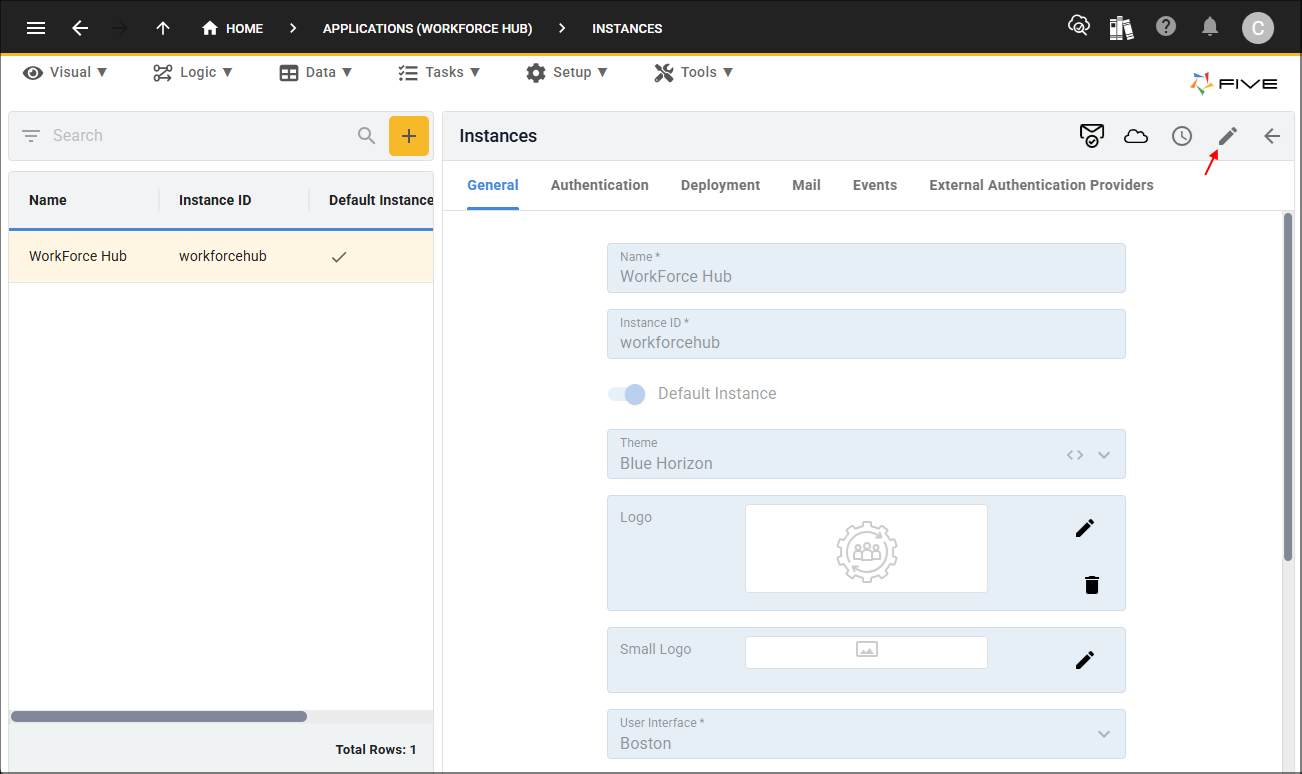
Figure 2 - Edit button
3. Click the Record Log Messages switch.
4. Click the Save button in the form app bar.
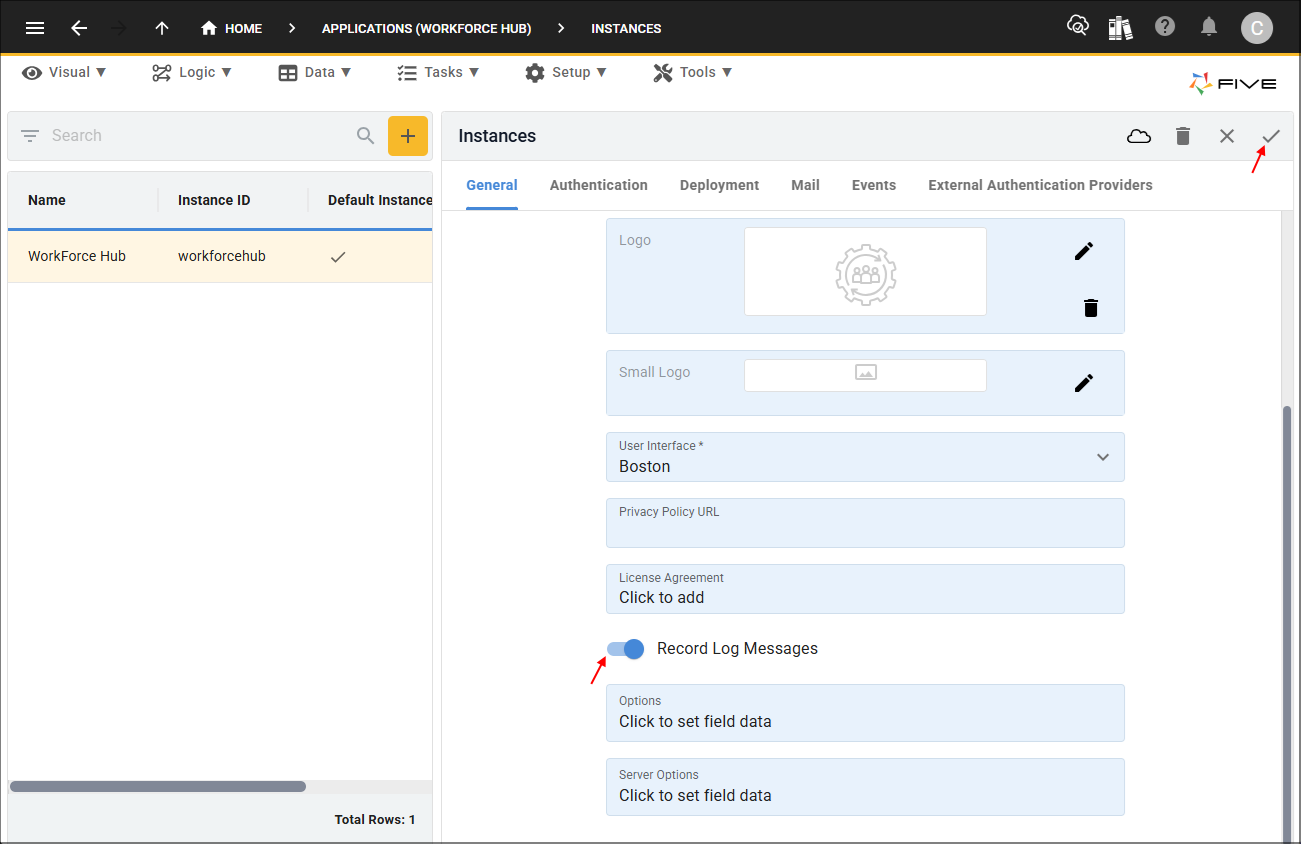
Figure 3 - Add Record Log Messages