Viewing five.log() Messages
Last updated 9/02/2025
Viewing Messages
Log messages written using five.log() are only generated when the function containing them has
been executed.
In Five, functions do not run on their own. A function must be attached to an event so that Five knows when to execute it. Until that occurs, the function and any
five.log()
messages will not run.
Once the event is triggered and the function executes:
- The application is deployed to the target environment, for example, testing or production.
- All five.log()messages executed during the run are captured.
- The logs are stored with a timestamp.
- The logs can then be downloaded and are available in an iLog file.
In your deployed environment, any events that have been triggered will execute the attached function, and produces the log output. If the function has not been attached to an event or has not been executed, no log messages will be available.
Workflow
A vertical flow diagram showing an event triggering a function, the function executing
five.log()
, log messages being captured, and the logs becoming available
as an iLog file with a timestamp.
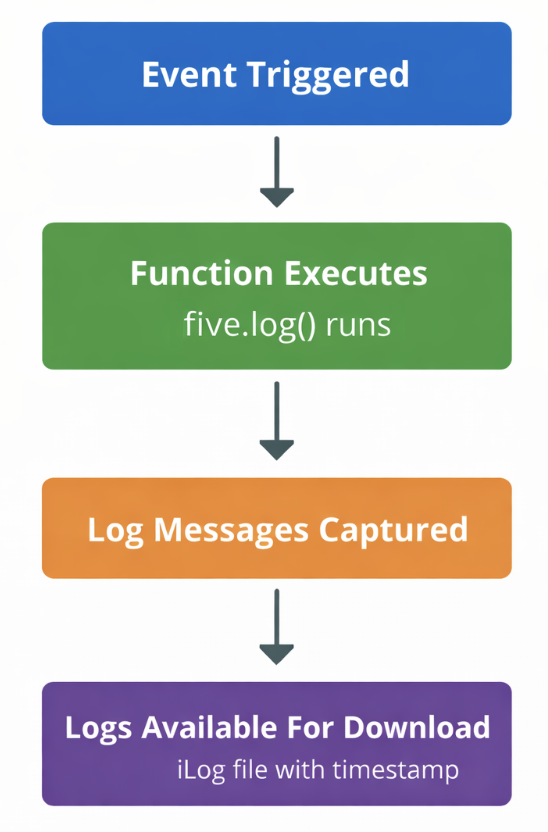
Figure 1 - Record Log Messages workflow