Indices
Last updated 17/03/2026
Overview
When a query in Five is used as a data source for a form, the query must include a primary key so the platform can uniquely identify each record returned by the query.
A primary key is a field that uniquely identifies a single record in a table. When a form loads data from a query, Five relies on this key to determine exactly which record the form is displaying or editing. Without a primary key, the form cannot reliably distinguish one record from another.
This becomes especially important when the form performs actions such as updating, saving, or deleting data. When a user modifies a record in the form, Five uses the primary key value to map the form back to the correct database record.
For this reason, any query used as a form data source must include the table's primary key field in the
Add a Primary Key
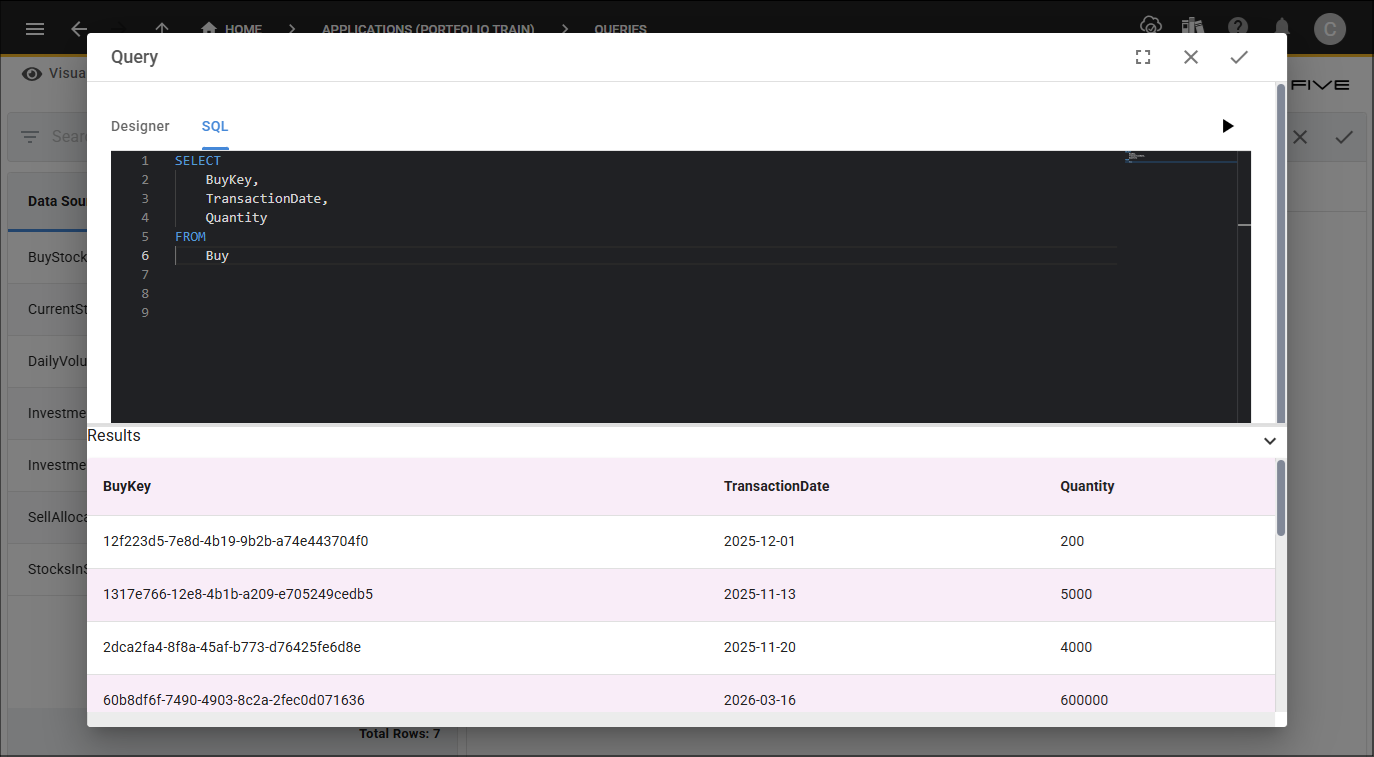
Before you add your primary key, open or create your query in the SQL editor and ensure the query includes the field that will act as the primary key, typically the primary key from one of the underlying tables.
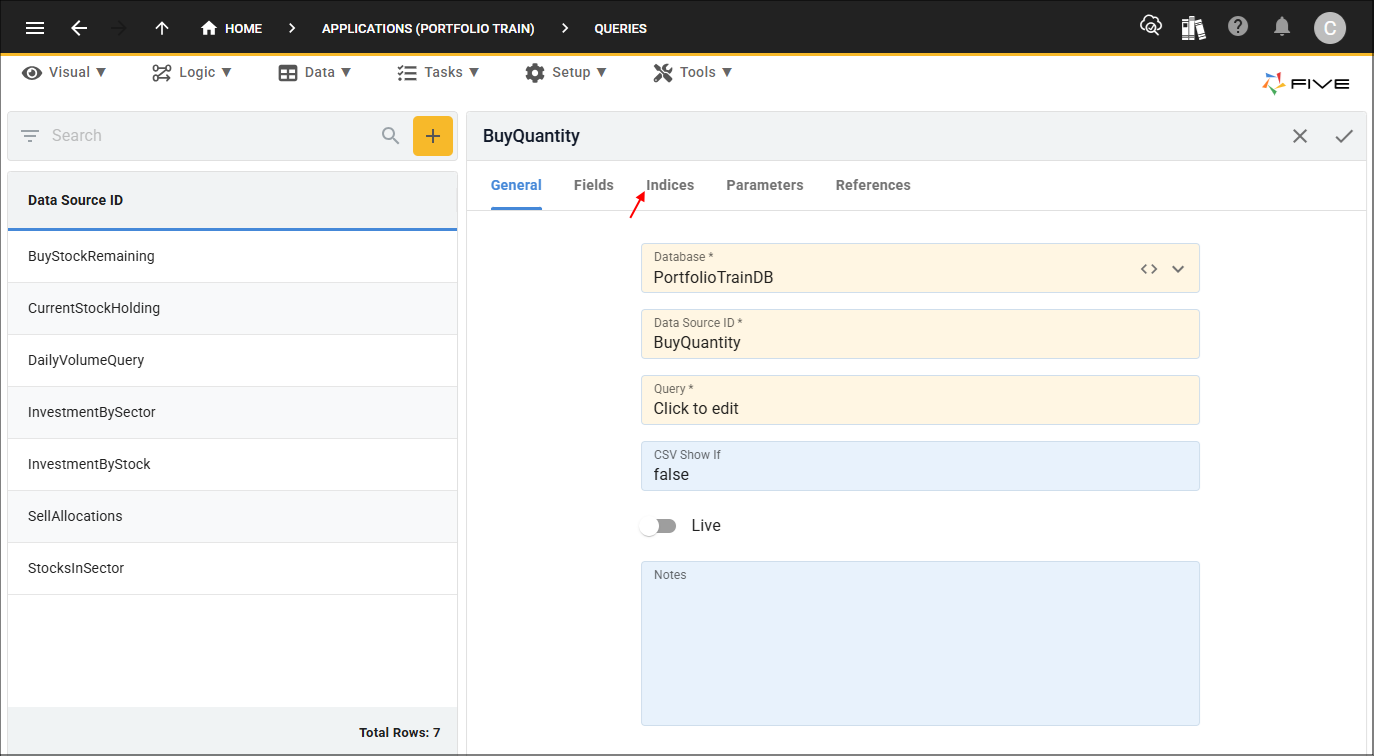
1. Click the Indices tab.
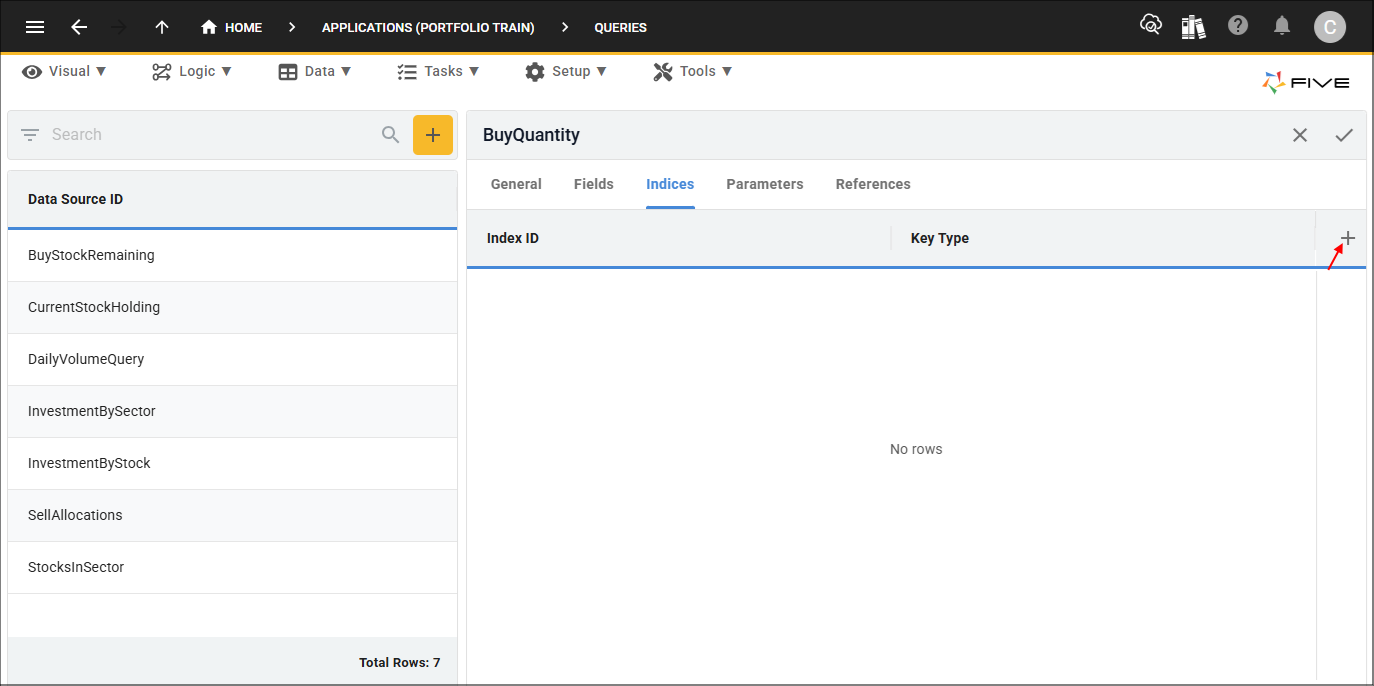
2. Click the Add Indices button.
3. Give your index an ID and select Primary in the Key Type field.
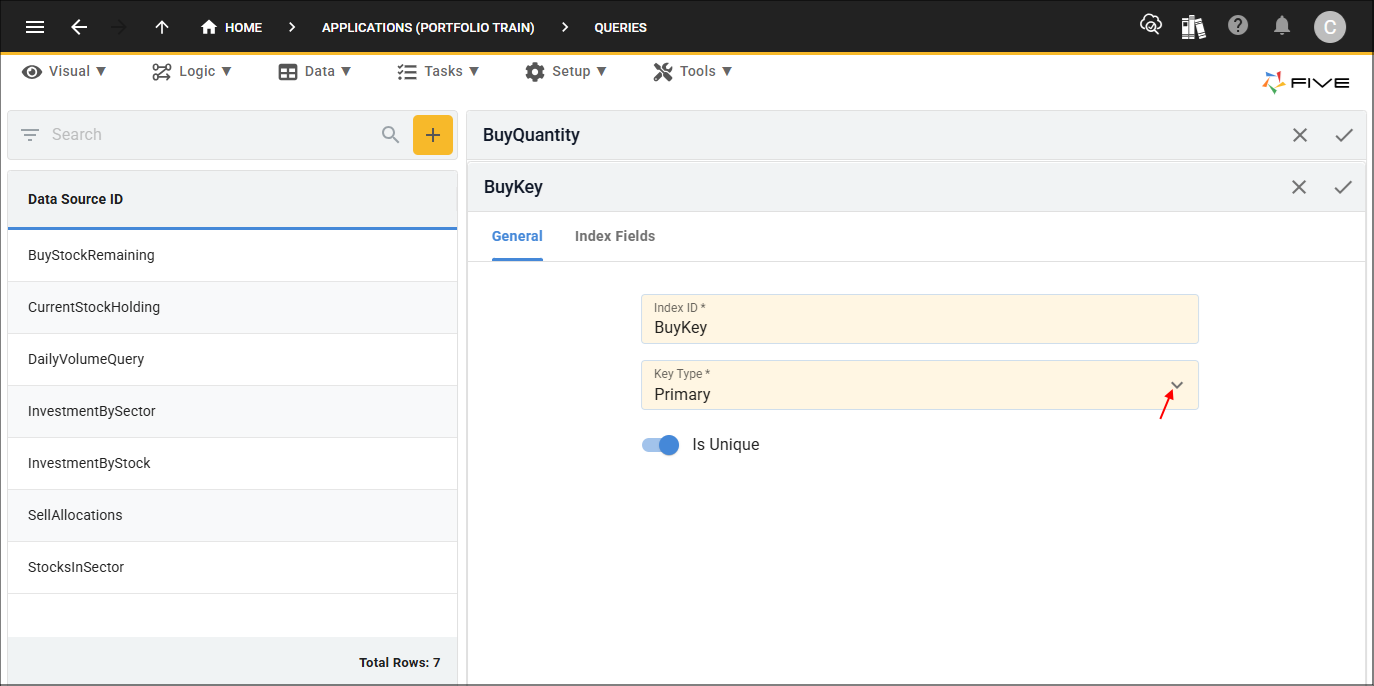
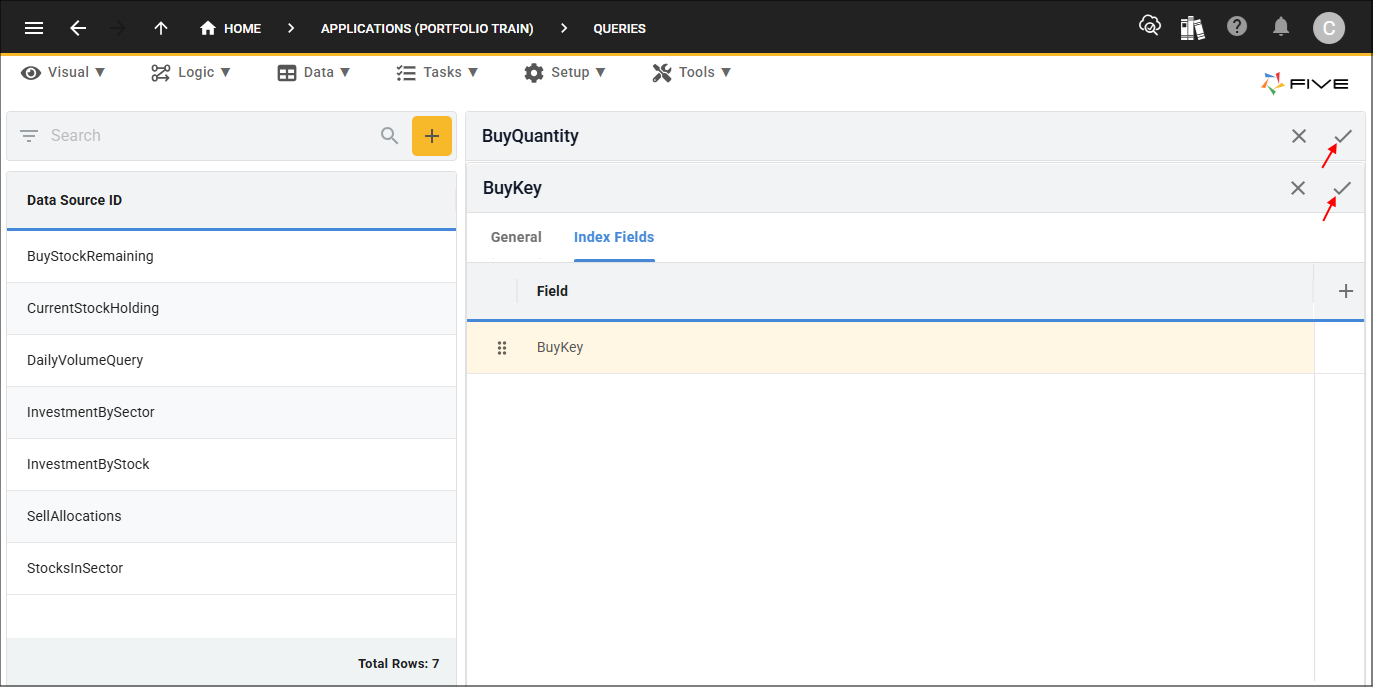
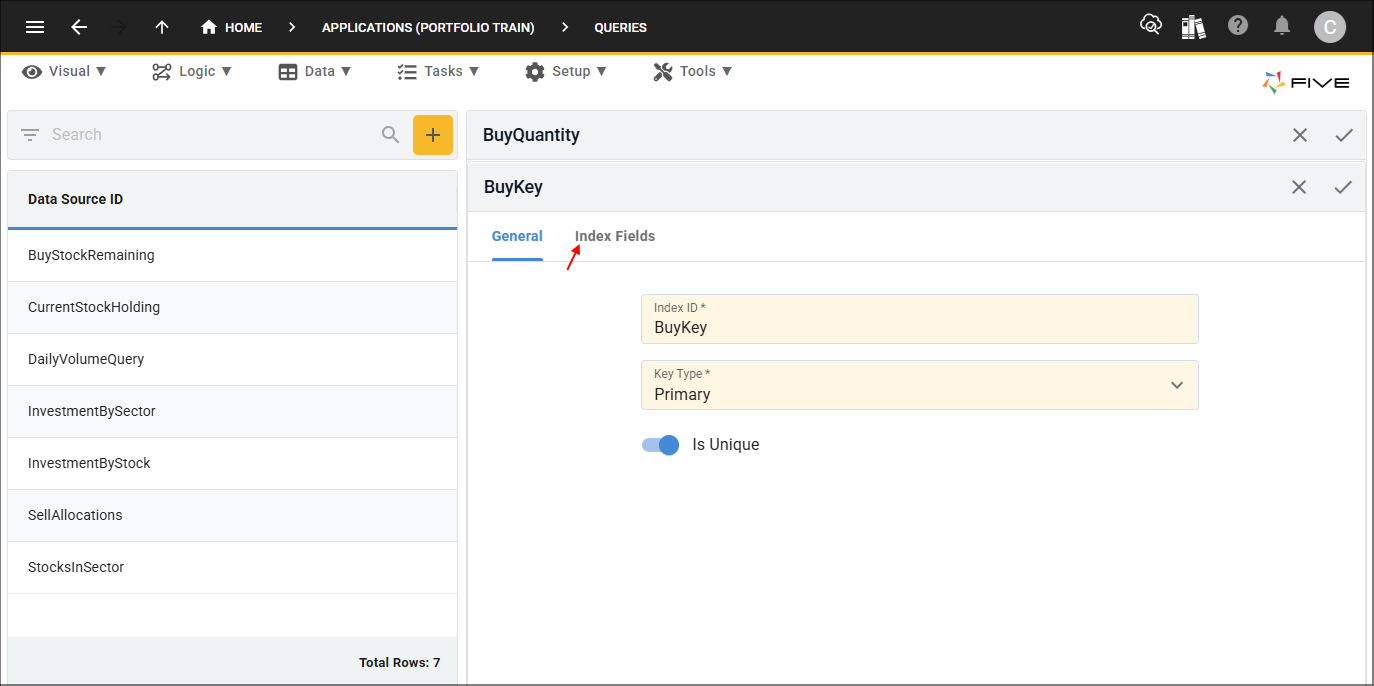
4. Click the Index Fields tab.
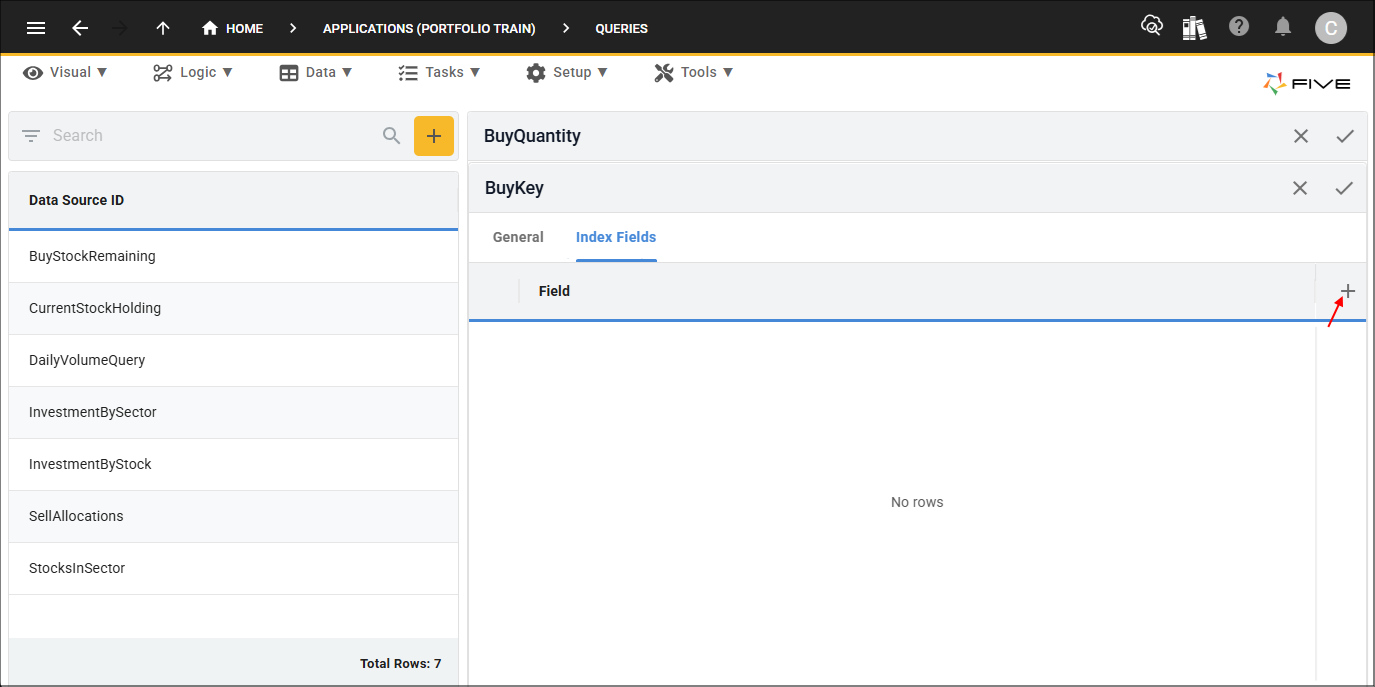
5. Click the Add Index Fields button.
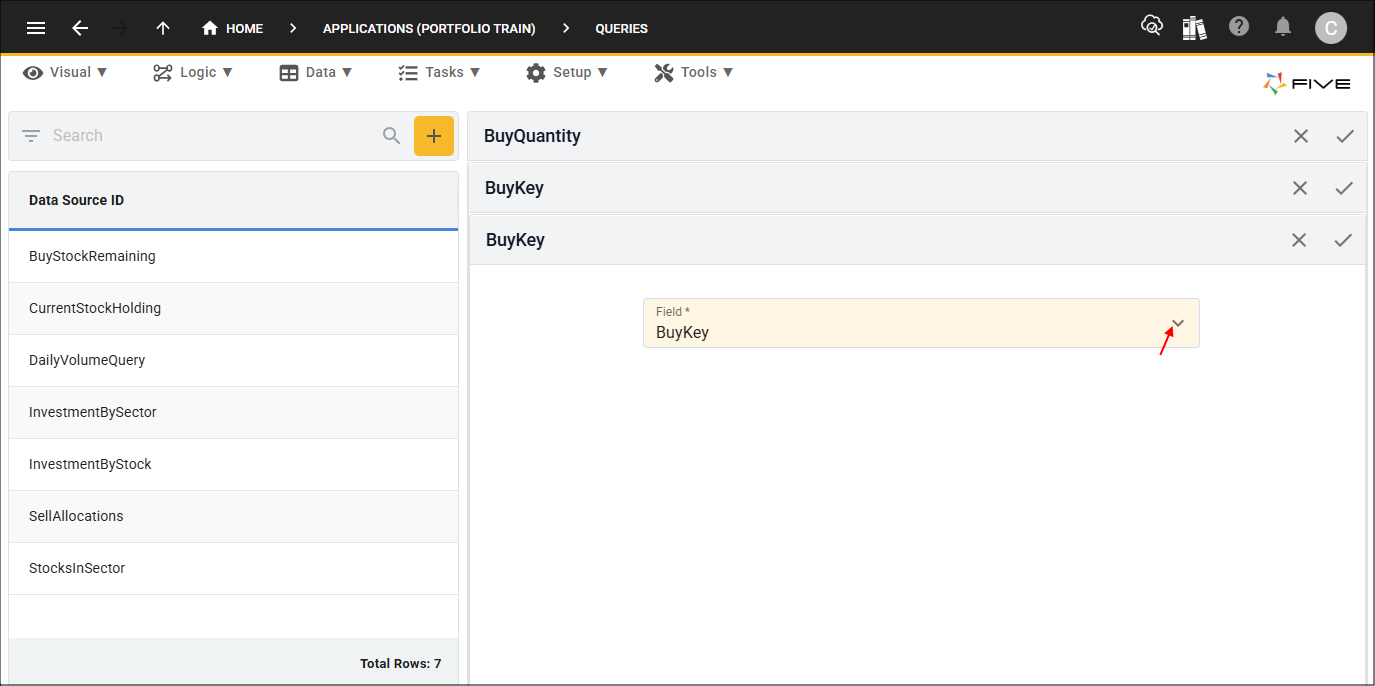
6. Select the field required to be your primary key.
7. Click the Save button in the form app bar.
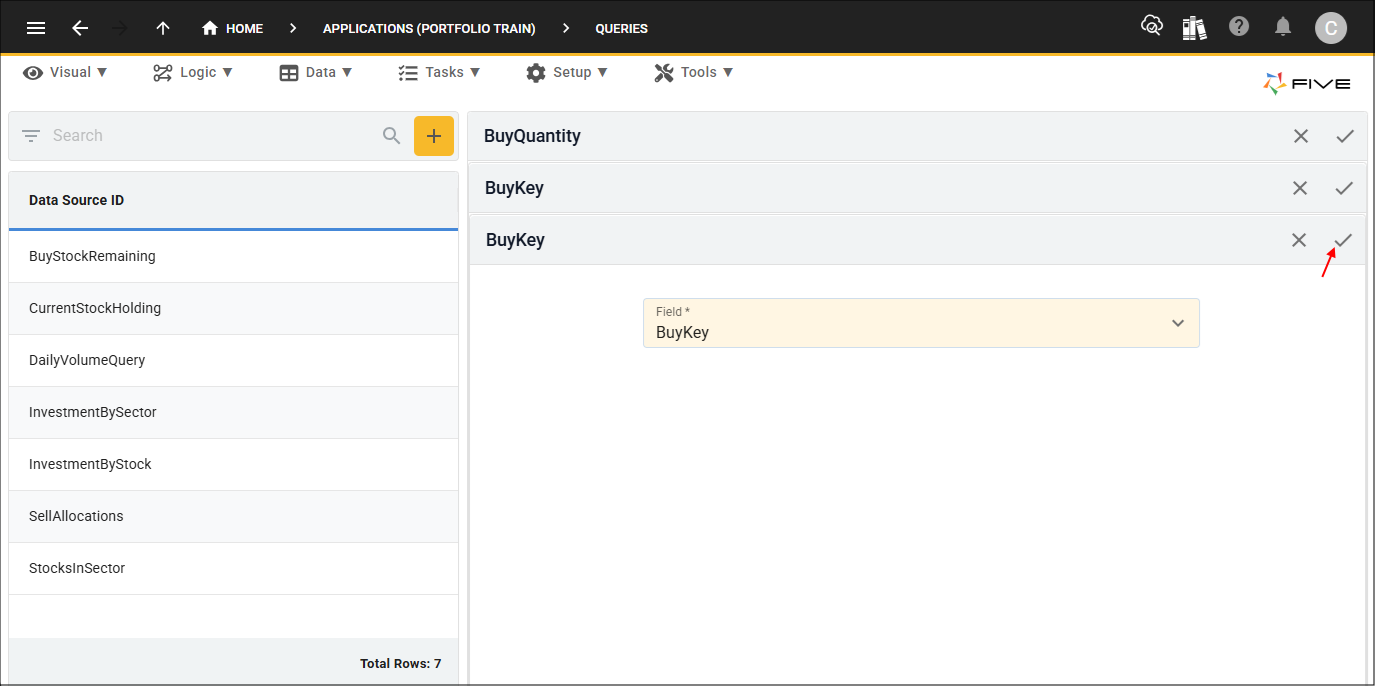
8. Click the Save buttons in the form app bars above the list.