Securing Public URLs
Last updated 4/09/2025
Securing a public URL to secure your data is optional, but highly recommended. Following the Internet Engineering Task Force (IETF) standards are recommended for best practice protocols when securing your data.
This documentation, will cover using a Bearer Token as the authorization method to retrieve data from Five.
The Bearer Token in this example is a generated UUID, this UUID is stored in the Server Options field on the instance record and is called by your function. This token needs to be shared with who you want to receive the response data. When using a third-party platform such as Postman, the authorization method needs to be Bearer Token.
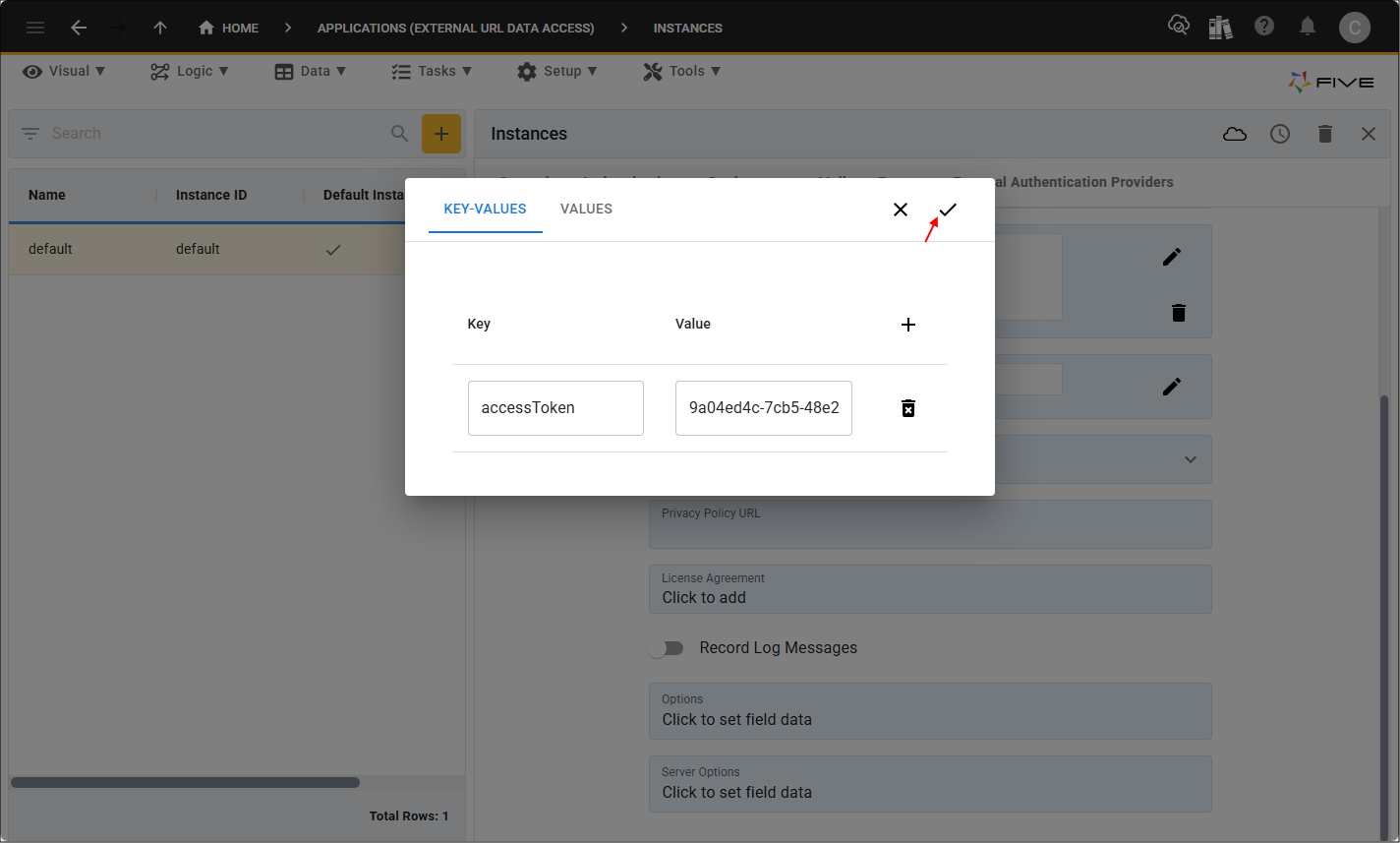
Add Your Access Token
Your token value can be added straight into your code, however, the recommended way is to add a key: value pair on your instance record and call the key in your code to retrieve the Bearer Token.
1. Select Setup in the menu followed by Instances in the sub-menu.
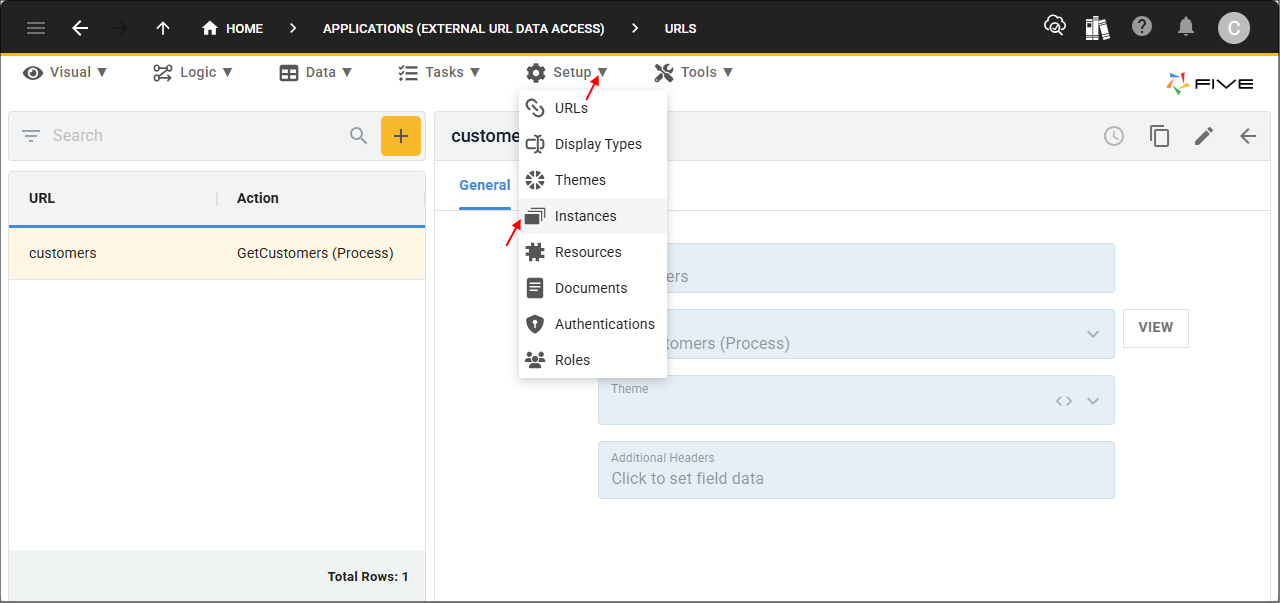
2. Select your instance record (default) in the list.
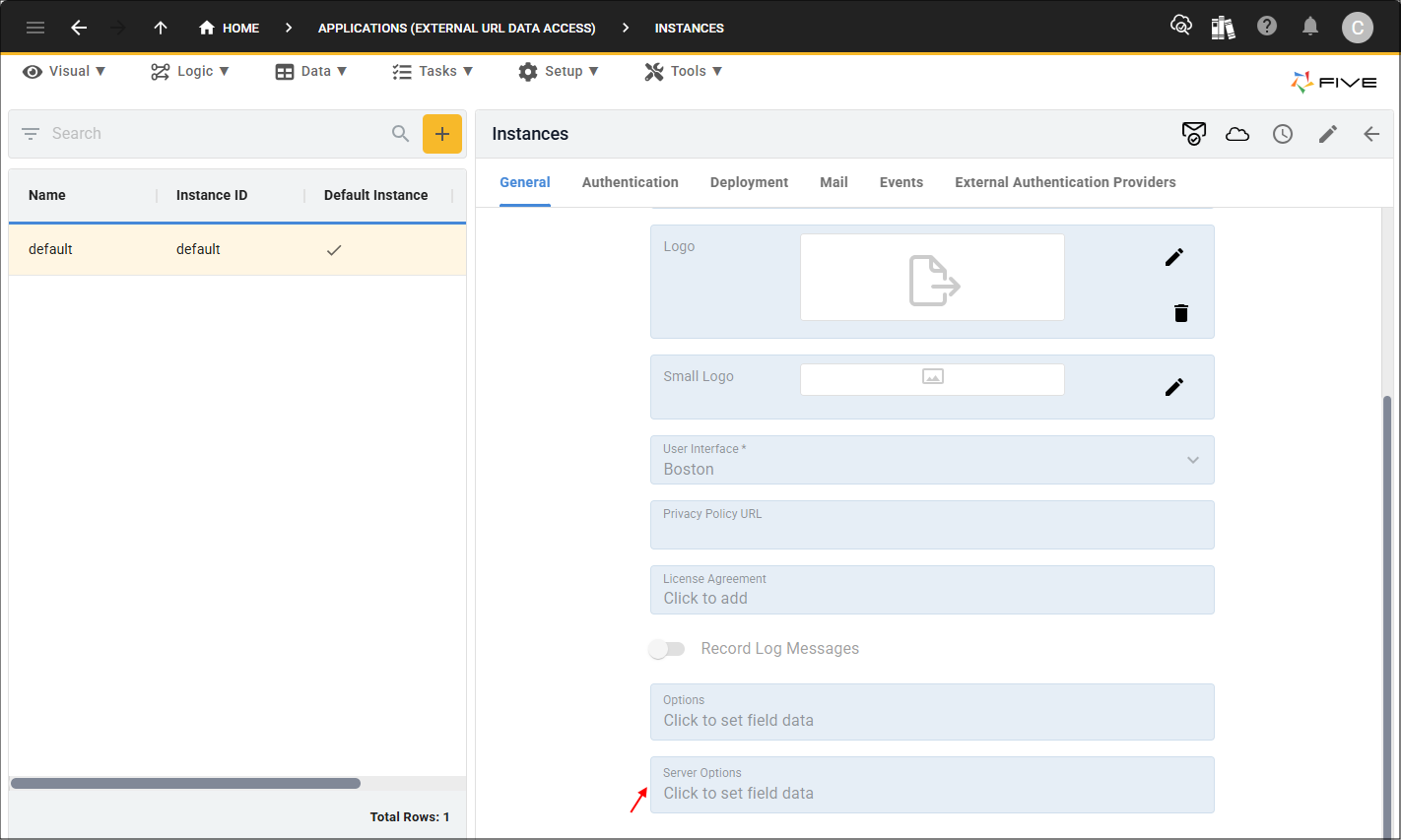
3. Click in the Server Options field.
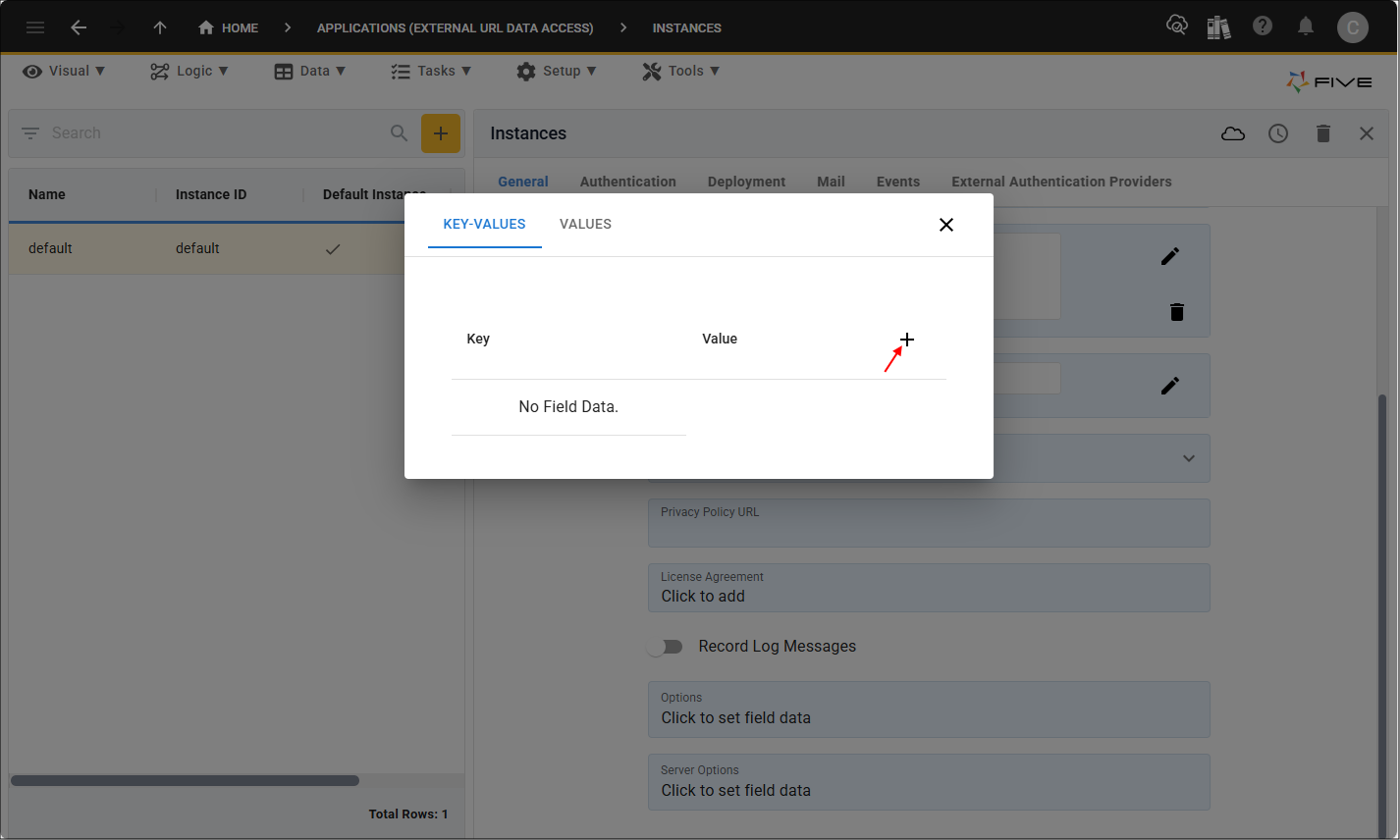
4. Click the Add Field Data button.
5. Type <YOUR_KEY> in the Key field.
6. Type <YOUR_ACCESS_TOKEN> in the Value field.
7. Click the Save button in the editor app bar.
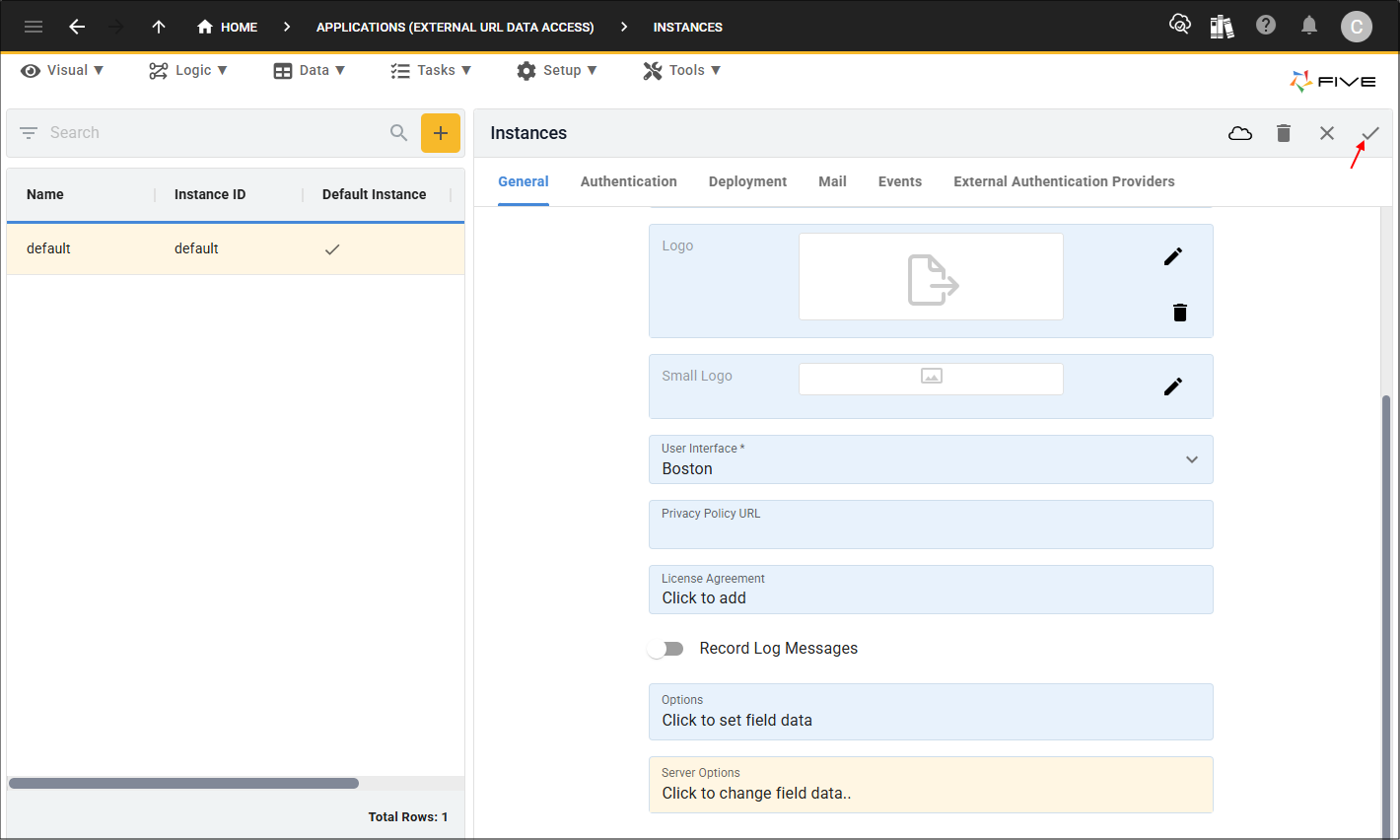
8. Click the Save button in the form app bar.
GetCustomers Function
The example function is called
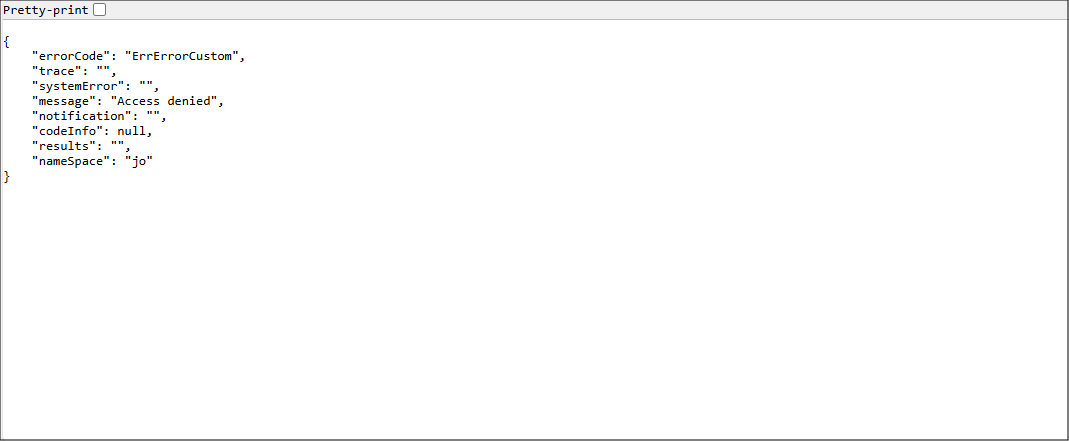
The HTTP Authorization request header can be used to provide a token for authorizing access to your data. Without the correct authorization token you will receive an error. The user needs to supply the Authorization method and their token, then make a request to the public URL endpoint from a platform such as Postman.
The
The
The
Edit GetCustomers Function
1. Select Logic in the menu followed by Functions in the sub-menu.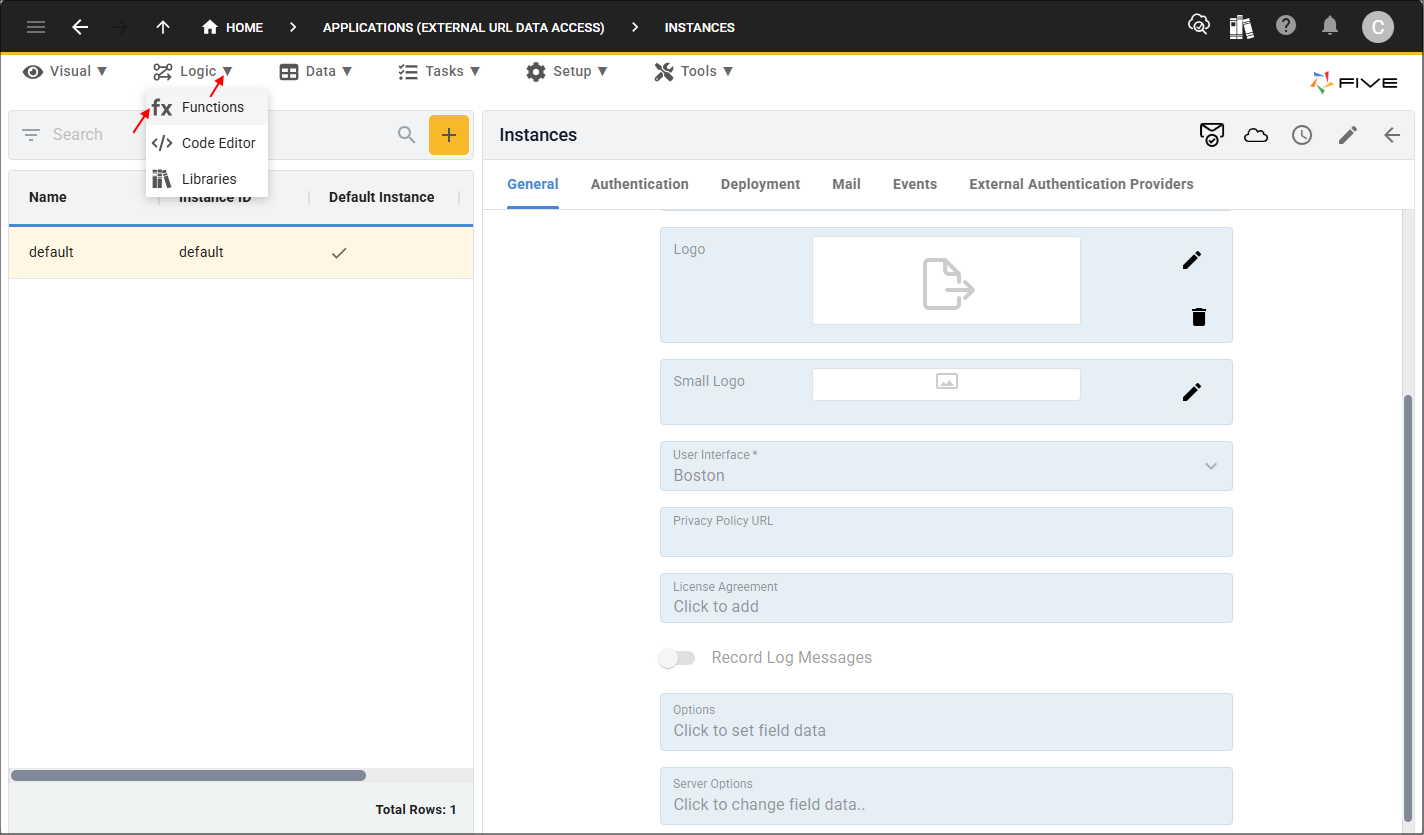
2. Select the GetCustomers record in the list.
3. Click in the Code field.
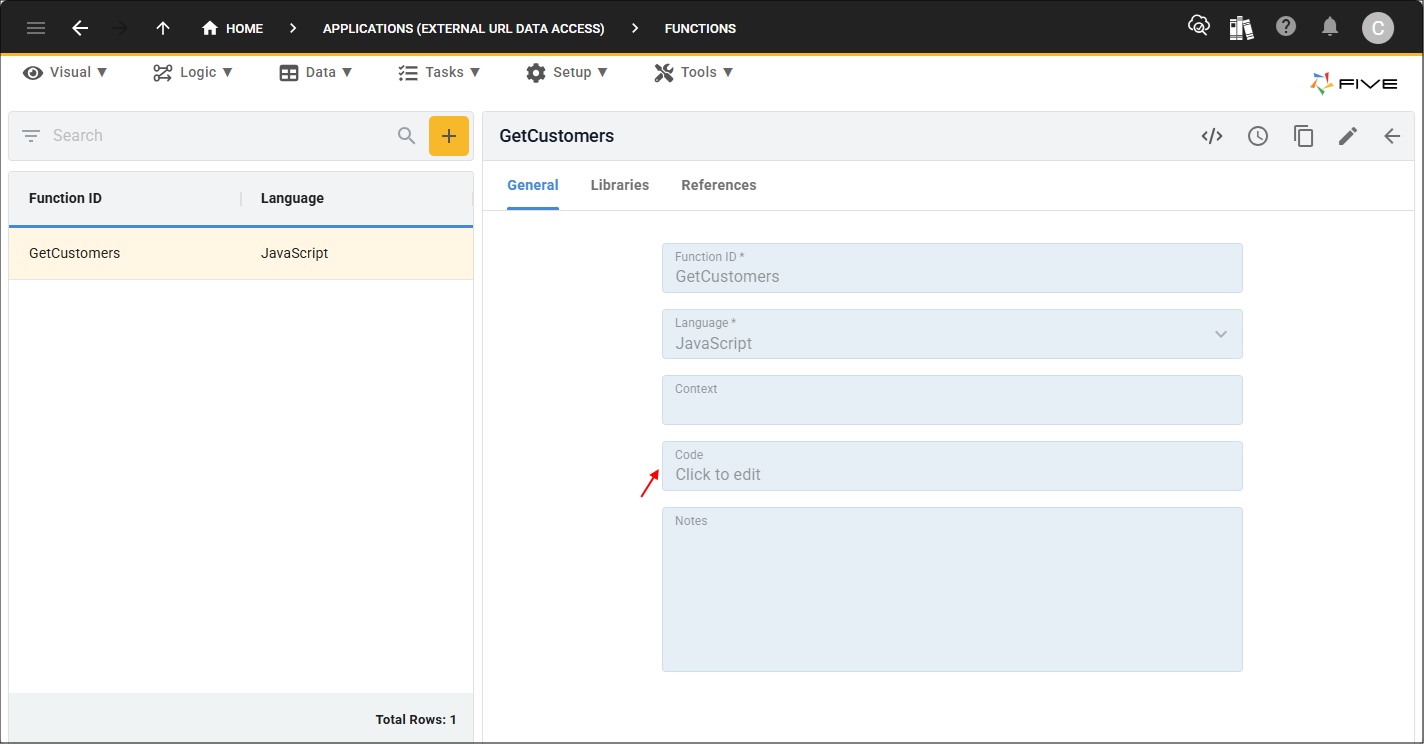
4. Click the Copy button on the below code block.

function GetCustomers(five, context, result)  {
    ////////////////////////////////////////////////////////////////////////////////////////////////
    // First ensure the secret we have sent to the calling api is valid
    ////////////////////////////////////////////////////////////////////////////////////////////////
    const accessToken = five.getOptionServer('accessToken');
    const secret = five.headers.Authorization;
    if (secret !== `Bearer ${accessToken}`) {
        return five.createError('Access denied');
    }
5. Paste the code in the
6. Click the Save button in the Code Editor app bar.
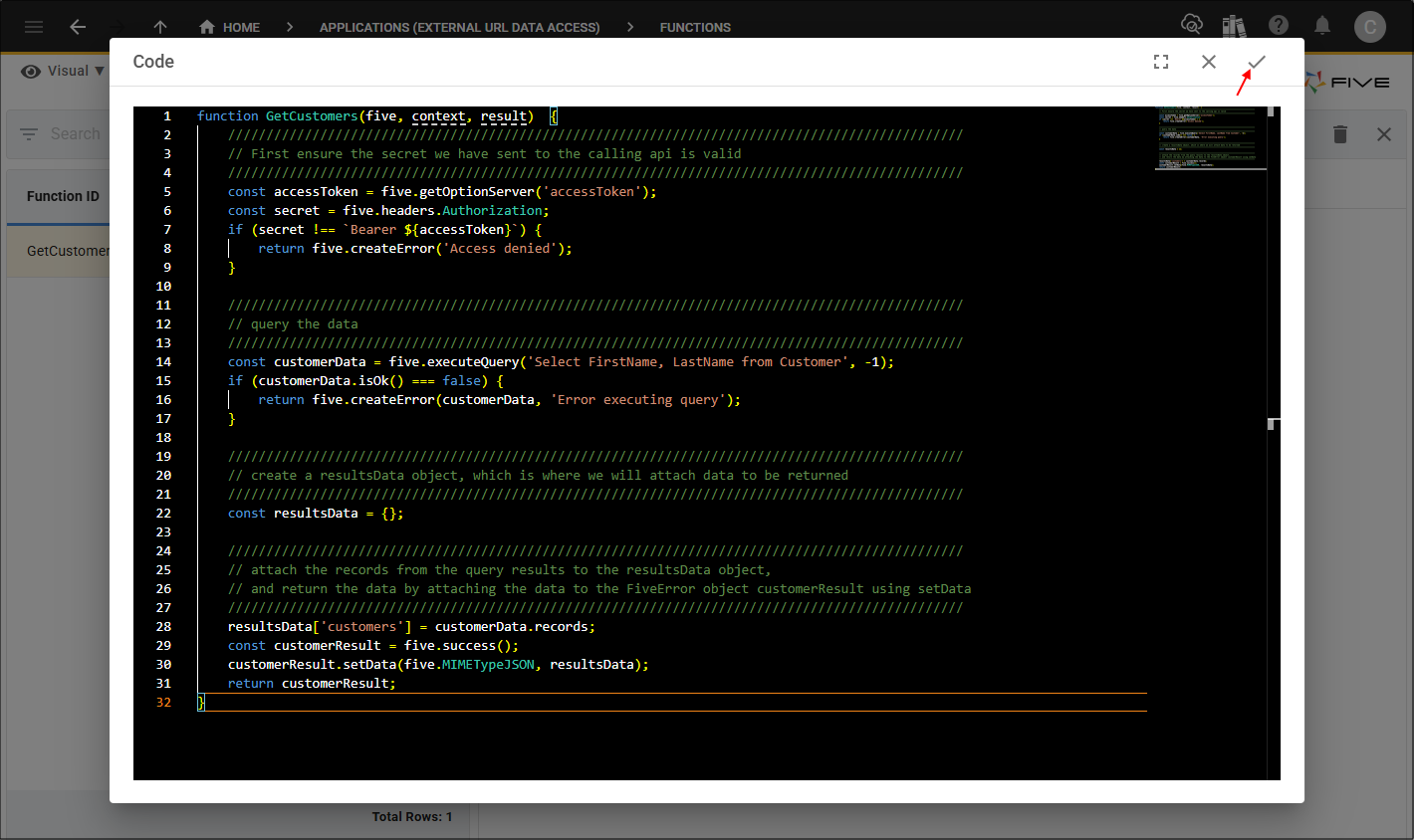
7. Click the Save button in the form app bar.
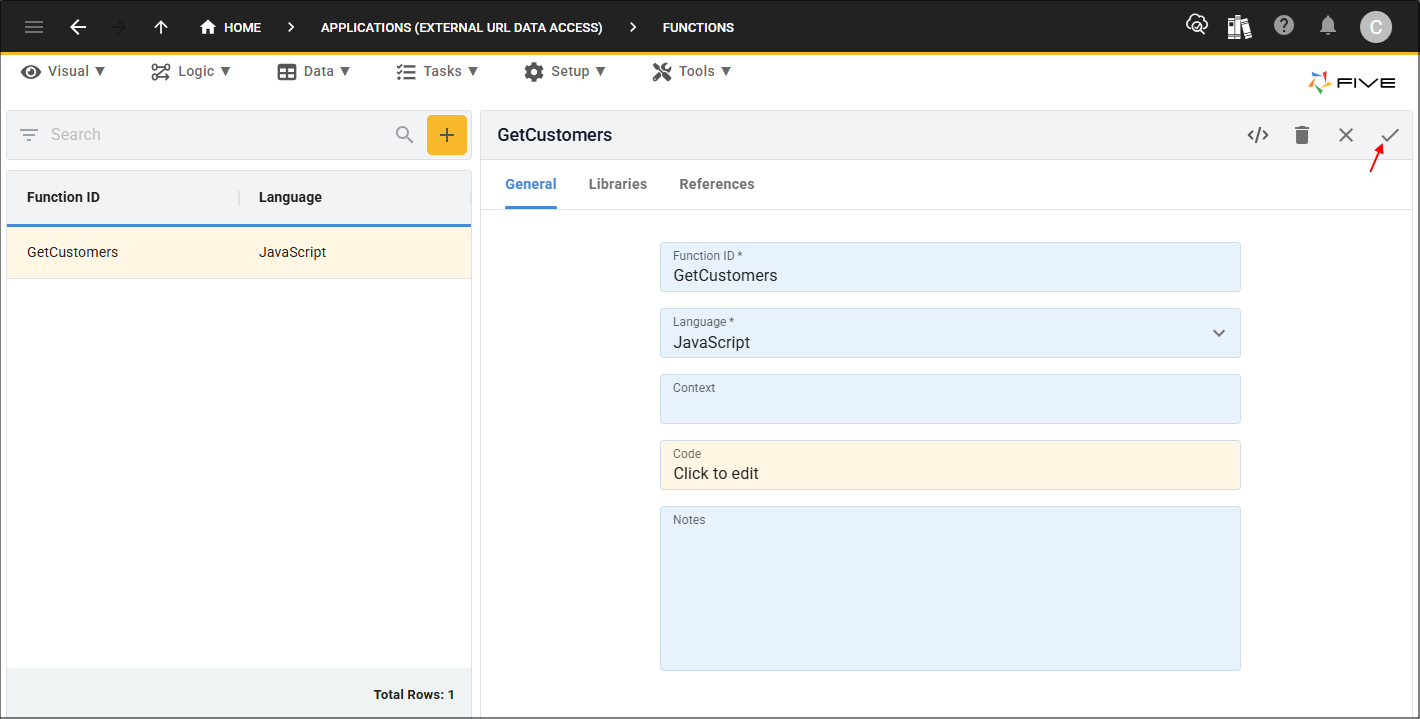
function GetCustomers(five, context, result)  {
    ////////////////////////////////////////////////////////////////////////////////////////////////
    // First ensure the secret we have sent to the calling api is valid
    ////////////////////////////////////////////////////////////////////////////////////////////////
    const accessToken = five.getOptionServer('accessToken');
    const secret = five.headers.Authorization;
    if (secret !== `Bearer ${accessToken}`) {
        return five.createError('Access denied');
    }

    ////////////////////////////////////////////////////////////////////////////////////////////////
    // query the data
    ////////////////////////////////////////////////////////////////////////////////////////////////
    const customerData = five.executeQuery('Select FirstName, LastName from Customer', -1);
    if (customerData.isOk() === false) {
        return five.createError(customerData, 'Error executing query');
    }

    ////////////////////////////////////////////////////////////////////////////////////////////////
    // create a resultsData object, which is where we will attach data to be returned
    ////////////////////////////////////////////////////////////////////////////////////////////////
    const resultsData = {};

    ////////////////////////////////////////////////////////////////////////////////////////////////
    // attach the records from the query results to the resultsData object,
    // and return the data by attaching the data to the FiveError object customerResult using setData
    ////////////////////////////////////////////////////////////////////////////////////////////////
    resultsData['customers'] = customerData.records;
    const customerResult = five.success();
    customerResult.setData(five.MIMETypeJSON, resultsData);
    return customerResult;
}
Response Data in Postman
The Bearer Token value needs to be entered into a third-party platform such as Postman.
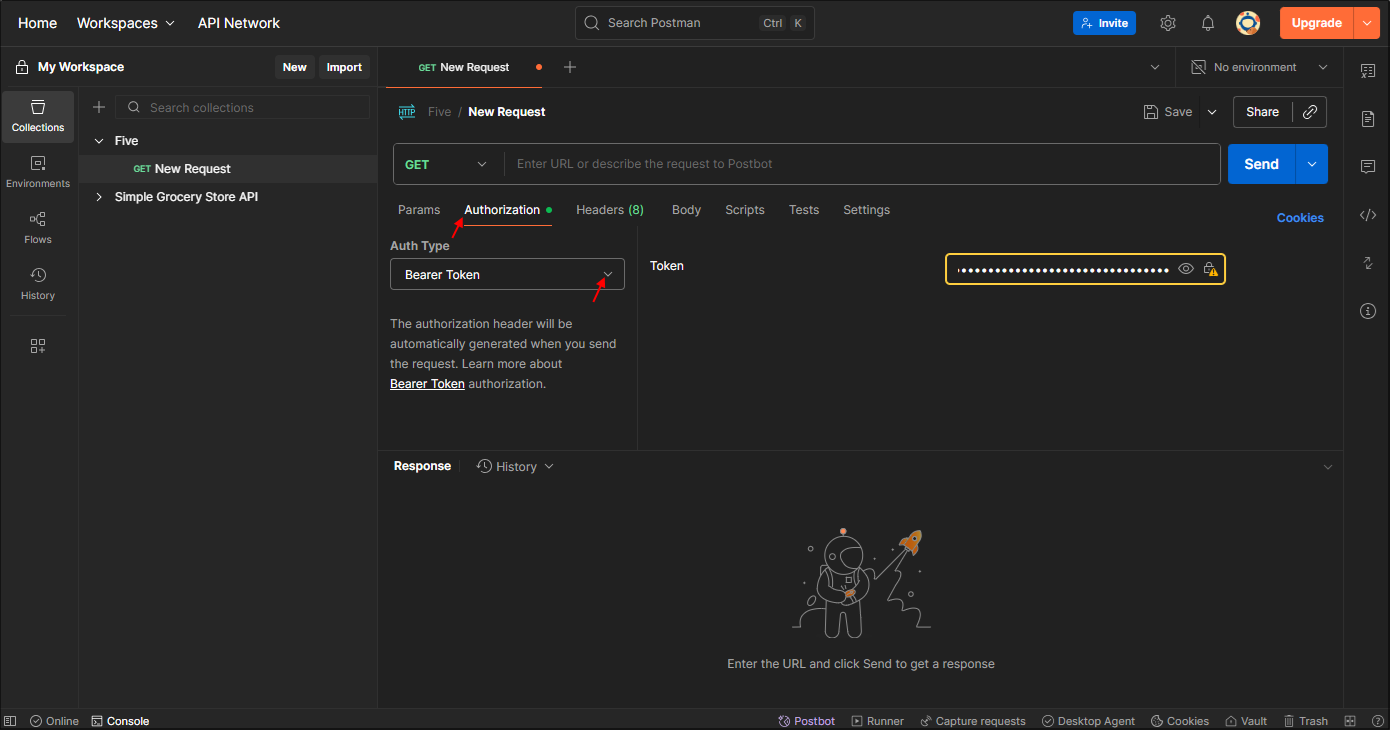
The URL for your running application and
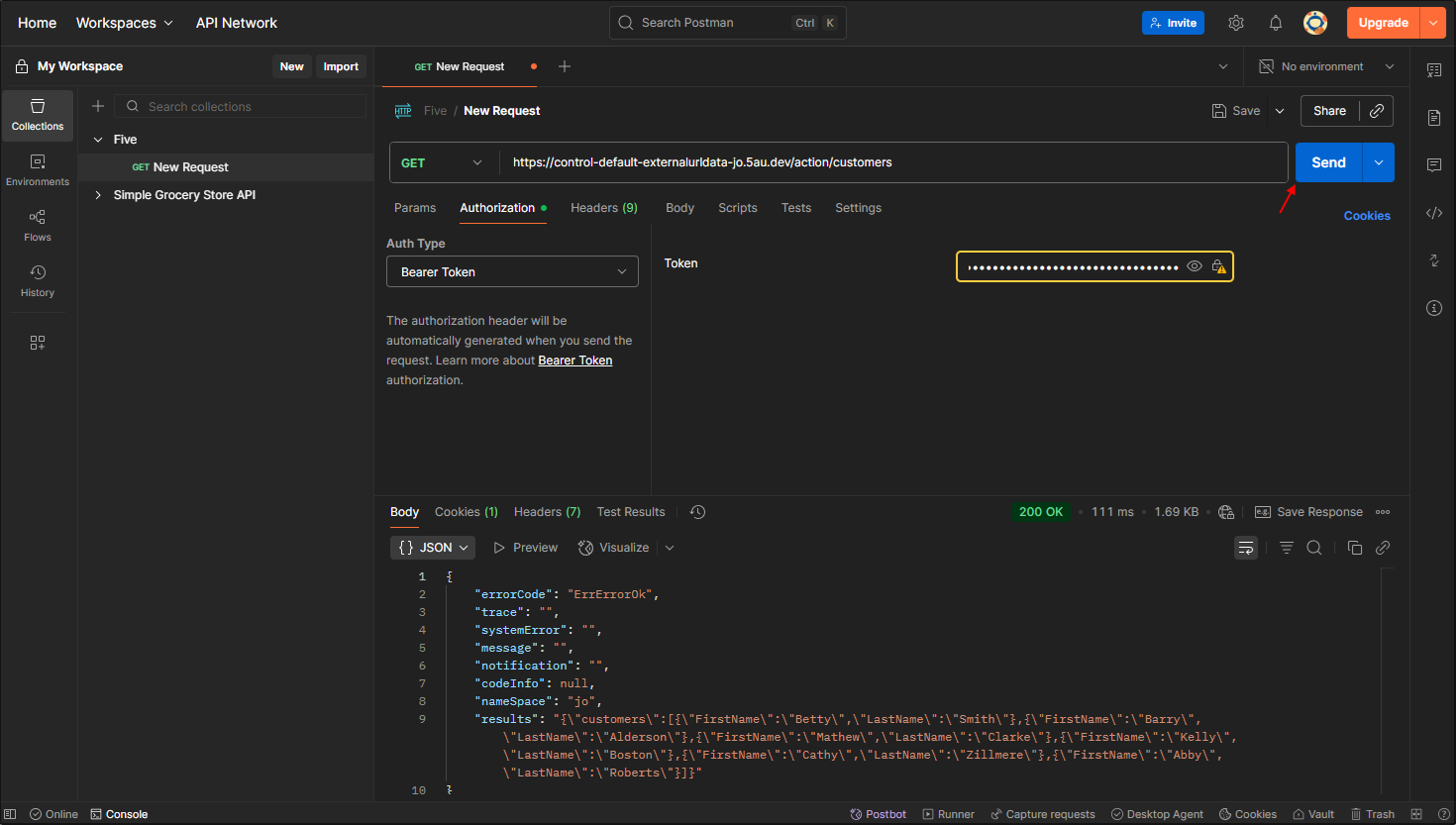
Access to the reponse data in the browser will be denied now, as authorization has been applied.