Overview
Last updated 8/09/2025
The Five API provides REST-style endpoints for accessing and updating data within your Five application database.
Creating a URL that uses a process allows you to fully customize a public URL that can be used in the browser, or a private URL when authorization has been applied that can be used in a third-party platform such as Postman to be processed with code. Your code will need to be attached to the Do Run event on your process. The Do Run event is a server (backend) event and when the data has been submitted in Five, your URL created in Five will be used to retrieve the data, effectively getting the data from your database in Five.
To retrieve data via a URL from your database in Five, you will need to perform the following steps:
- Create a function, in the function you will need to use Five's executeQuery()function to get the data from your database
- Create a process and attach your function to the Do Run event
- Create a URL and reference your process
Base URLs
The examples below are using the default instance created by Five.
- Development:
- Testing:
- Production:
- Custom HTTP host name:
URL and Data Flow
When the URL has been sent a request with the
When you have completed what you need to do, simply return
External URL Data Access Application
Click here to know how to import this file into Five.
If you are importing the completed ExternalURLTrain.fdf you will need to use the following credentials to log into the application.
The admin login will give you full access to the application.
Username: admin Password: Demo123!
The External URL Data Access application is a multiuser application created in Five and will be used to demonstrate:
- How to retrieve data from Five using a public URL
- How to add an authorization token to secure your data
- Optionally, how to test the returned results in Five
Tables
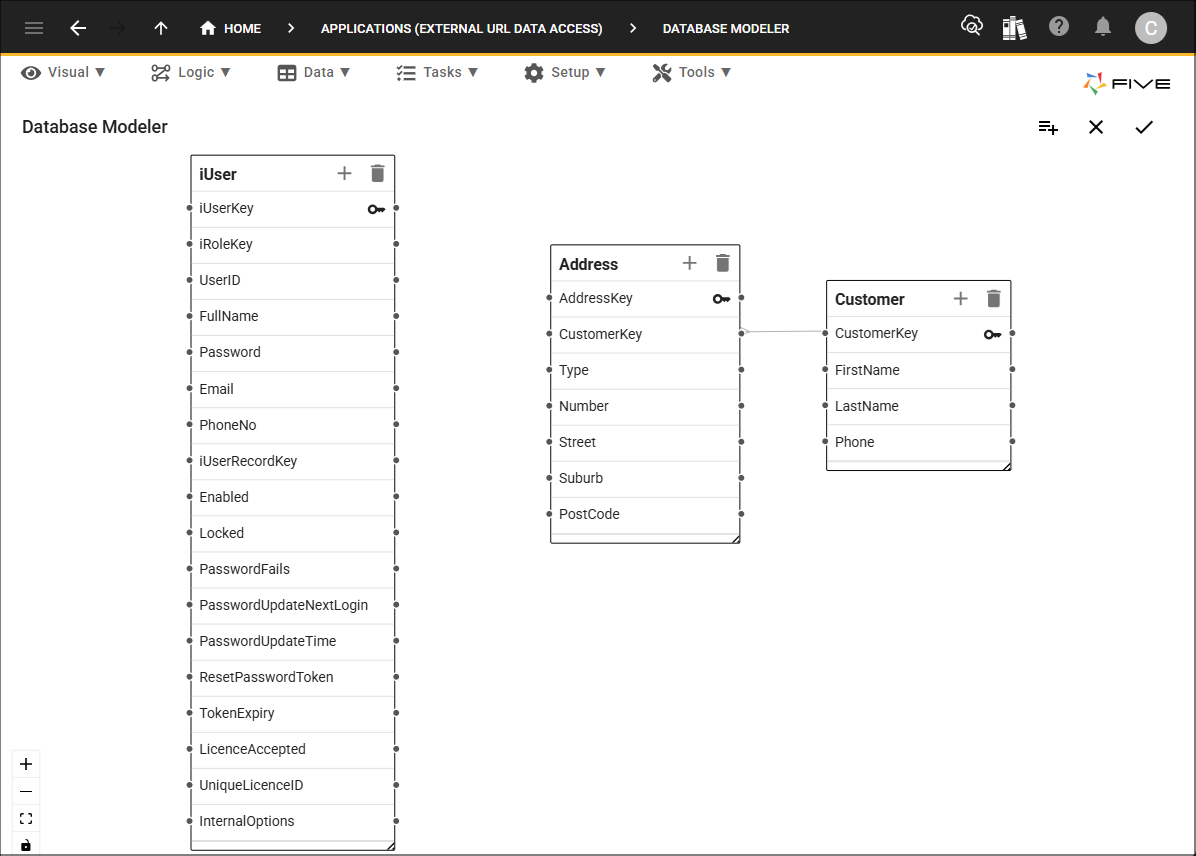
The application has the following three tables:
The iUser table that Five adds when creating a multiuser application.
The Customer table which has the following fields:
- CustomerKey
- FirstName
- LastName
- Phone
The Address table which has the following fields:
- AddressKey
- CustomerKey
- Type
- Number
- Street
- Suburb
- PostCode
Forms and Menus
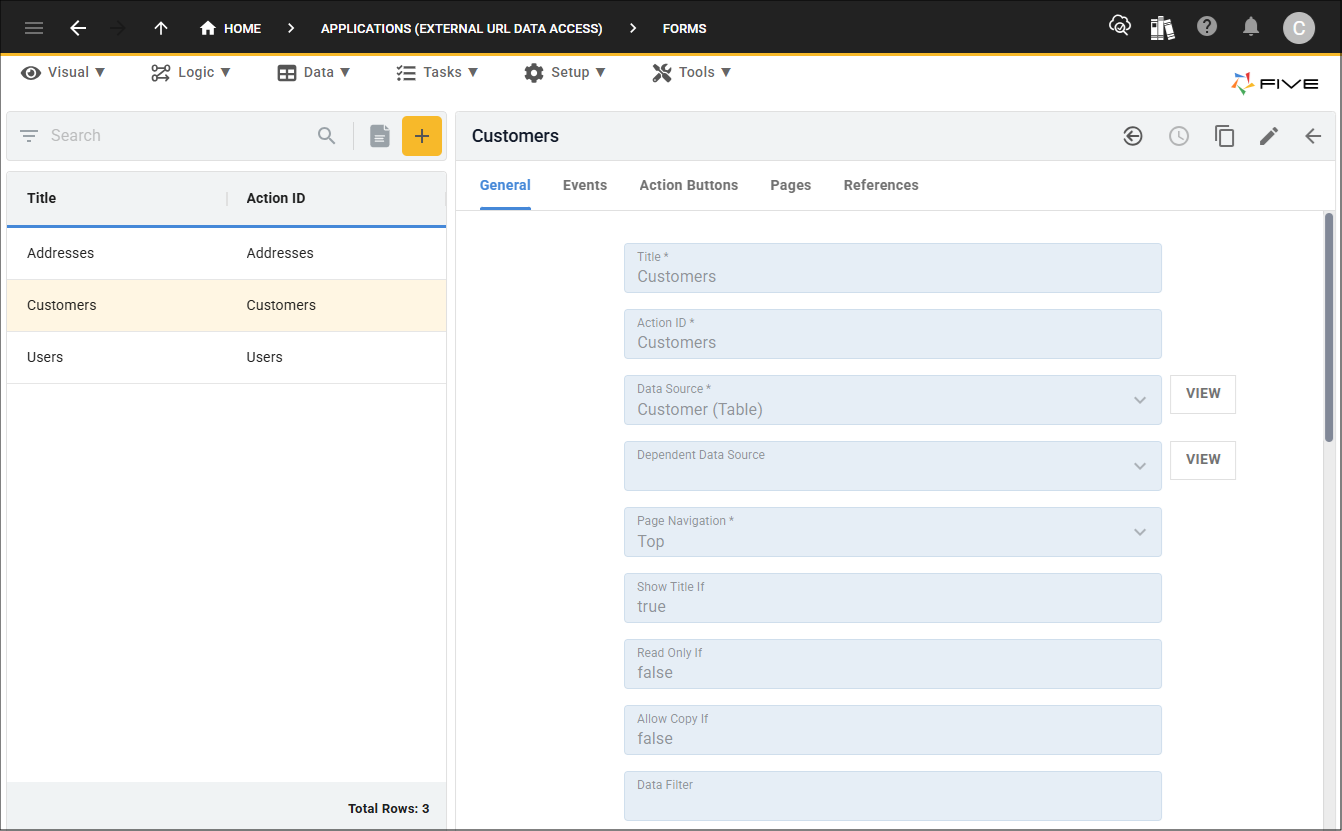
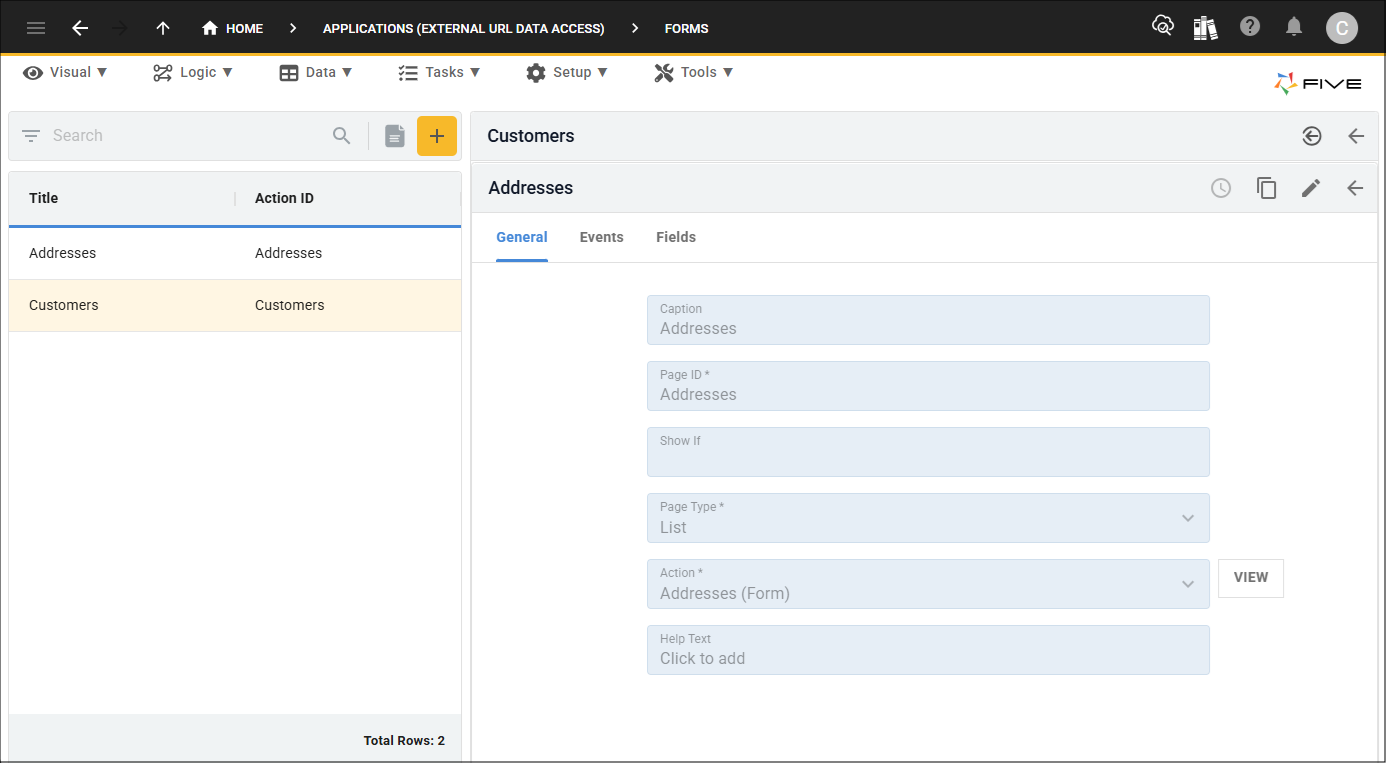
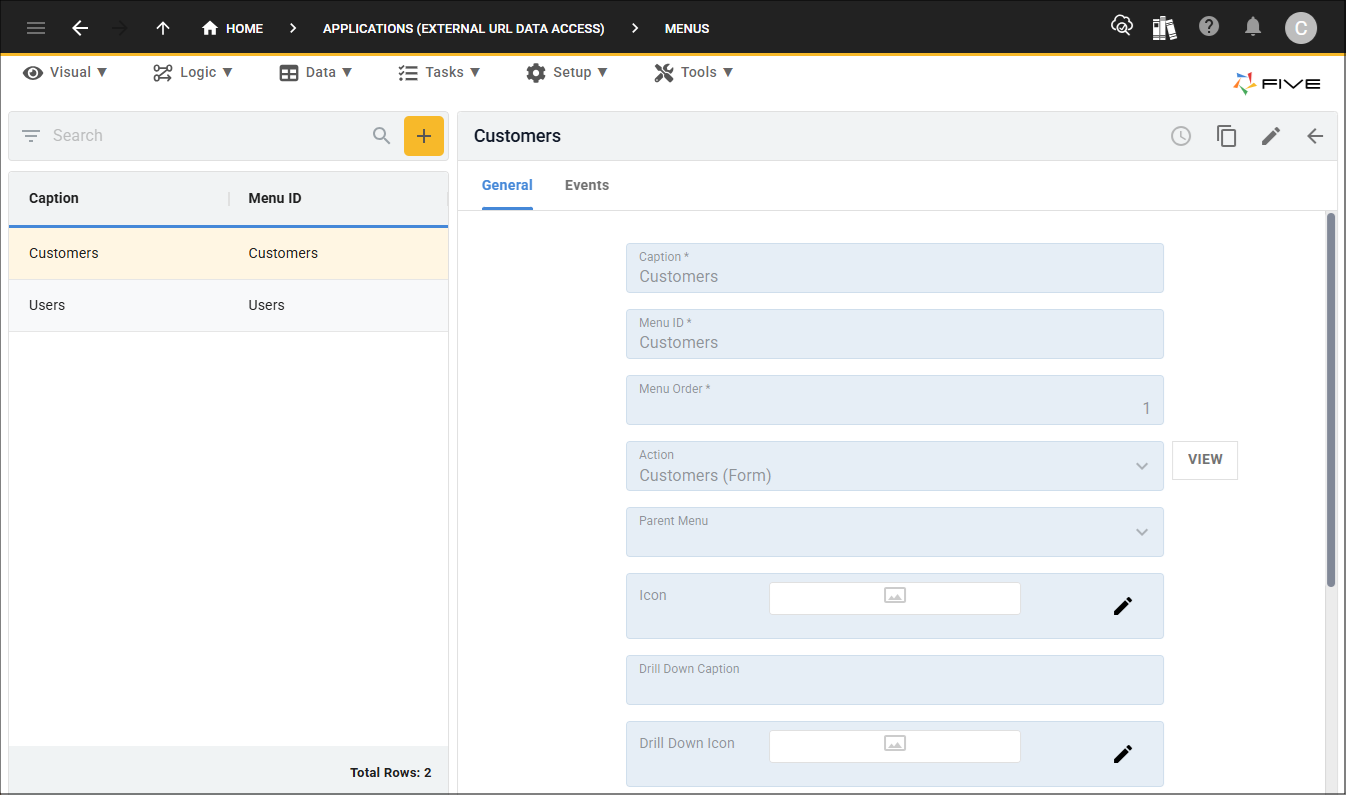
Three forms are in the application, the Users form that Five adds, the Customers form, and the Addresses form, each of these forms reference their respective data source.
The Addresses form does not have a menu item as it is a list page on the Customers form.
The Users form has a menu item that Five adds, and the Customers form has a menu item too.
Roles
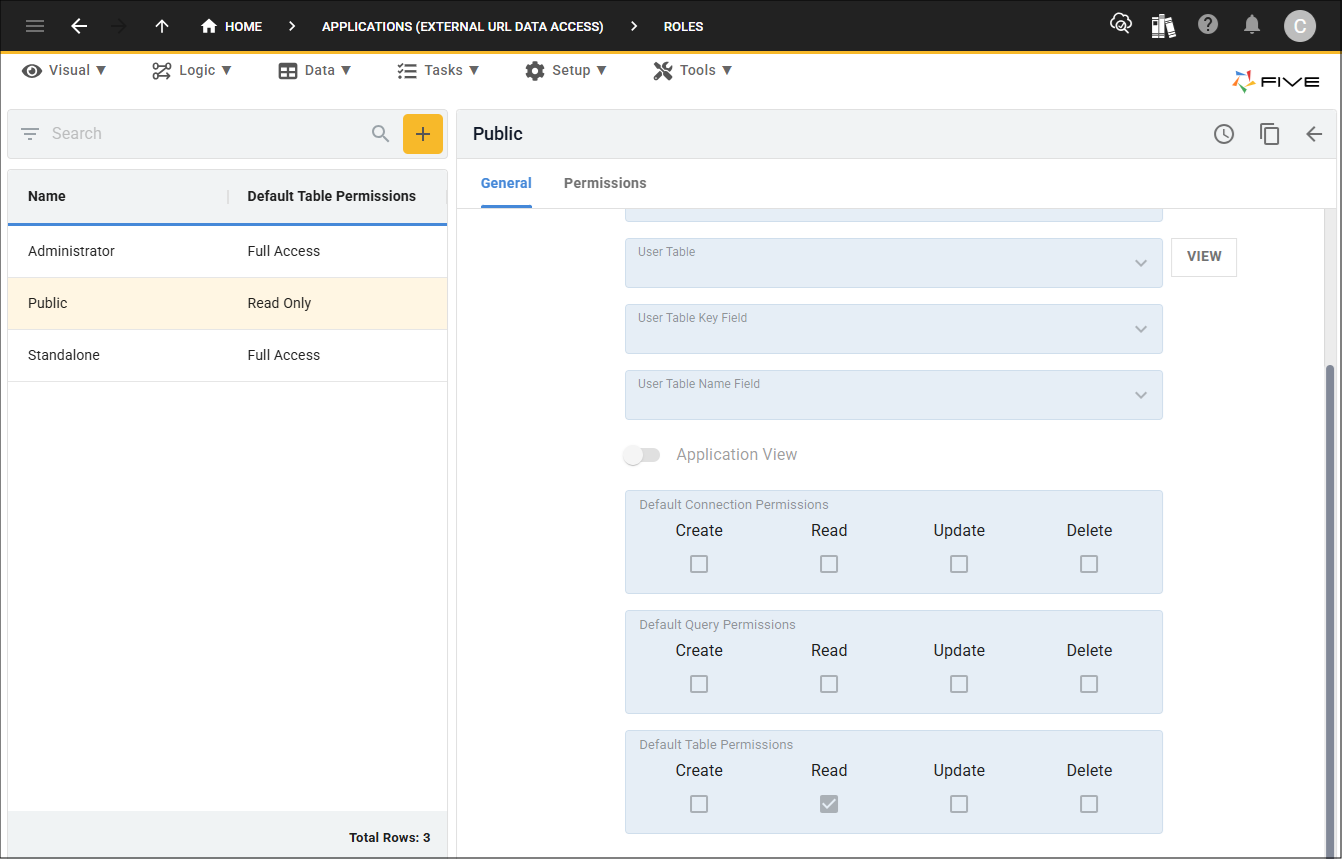
When you create a multiuser application, Five creates a public role which is designed to be used with URLs. You will need to ensure you have the correct permissions to have access to the data sources associated with the URL. For this example, the read permission will be set as the default table permissions, however, it could just be set for the Customer table.
Data in External URL Data Access Application
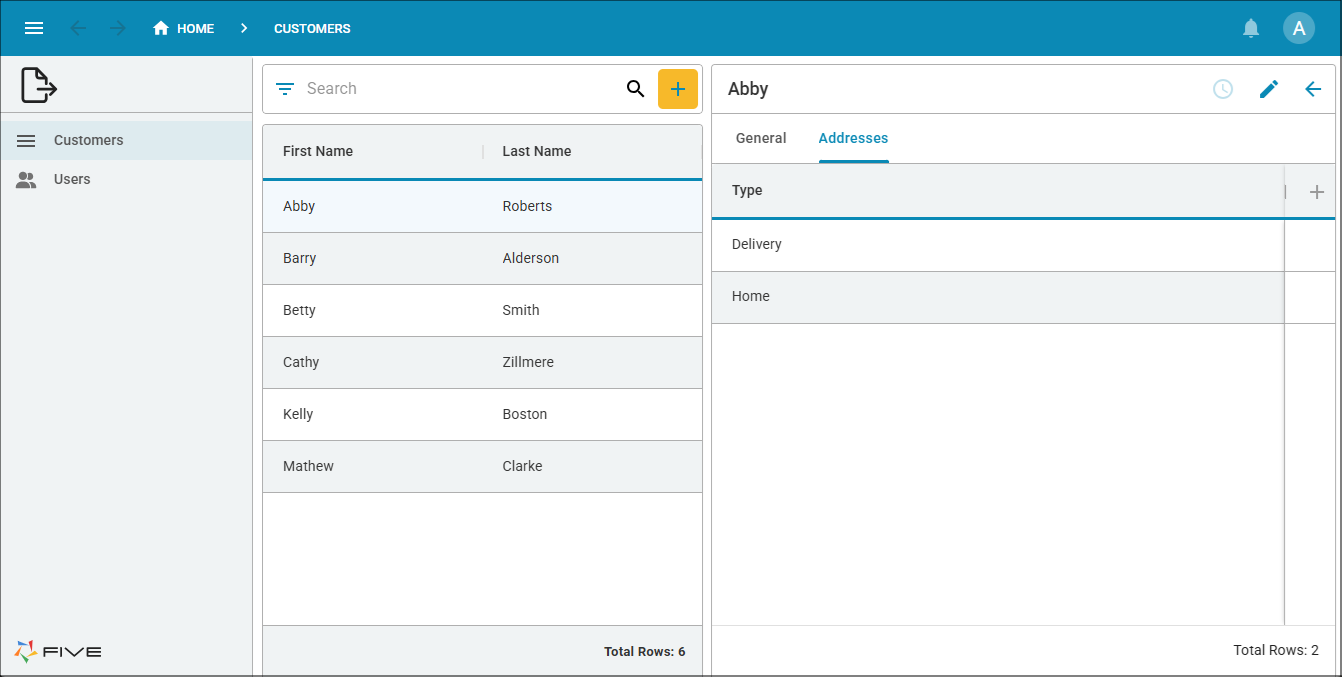
The External URL Data Access application has a number of customer records.
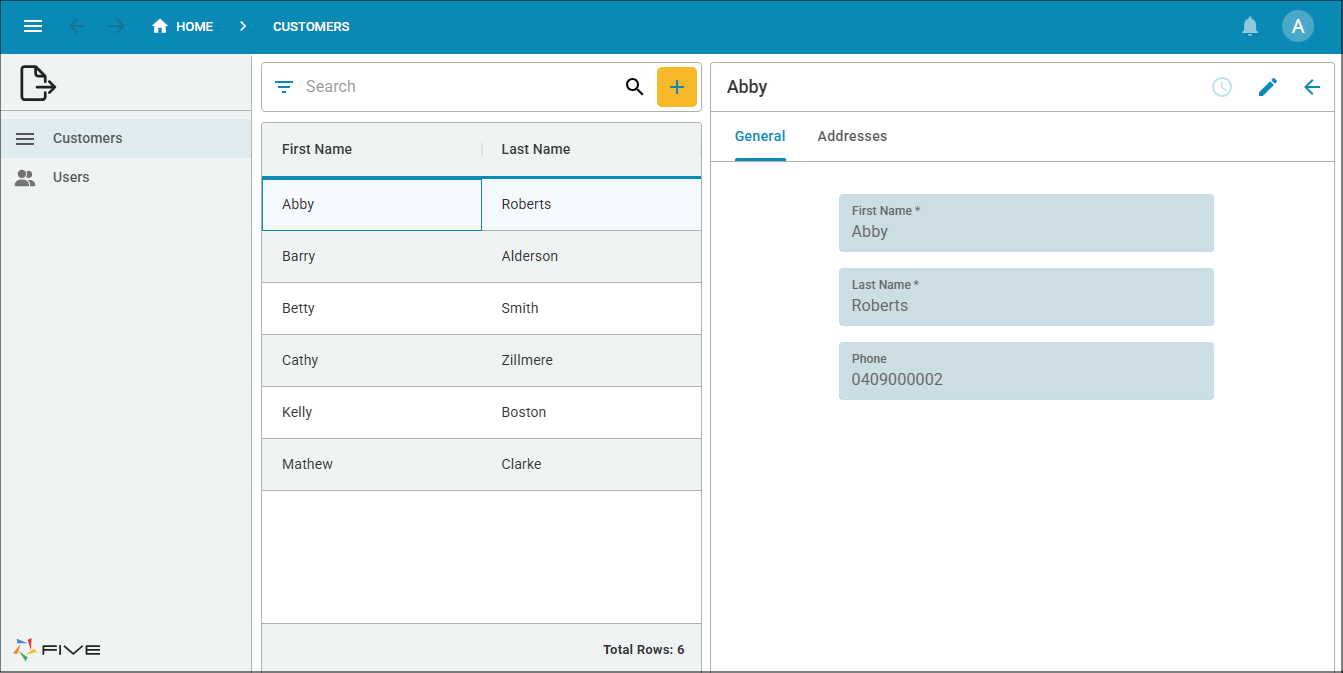
Clicking the Address tab will show the addresses associated with the customer.