Introduction
Last updated 17/10/2025
Five's Rich Text Editor
Five's rich text editor is a component that allows you to input, edit, format, and manage text. It supports common functionalities found in most text editors such as bold, italics, links, and images. The advanced side enables you to add code using HTML and CSS, so there are no restrictions on how far you wish to design your templates.
Five's text editor can be used in multiple views. You will find it in the following locations:
- Help Text Field - just about every form in Five has a Help Text field
- Applications - License Agreement field
- Reports - Template field
- Landing Pages - Page Text field
- Mail Merges - Merge Text field
- Instances - Invite Email and Password Reset Email fields
While working in Five's text editor, you can make the editor take the full screen by clicking the Fullscreen button.
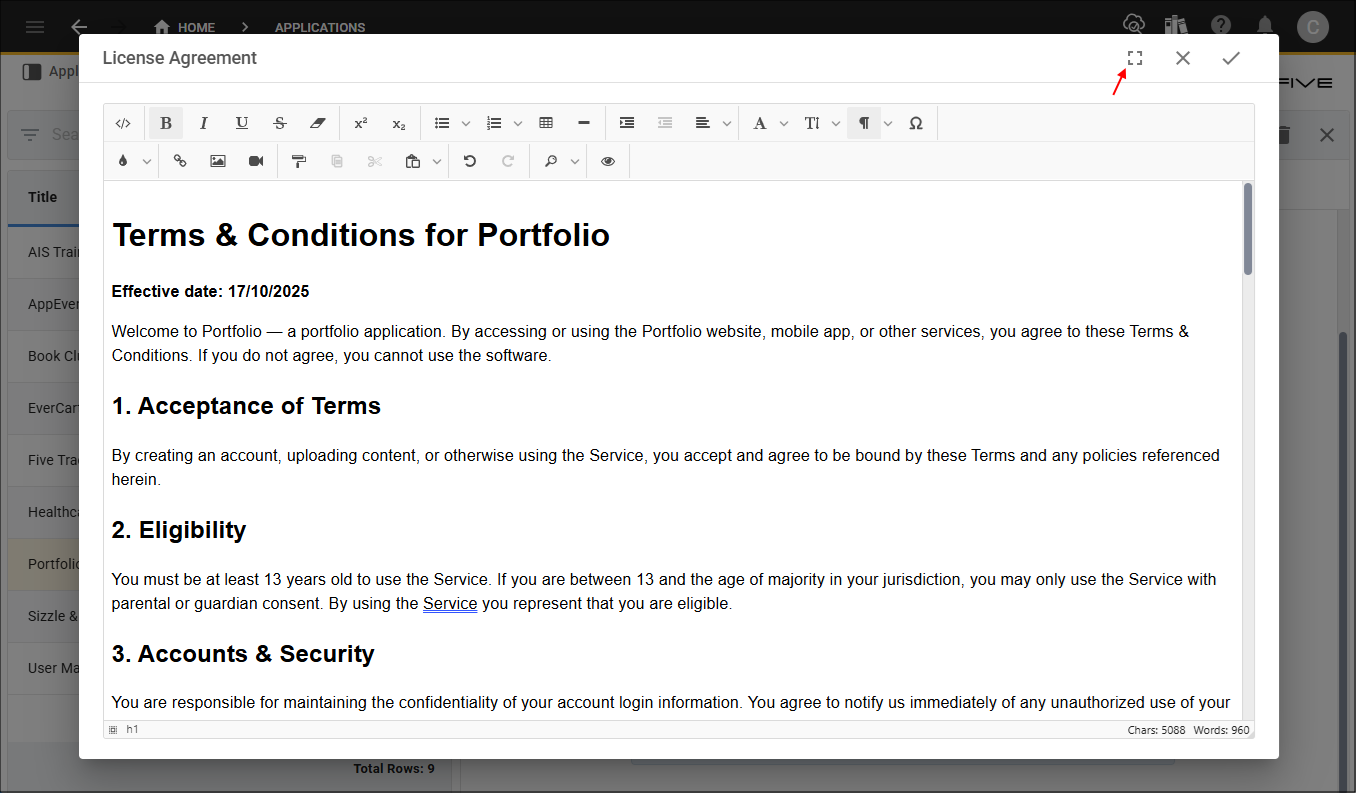
Figure 1 - Fullscreen button
You can return the editor to its normal size by clicking the Exit Fullscreen button.
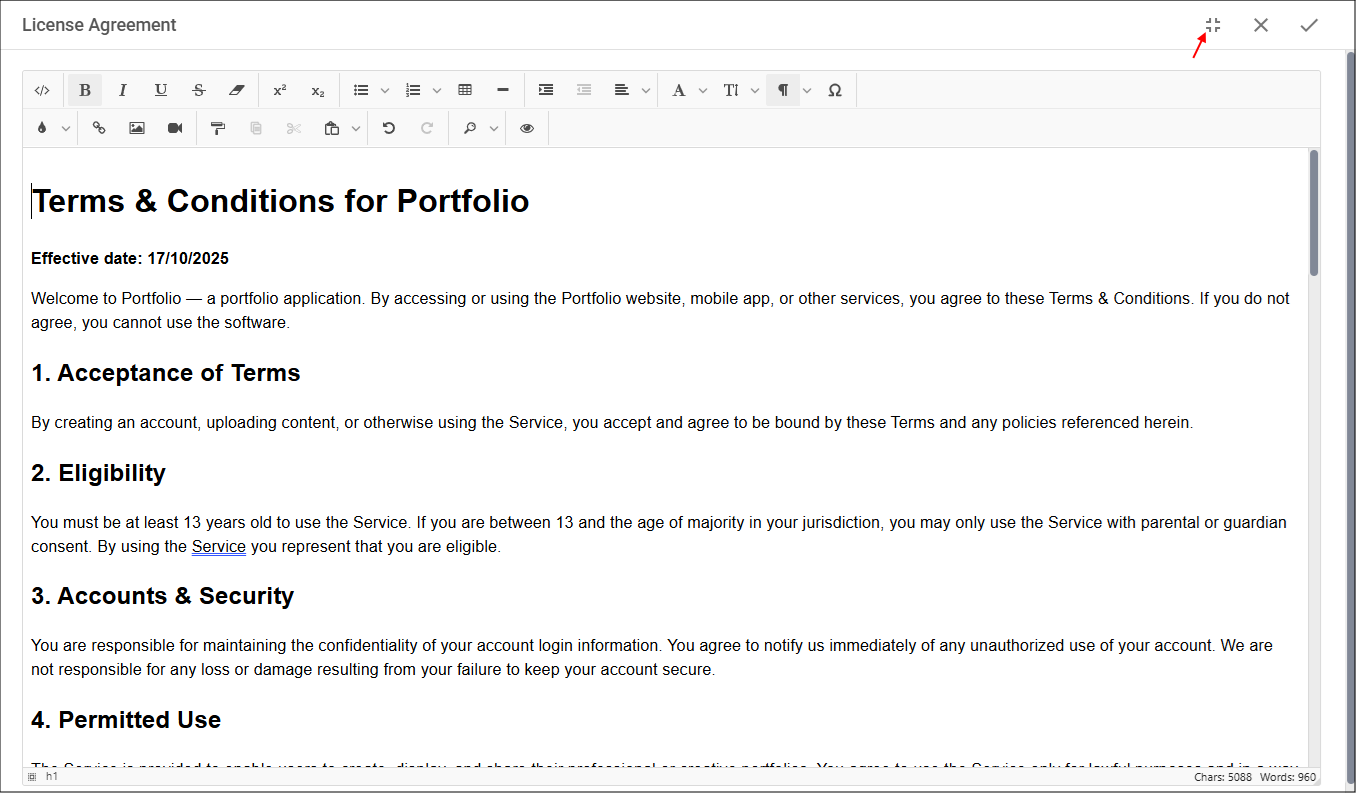
Figure 2 - Exit Fullscreen button