Add a URL to Your Help
Last updated 28/10/2025
There are two methods to provide help to your users for your application. You can either add your help content in the Help Text field, or you can provide a URL link for documentation that you may have saved externally. A provided URL link will take precedence over any help added in the Help Text field. This documentation will explain how you can add a URL link to provide assistance to your users.
note
Add a Help URL
1. Select the application record in the list.2. Either click the Edit button in the form app bar or click directly in the Help URL field.
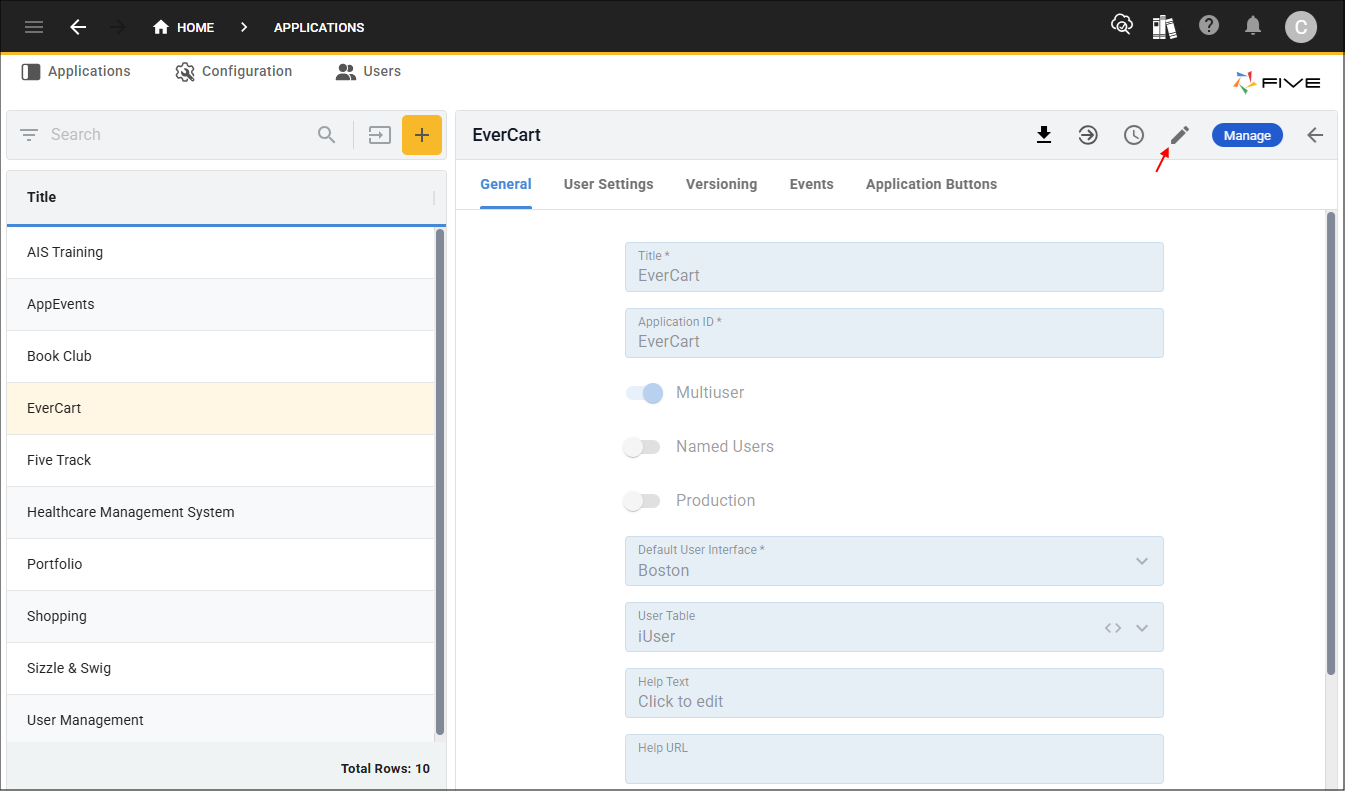
Figure 1 - Edit button
3. Add your URL in the Help URL field.

Figure 2 - Help URL field
4. Click the Save button in the form app bar.

Figure 3 - Save button
Where is Your Help Available?
Adding a help link for your application will make the help available in the user's profile when the App Help button is clicked. The help will open in a new browser tab. If a URL has been added to an instance record, this will take precedence over the application-level.
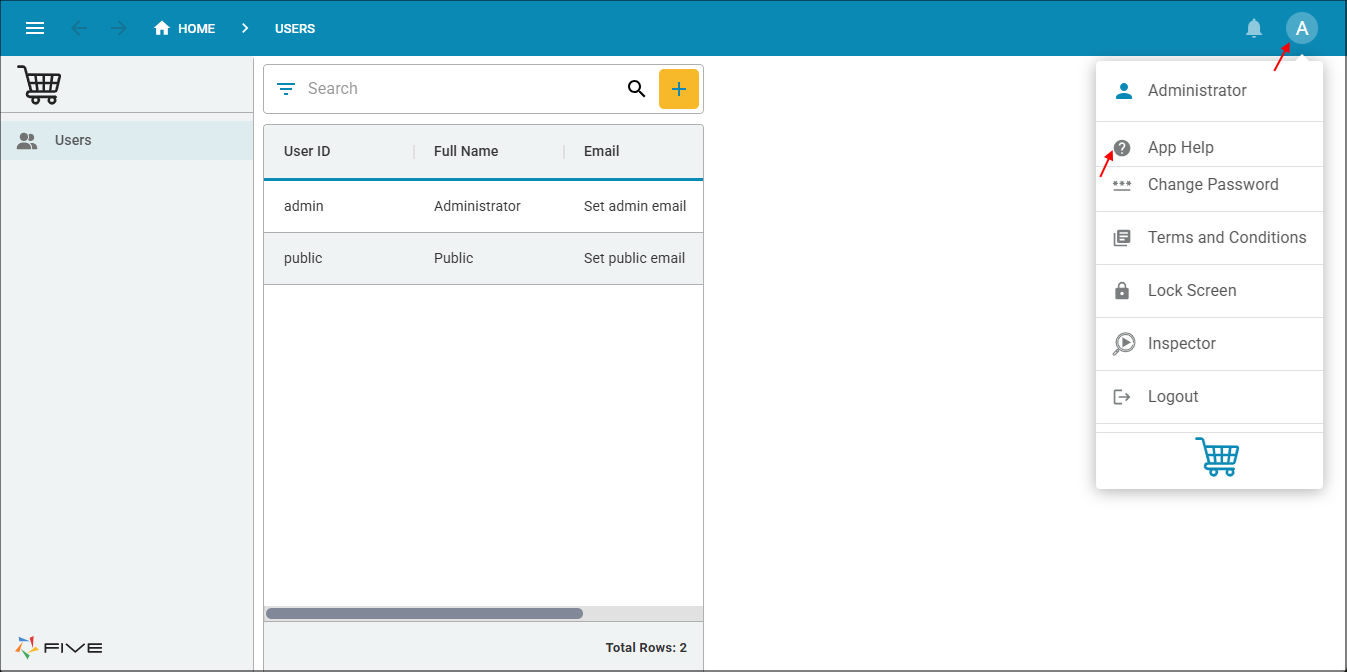
Figure 4 - App Help button