Help for Your Application
Last updated 23/10/2025
To improve the user experience of your application, you can add help content directly into your application. This allows your users to access guidance and support right when and where they need it without leaving your application.
You can include a URL link in your application that takes your users directly to online help that you may have saved externally. When you include both help text and a URL link, the URL link takes priority over the help text.
Where Can You Add Help?
There are several actions and tasks you can add help documentation to. You can add help to the following:
Where is Your Help Available?
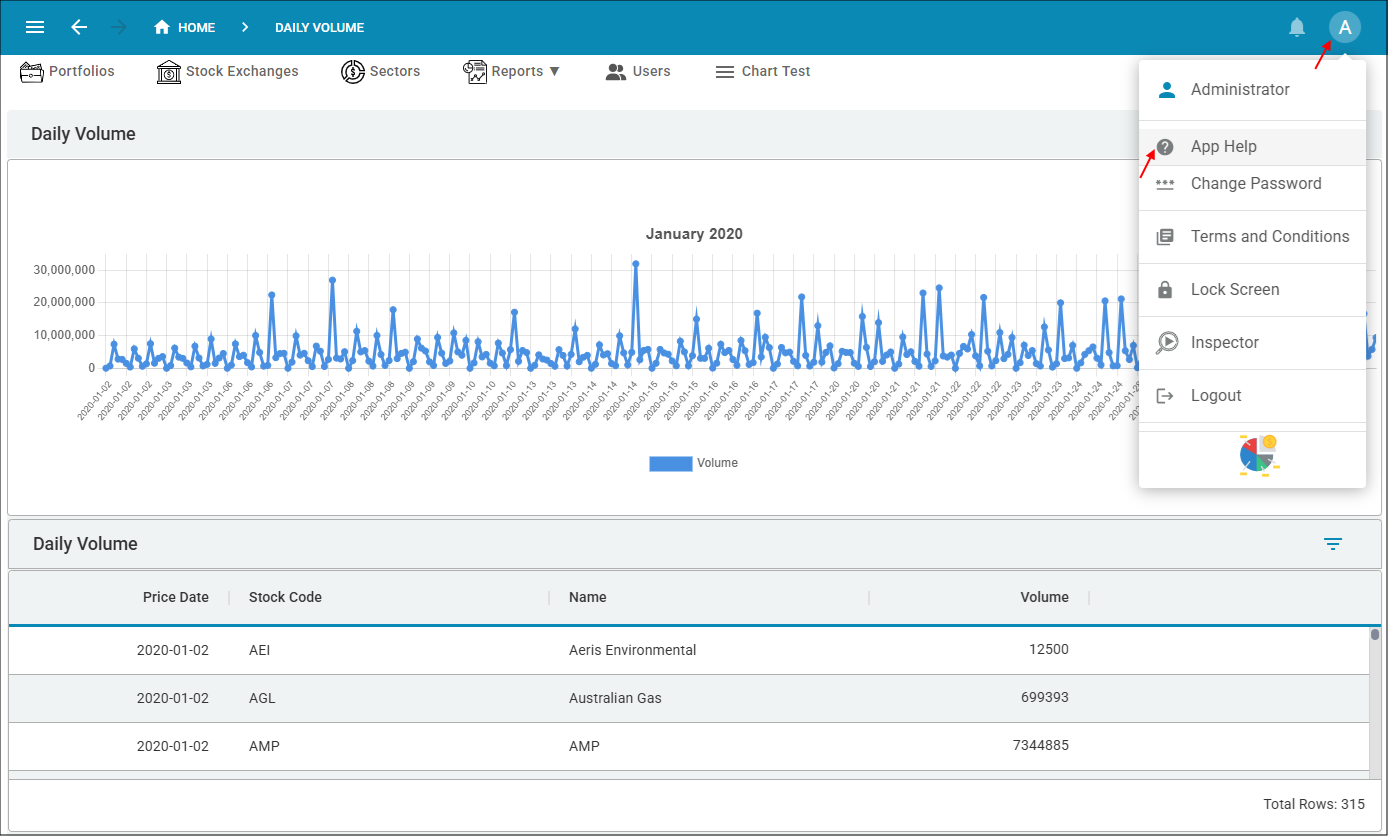
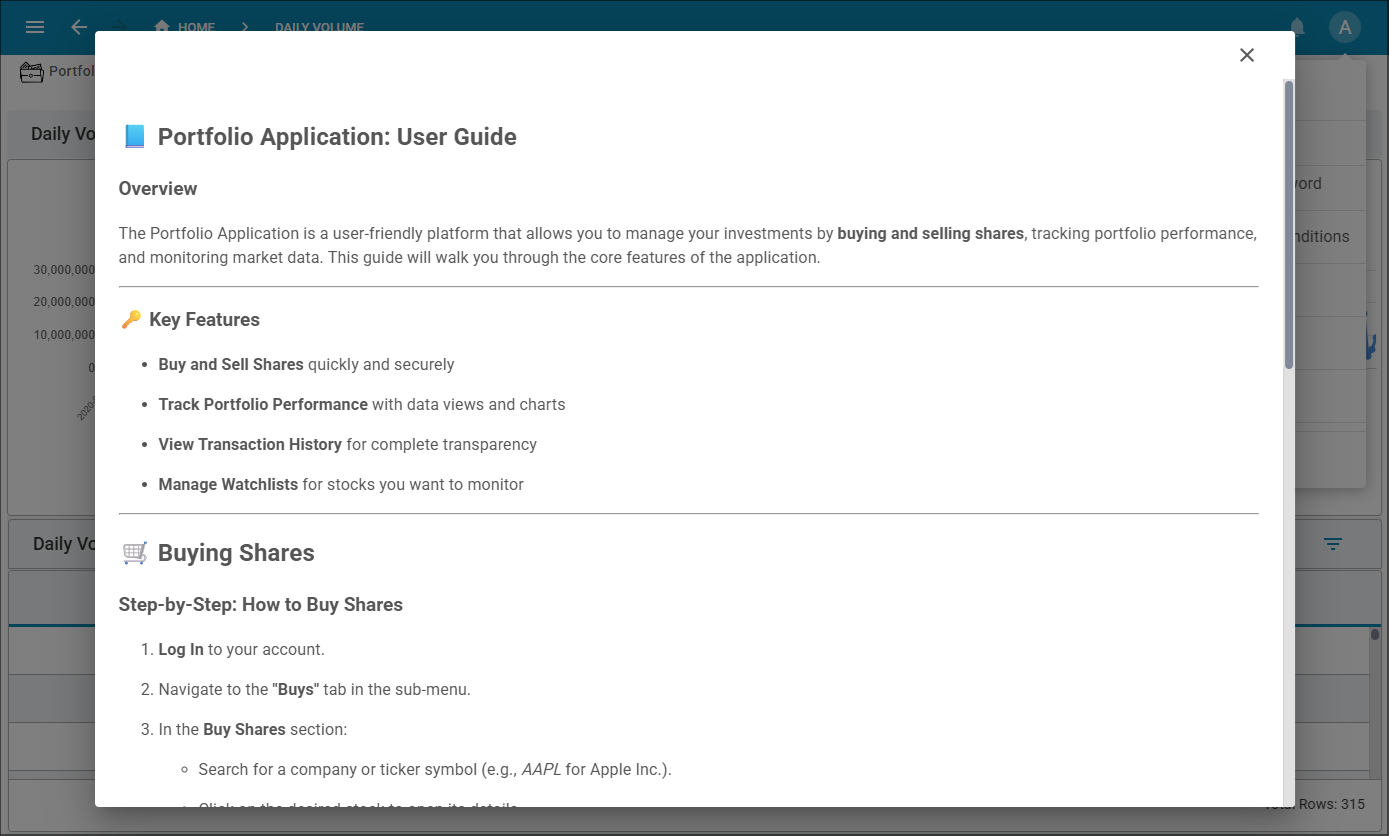
Use the App Help button in the user's profile to open the application help.
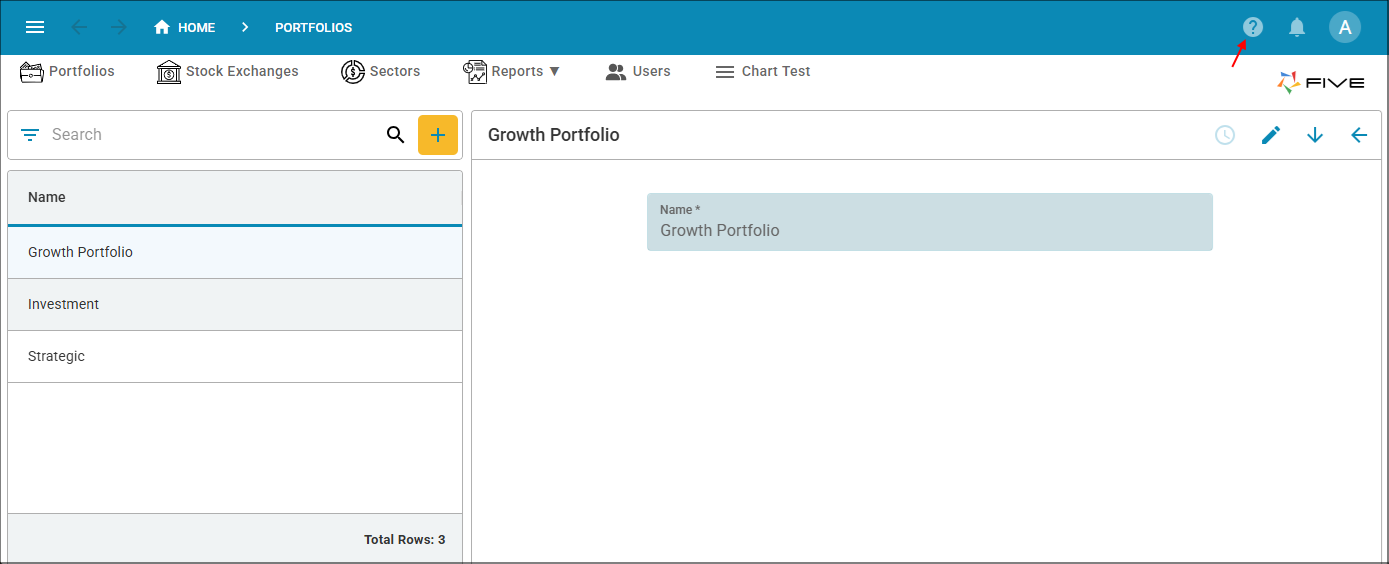
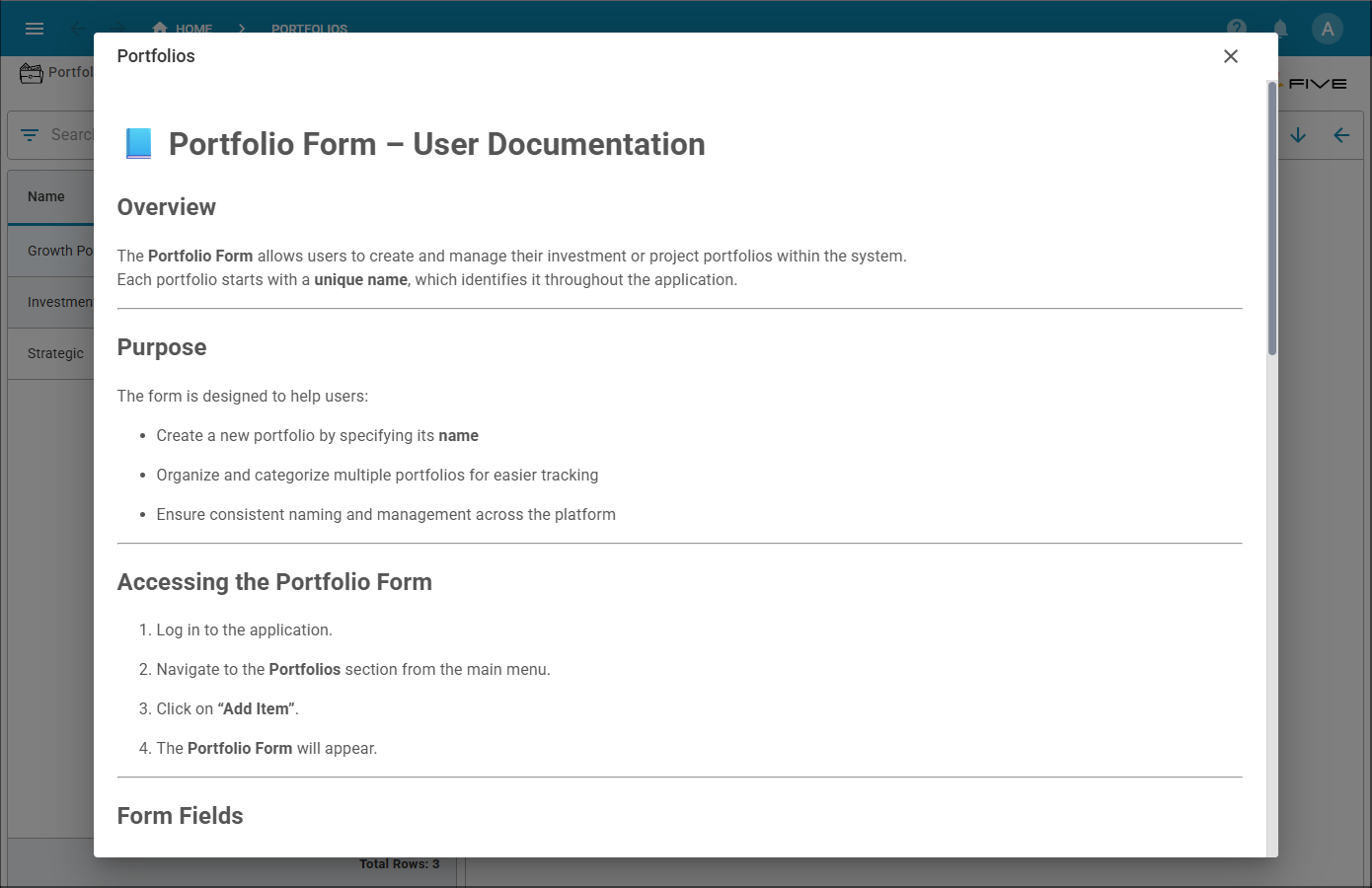
Use the Help button in the toolbar to open the help for all actions and tasks.
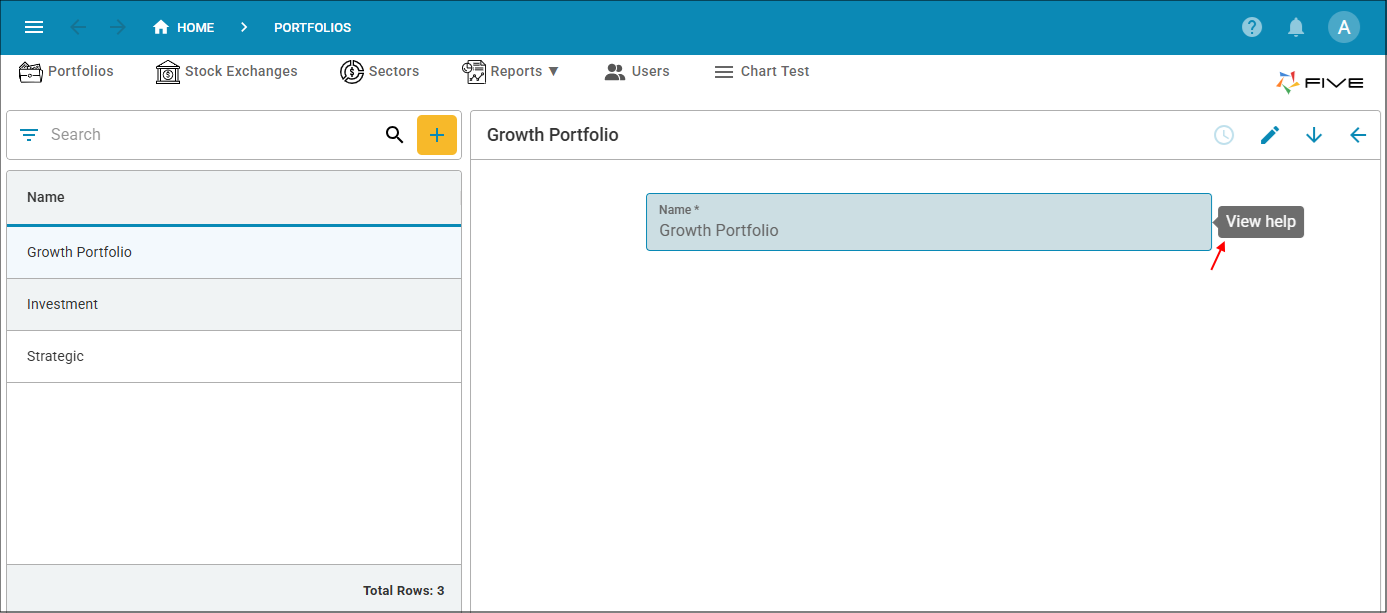
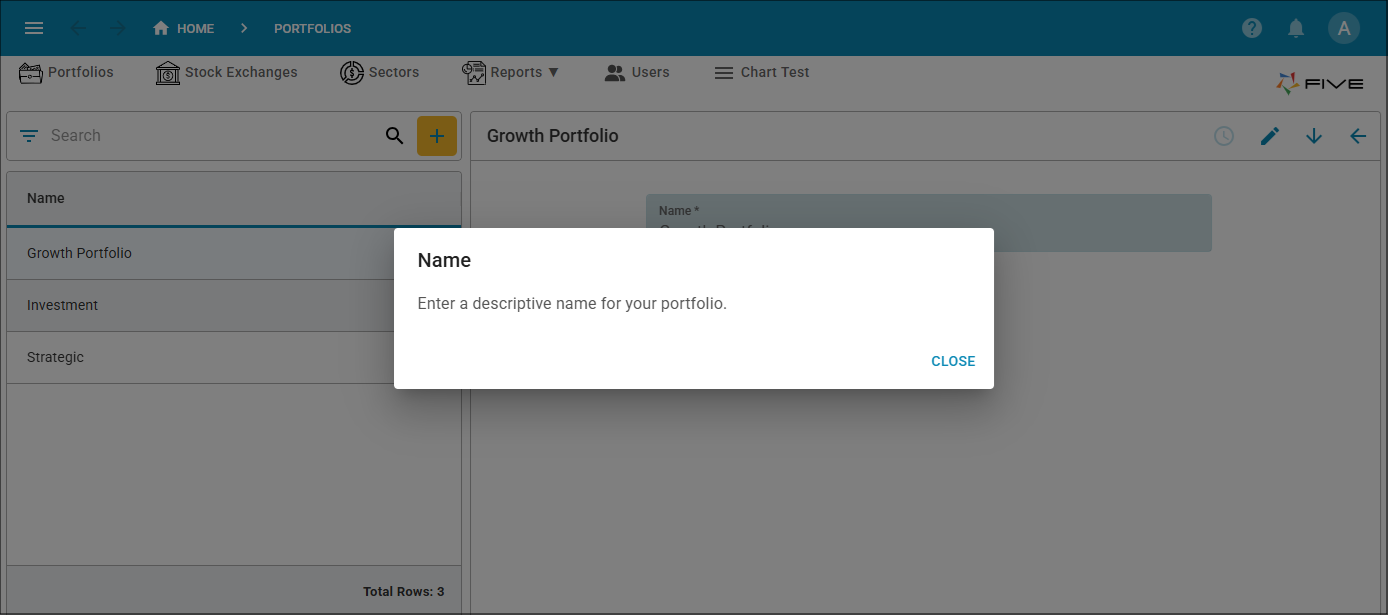
Use the View help button at the end of a field to open help for a field. The button will appear when you hover on the field.